
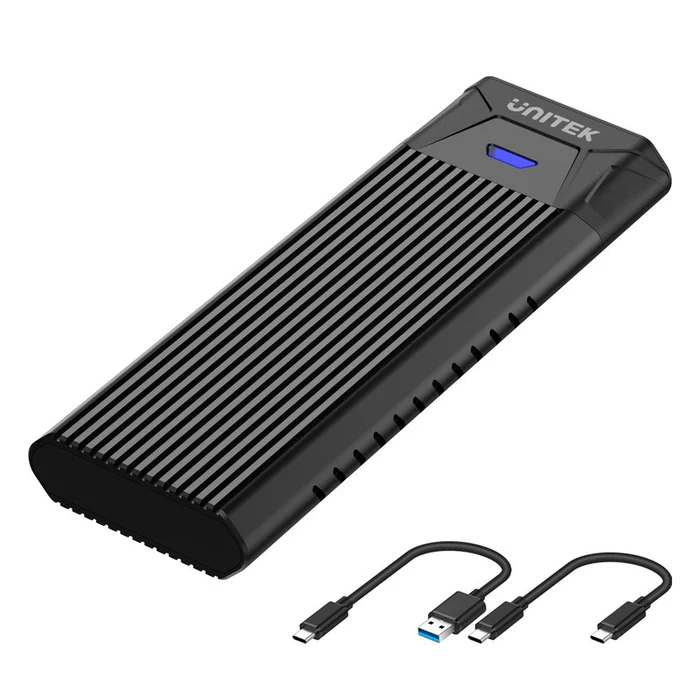
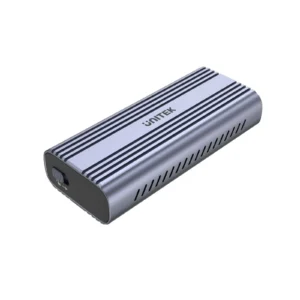
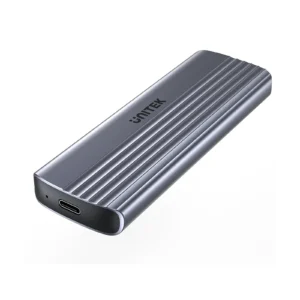
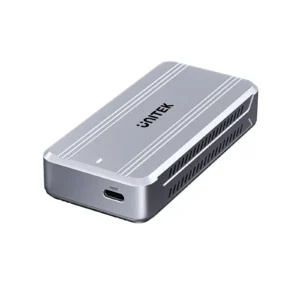
SolidForce PCIe/NVMe M.2 SSD Enclosure Lite, USB-C 10Gbps NVMe Adapter, Supports M-Key SSDs (2242/2260/2280), UASP/TRIM, Aluminum Cooling, Plug & Play for Windows/Mac/Linux – Space Grey
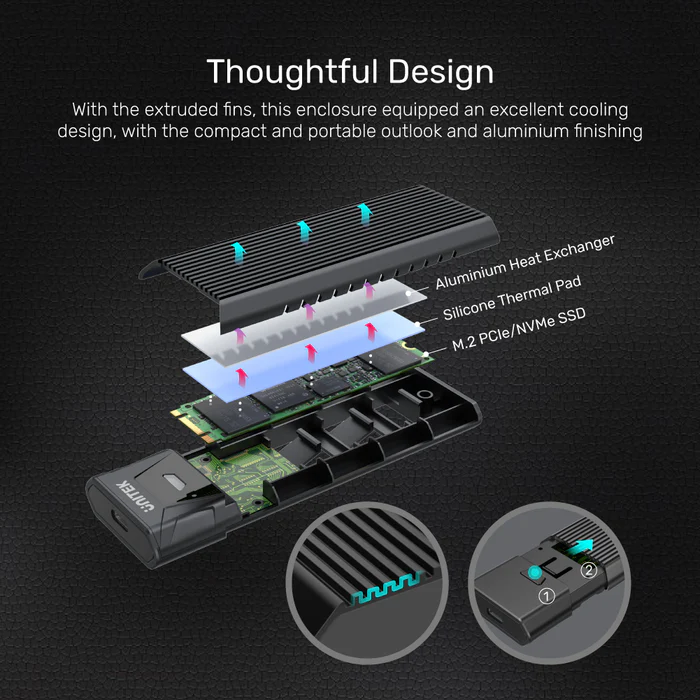
The SolidForce PCIe/NVMe M.2 SSD Enclosure Lite transforms your high-speed NVMe SSD into a portable 10Gbps powerhouse. Designed for gamers, content creators, and professionals, this enclosure features a sleek aluminum body for optimal heat dissipation and a tool-free design for effortless setup.
Key Features:
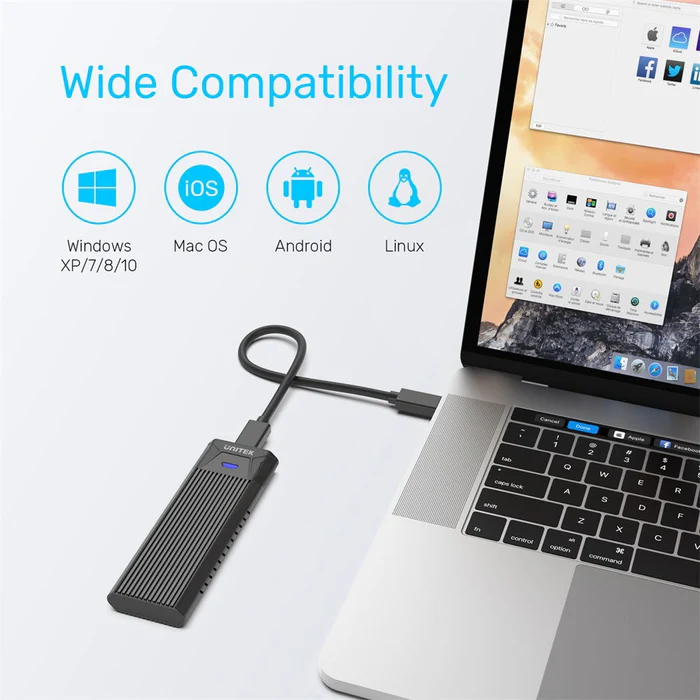
✔ Plug-and-Play – Works instantly with Windows 7+/macOS 10.5+/Linux (no drivers needed).
✔ JMS583 Chipset – Ensures stable performance with anti-breakage and overcurrent protection.
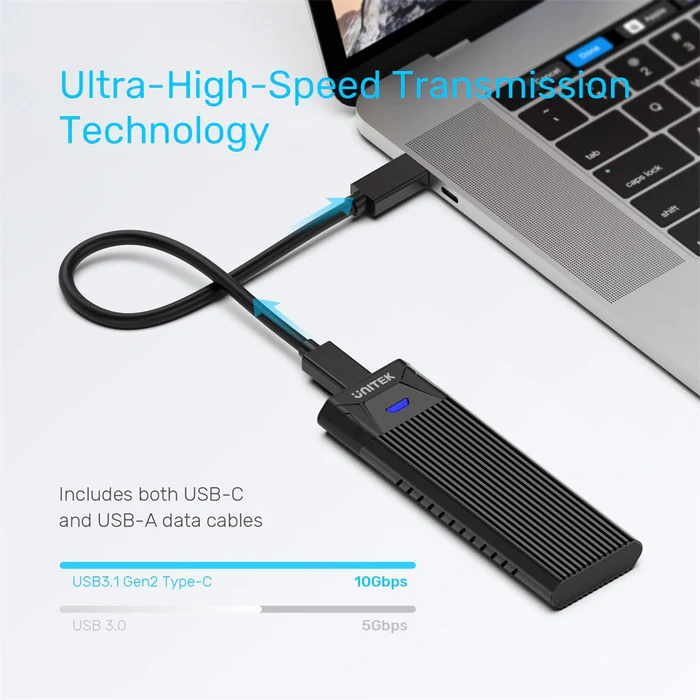
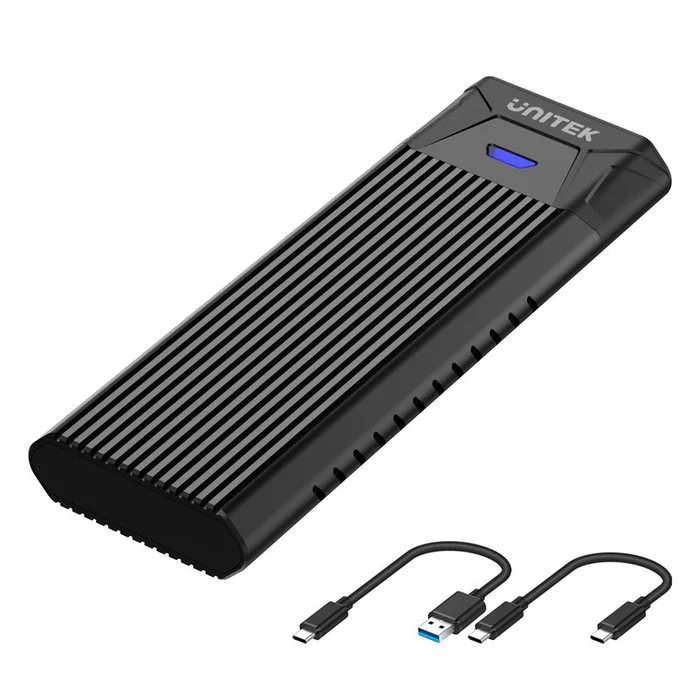
✔ Dual Cables Included – USB-C to C + USB-C to A for compatibility with PCs, Macs, and Android devices.
✔ Compact & Durable – 117.5mm lightweight design (30% smaller than competitors) for portability.
Ideal for:
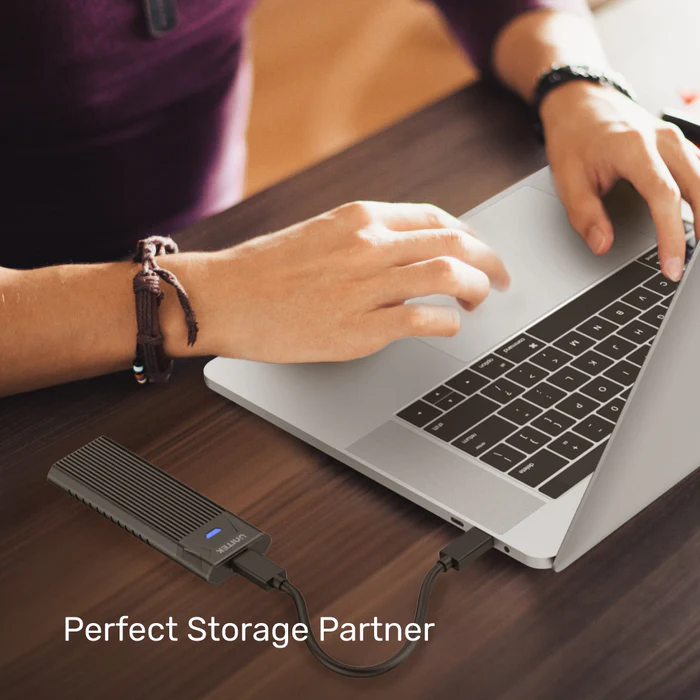
- Expanding storage on ultrabooks/tablets without internal slots
- Editing 4K videos directly from the SSD
- Creating bootable drives for IT professionals
Technical Specifications:
- Interface: USB 3.1 Gen2 Type-C (10Gbps)
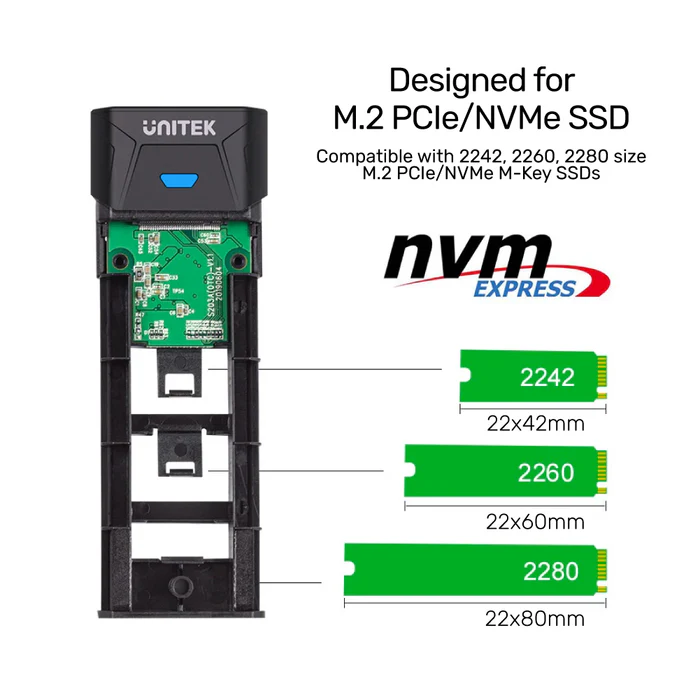
- Supported SSDs: NVMe PCIe M-Key (2242/2260/2280)
- Max Capacity: 8TB
- Cooling: Aluminum housing
- Dimensions: 117.5mm × 40mm × 13.5mm
- Cables Included: USB-C to C (30cm) + USB-C to A (30cm)
- Material: Aluminum alloy
- Color: Space Grey
Frequently Asked Questions (FAQ):
-
Does this work with Samsung 970 EVO?
Yes! Supports all M.2 NVMe PCIe SSDs (M-Key). -
Can I use a SATA SSD?
No—this enclosure is NVMe PCIe only (M-Key). -
What’s the real-world speed?
Up to 1000MB/s (varies by SSD). -
Does it support TRIM on macOS?
Yes, enable via Terminal (sudo trimforce enable). -
Is the aluminum case sturdy?
Yes—milled aluminum protects against drops and overheating. -
Does it need external power?
No—bus-powered via USB-C. -
Can I boot my PC from this enclosure?
Yes, if your BIOS supports USB booting. -
Why no heatsink support?
The ultra-slim 13.5mm design prioritizes portability. -
How to format a new SSD?
Use Disk Management (Windows) or Disk Utility (Mac). -
What’s the difference vs. Pro version?
This Lite version omits heatsink support for a more compact size.
What’s in the Box:
- 1× SolidForce Enclosure Lite
- 1× USB-C to C Cable (30cm)
- 1× USB-C to A Cable (30cm)
- 1× User Manual

 No products in the cart.
Reviews
There are no reviews yet