
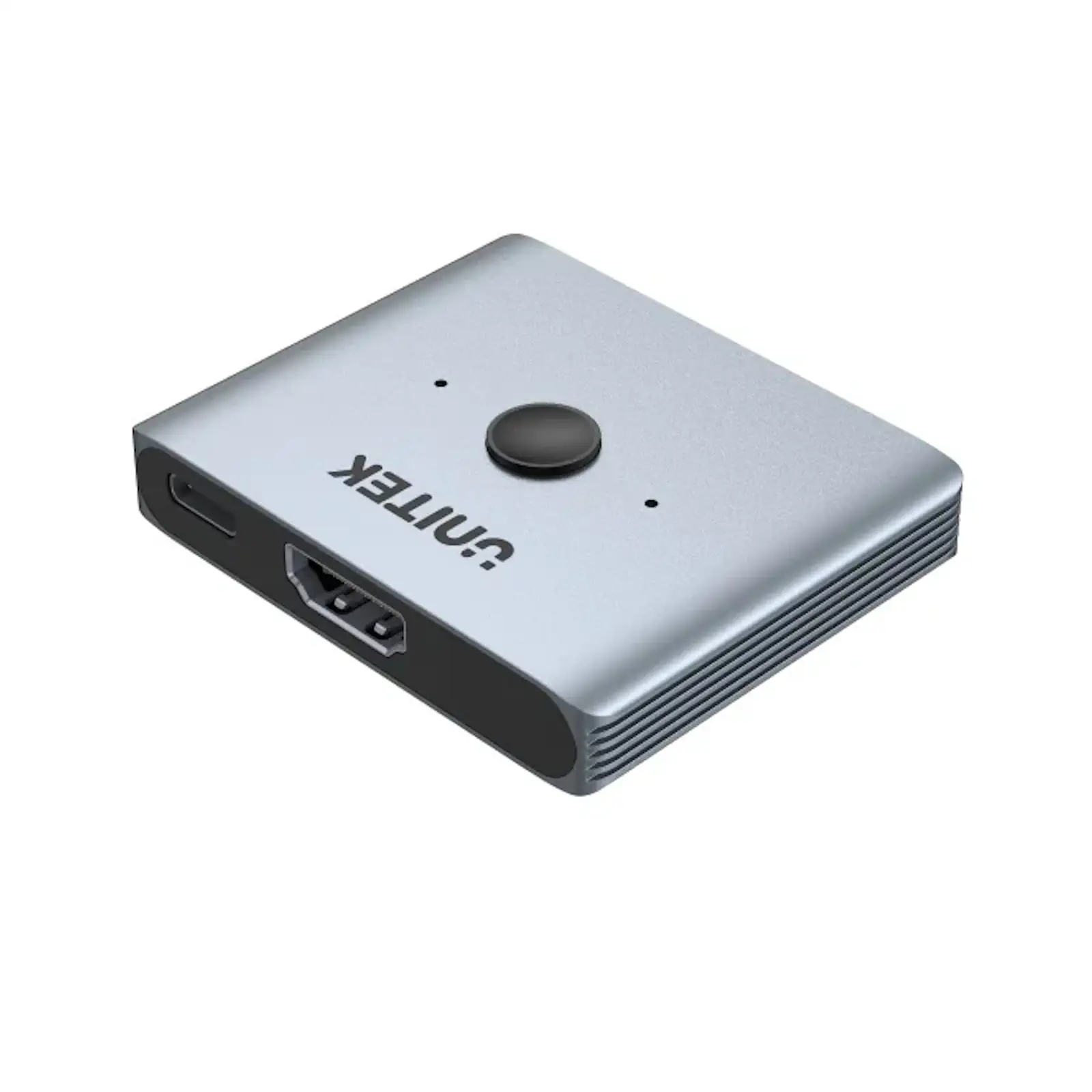
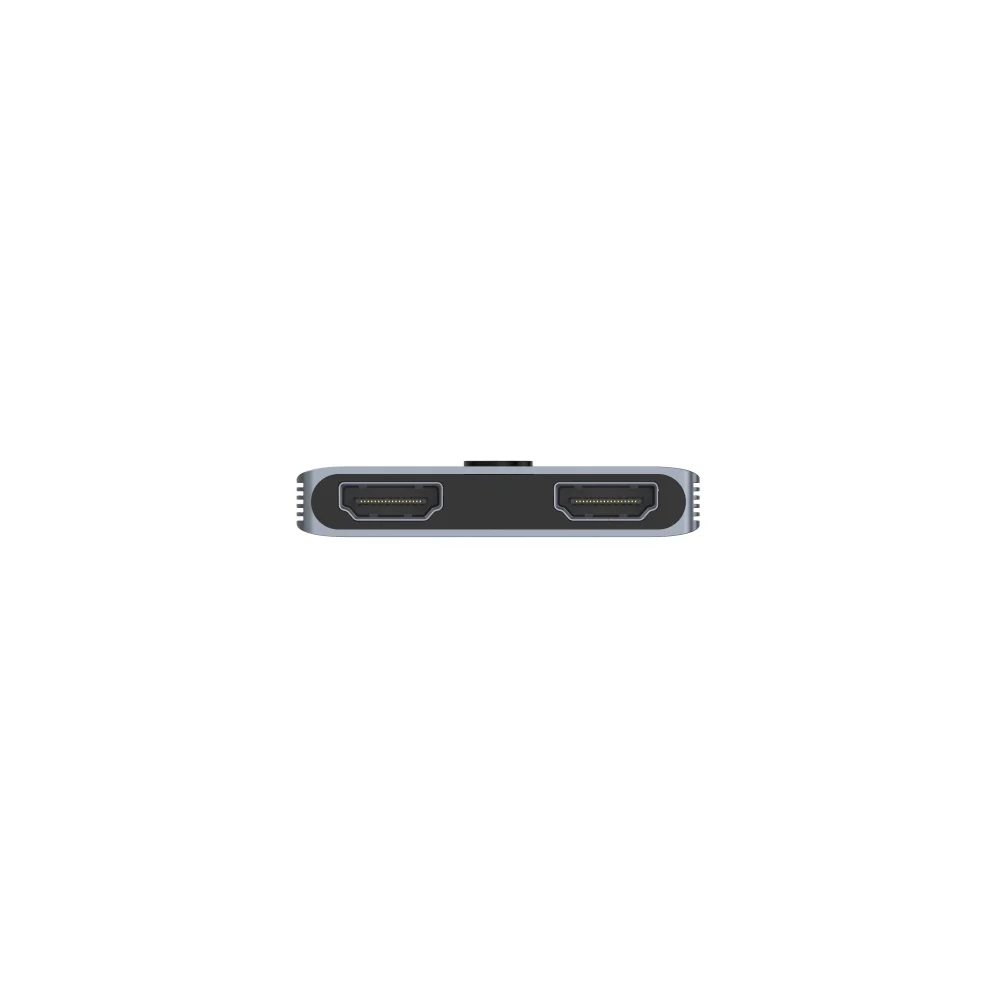
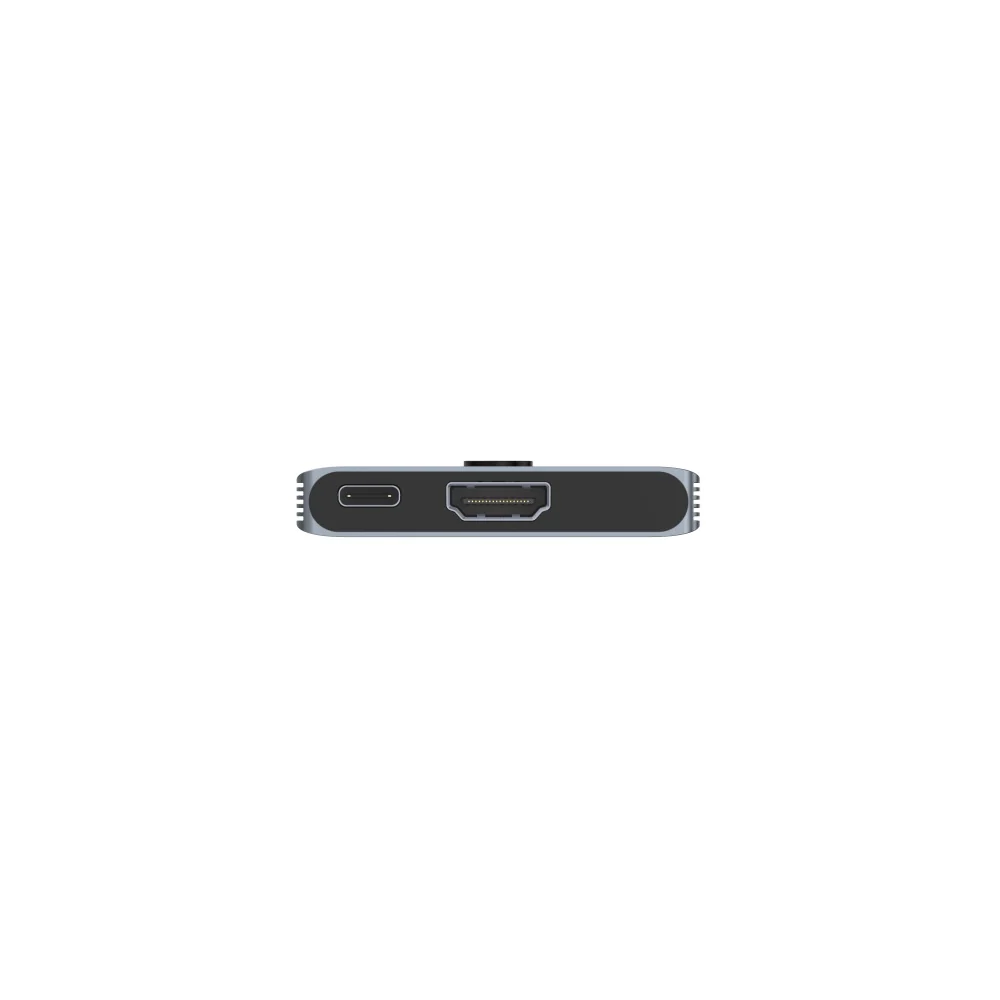
UNITEK V1163A HDMI 2.1 Bidirectional Switch 2-IN-1 And 1-IN-2, 8K@60Hz 4K@120Hz Manual Switcher/Splitter for Gaming Consoles, PCs, 8K TVs & Monitors (Space Grey)


Need to connect two next-gen consoles to one premium TV, or duplicate your laptop screen to a monitor and projector? UNITEK C11085GY01-60M 8K Fiber Optic HDMI 2.1 Cable 60 Meter, 8K 60Hz, 4K 144Hz, 48Gbps, Dynamic HDR, eARC, VRR, ALLM for TV, Gaming and Projector – Black The UNITEK HDMI Bidirectional Switch is the simple, high-performance solution that adapts to your needs. This compact device eliminates the constant need to swap HDMI cables, providing flexibility and future-proof connectivity for your high-resolution setup.
Two Powerful Devices in One
First and foremost, its bidirectional design is its core advantage.
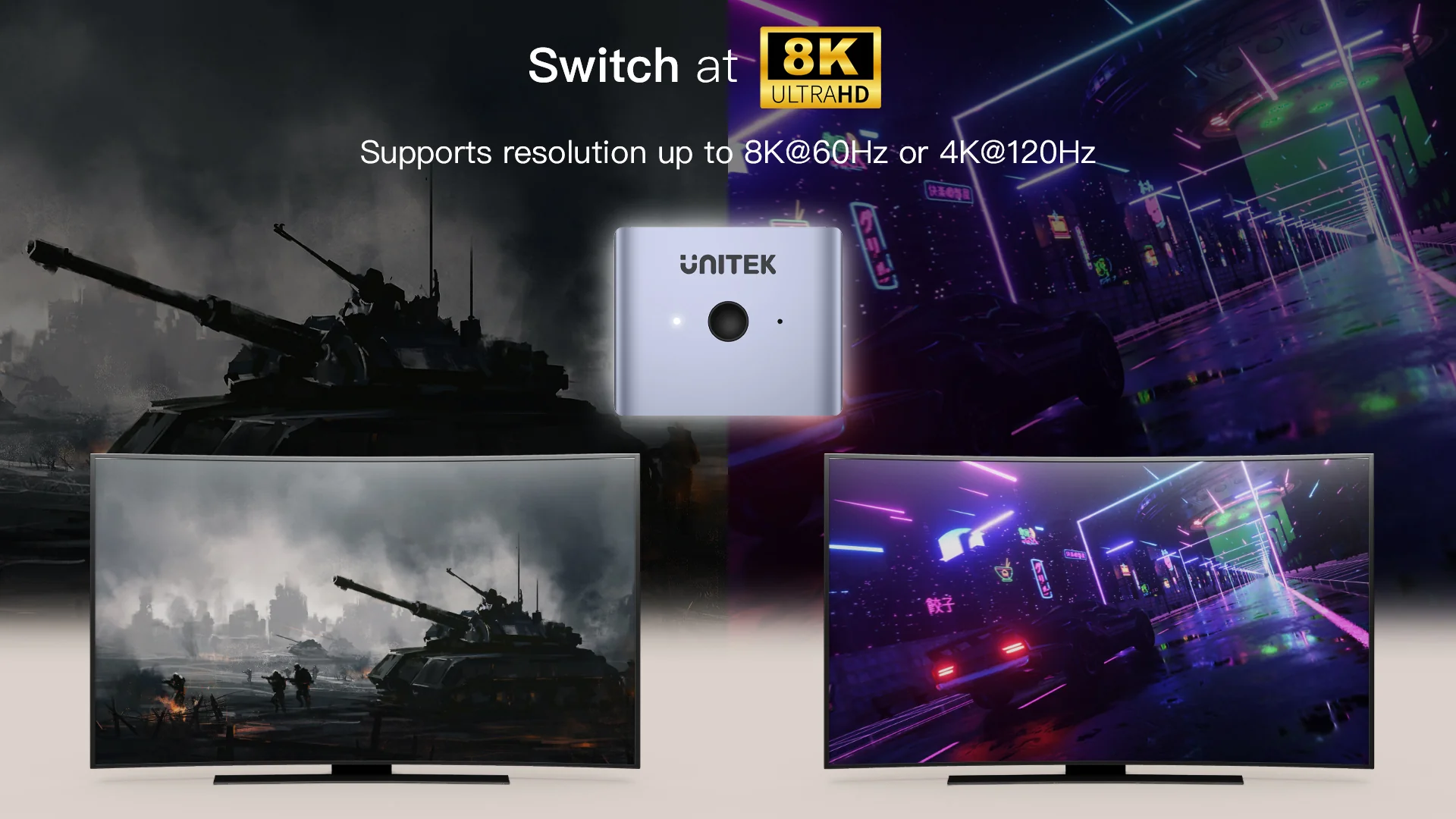
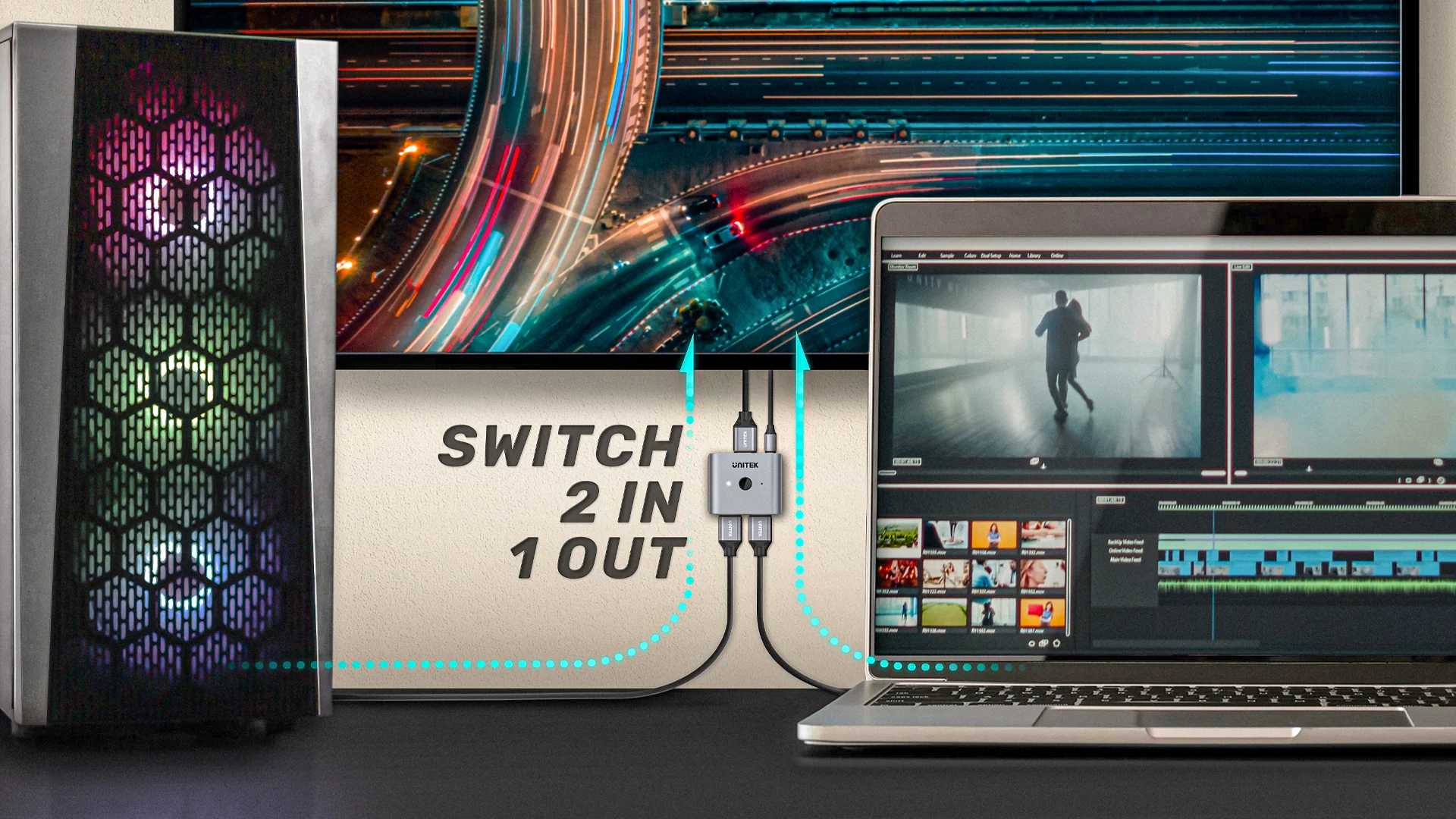
In 2-in-1 Out Mode, you can connect both your PlayStation 5 and Xbox Series X to a single 4K/120Hz or 8K TV.
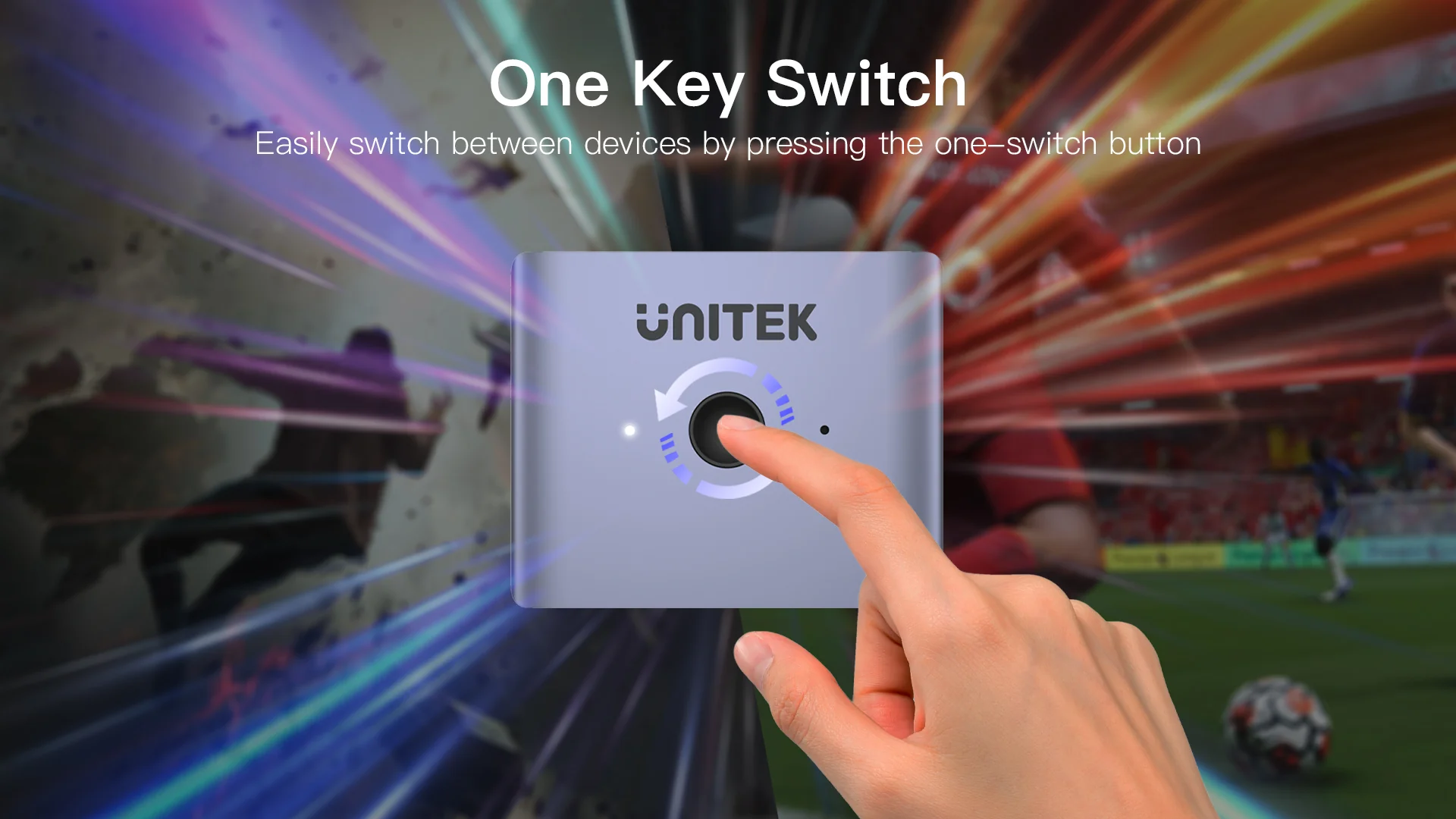
With a press of the button, switch gaming systems instantly.
In 1-in-2 Out Mode, duplicate your laptop’s screen to a monitor and a projector for presentations or extended workflow.
*Note: In splitter mode, displays show the same content.
Uncompromised Picture Quality
Critically, this switch is built for the latest standards.
With full HDMI 2.1 (48Gbps) support, it passes through 8K@60Hz, 4K@120Hz, VRR, ALLM, and HDR without signal degradation.
Therefore, you won’t sacrifice the smooth, responsive gameplay or breathtaking visuals your expensive gear is capable of. UNITEK C11085GY01-30M 8K Fiber Optic HDMI 2.1 Cable 30 Meter, 8K 60Hz, 4K 144Hz, 48Gbps, Dynamic HDR, eARC, VRR, ALLM for Gaming, TV and Projector – Black
Ensure your sources are connected with high-speed HDMI cables.
Plug, Play, and Stay Organized
Designed for simplicity, it requires no complicated setup or drivers.
The tactile front button provides direct control.
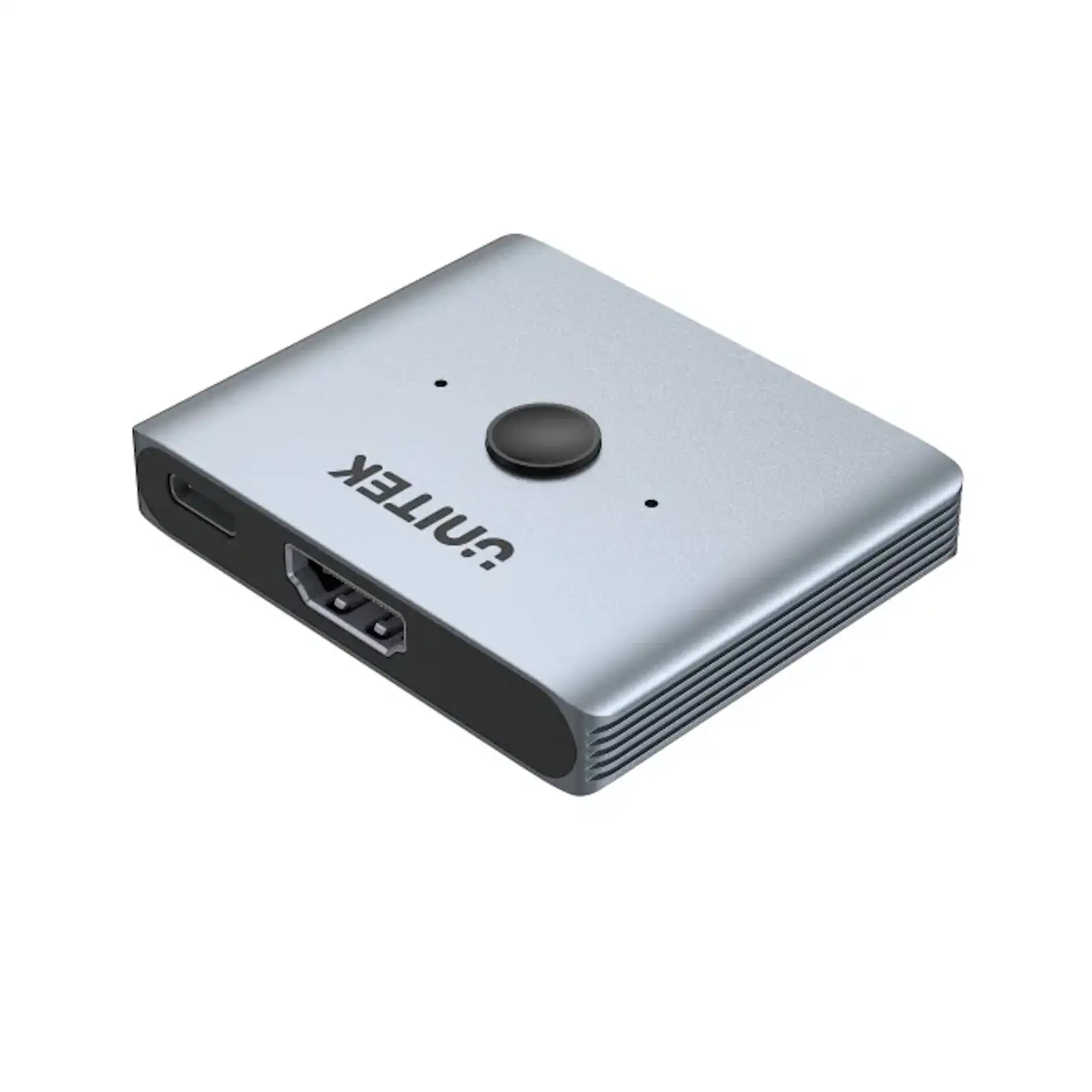
Moreover, its durable aluminum build and compact size make it a discreet yet robust addition to your entertainment center or desk.
Keep your entire system powered and protected with a UGREEN surge protector.
Products Specifications:
- Model: UNITEK V1163A
- Standard:
HDMI 2.1 (48Gbps Bandwidth) - Modes:
Bidirectional (2×1 Switcher / 1×2 Splitter) - Max Resolution:
8K@60Hz, 4K@120Hz - Ports:
3 x HDMI 2.1 Ports (Configurable as 2 In / 1 Out or 1 In / 2 Out) - Control:
Manual One-Button Switching - Power:
5V/2A via included USB-A to USB-C Cable - Housing:
Aluminum Alloy - Color: Space Grey
- Dimensions: 58.2mm x 47.5mm x 10.2mm
- Compatibility: PS5, Xbox Series X/S, Nintendo Switch, PC, Mac, Blu-ray Players, Apple TV, 8K & 4K TVs/Monitors.
What’s in the Box?
- 1 x UNITEK V1163A HDMI Bidirectional Switch
- 1 x USB-A to USB-C Power Cable (1m)
- 1 x User Manual
10 FAQs:
1.
What does “bidirectional” mean for this switch?
It means the device can operate in two different directions.
You can use it as a 2-input, 1-output switcher (e.g., two game consoles to one TV) OR as a 1-input, 2-output splitter (e.g., one laptop to two monitors).
You choose the mode based on how you connect it.
2.
Can I show two different sources on two screens simultaneously (independent displays)?
No. When used in 1-in-2-out splitter mode, it duplicates the same signal to both displays. UNITEK C11085GY01-100M 8K Fiber Optic HDMI 2.1 Cable 100 Meter, 8K 60Hz, 4K 144Hz, 48Gbps, Dynamic HDR, eARC, VRR, ALLM for Projector, Gaming and Professional AV – Black
It cannot act as an HDMI matrix to send two independent signals to two different screens.
3.
Does it support 4K 120Hz for PS5 and Xbox Series X gaming?
Yes, absolutely. With its full HDMI 2.1 48Gbps support, it will pass through 4K@120Hz, VRR, and HDR signals from compatible consoles to your TV without downgrading the quality.
4.
Do I need to connect the power cable?
Yes, it is required for stable operation, especially when transmitting high-bandwidth signals like 4K/120Hz or 8K.
Always connect the included USB power cable to a power source like a charger or USB port.
5.
How do I switch between the two input sources?
Simply press the physical button on the switch itself.
Each press will cycle to the next connected input source.
There is no remote control.
6.
Will it work with my older 4K@60Hz devices and TV?
Yes, it is fully backward compatible with HDMI 2.0, 1.4, etc. UNITEK C11072BK-50M 4K Fiber Optic HDMI 2.0 Cable 50 Meter, 4K 60Hz, 18Gbps, HDR, Dolby Vision, ARC, HDCP 2.2 for Projector, TV and Professional AV – Black
It will work perfectly at the maximum resolution your older device and display support.
7.
Can I use it to extend my desktop across two monitors (dual extended display)?
No. This switch only duplicates/mirrors the signal in splitter mode.
To extend your desktop across two monitors, you need a video output from your computer that supports multiple independent displays or a different type of adapter.
8.
What is the difference between this and a standard HDMI splitter?
A standard splitter is usually 1-in-2-out only.
This device is more versatile because it can also function in reverse as a 2-in-1 switcher, making it a 2-in-1 product that saves you from buying two separate devices.
9.
Is there any signal delay or lag introduced?
No, this is a passive manual switch with advanced chipsets designed for high bandwidth.
It does not introduce perceptible input lag, making it suitable for fast-paced gaming.
10.
Where can I find more UNITEK connectivity solutions?
Explore our full range of switches, adapters, and professional AV equipment on the official UNITEK website to build your perfect setup.


 No products in the cart.
Write a review