
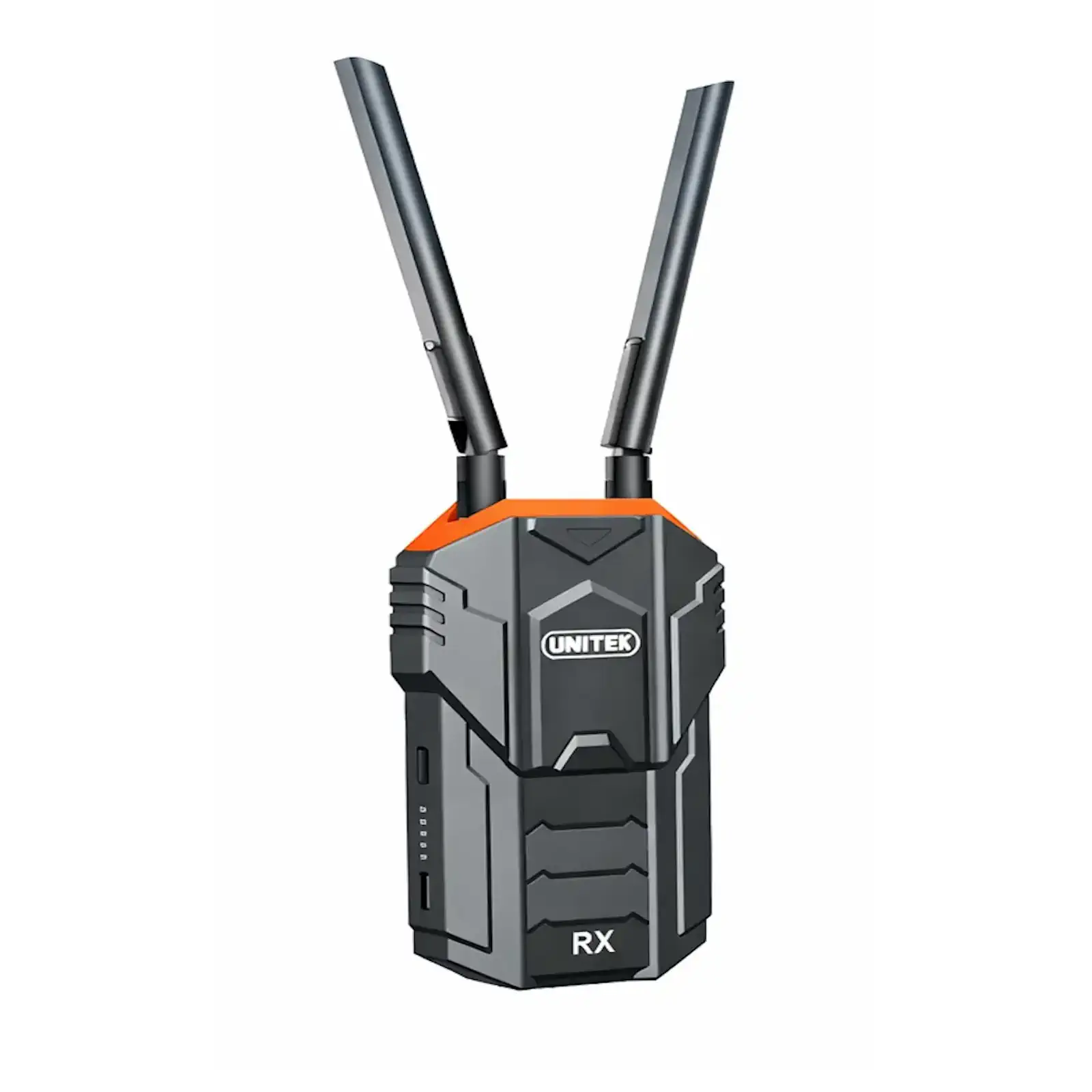
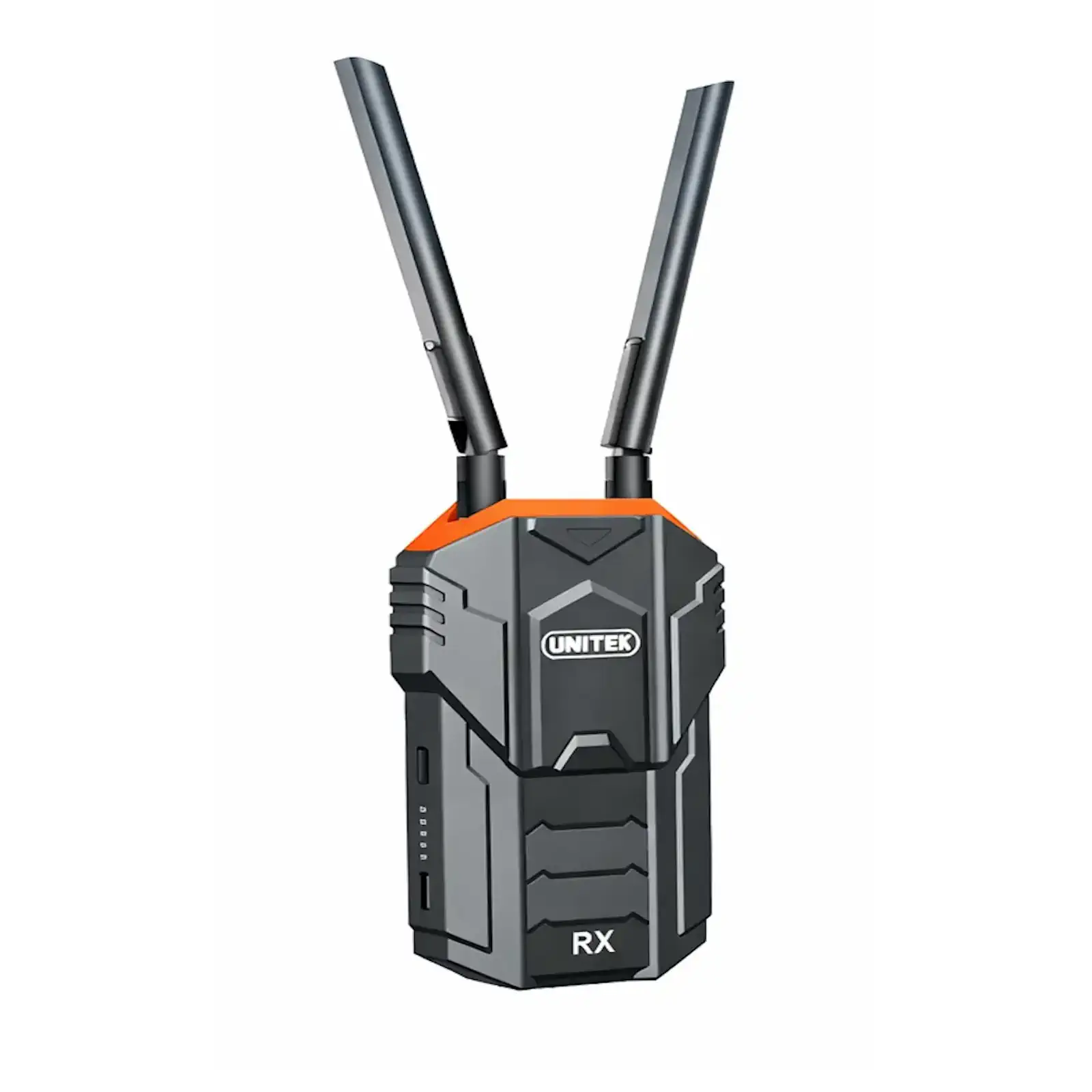
UNITEK V176A-RX Wireless HDMI Receiver Only, 1080P@60Hz for UNITEK V176A System, Long-Range Add-on Display Unit for Projector, TV, Monitor (Requires V176A Transmitter)
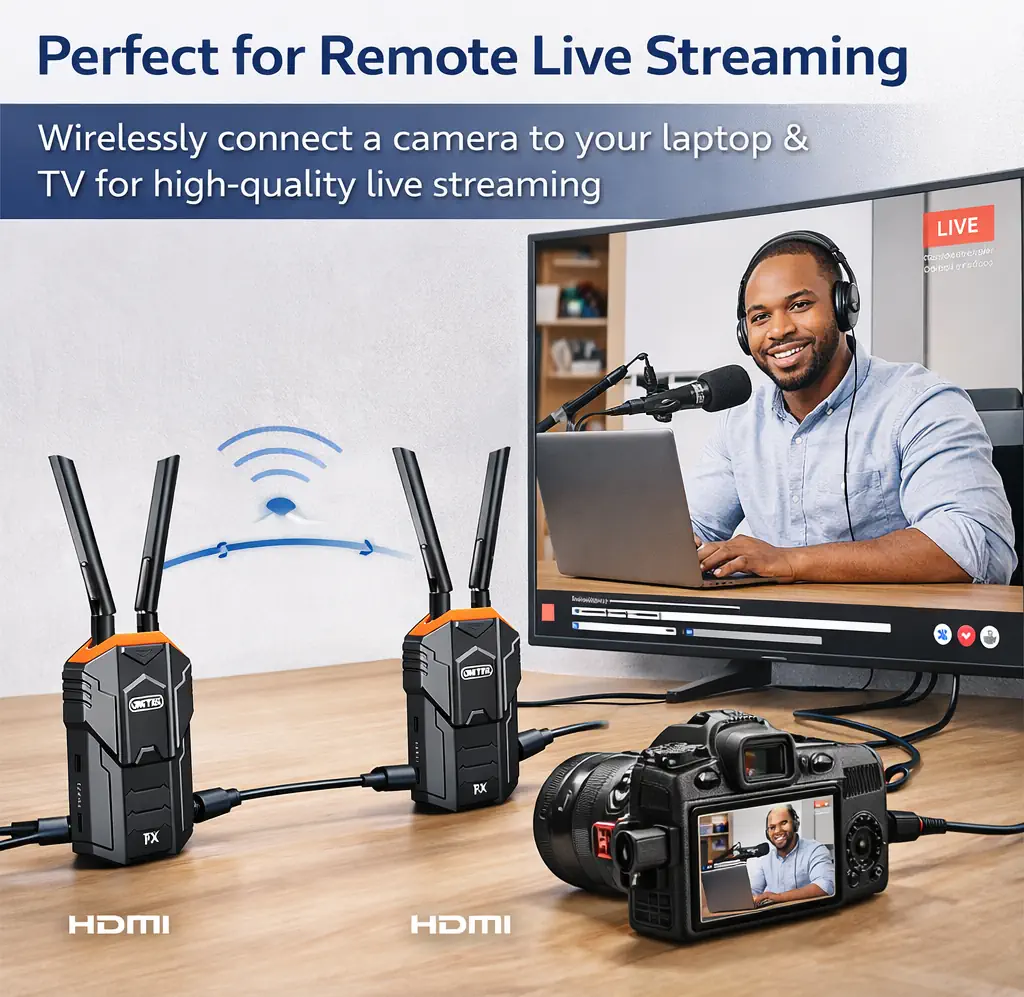
Need to broadcast your presentation or live feed to more than one screen? The UNITEK V176A-RX Wireless HDMI Receiver is the simple expansion solution for your existing V176A wireless HDMI system. This standalone receiver allows you to effortlessly add a second, third, or fourth display to your wireless network, creating a seamless multi-screen setup without the cost or complexity of running additional long HDMI cables.
Seamless System Expansion
First and foremost, this unit is designed exclusively to pair with the UNITEK V176A Transmitter. If you already own the transmitter, this receiver lets you instantly extend your wireless video coverage to another TV, projector, or monitor in a different part of the room or building. It’s the perfect tool for multi-room content distribution or large venue overflow viewing.
Maintains Professional Performance
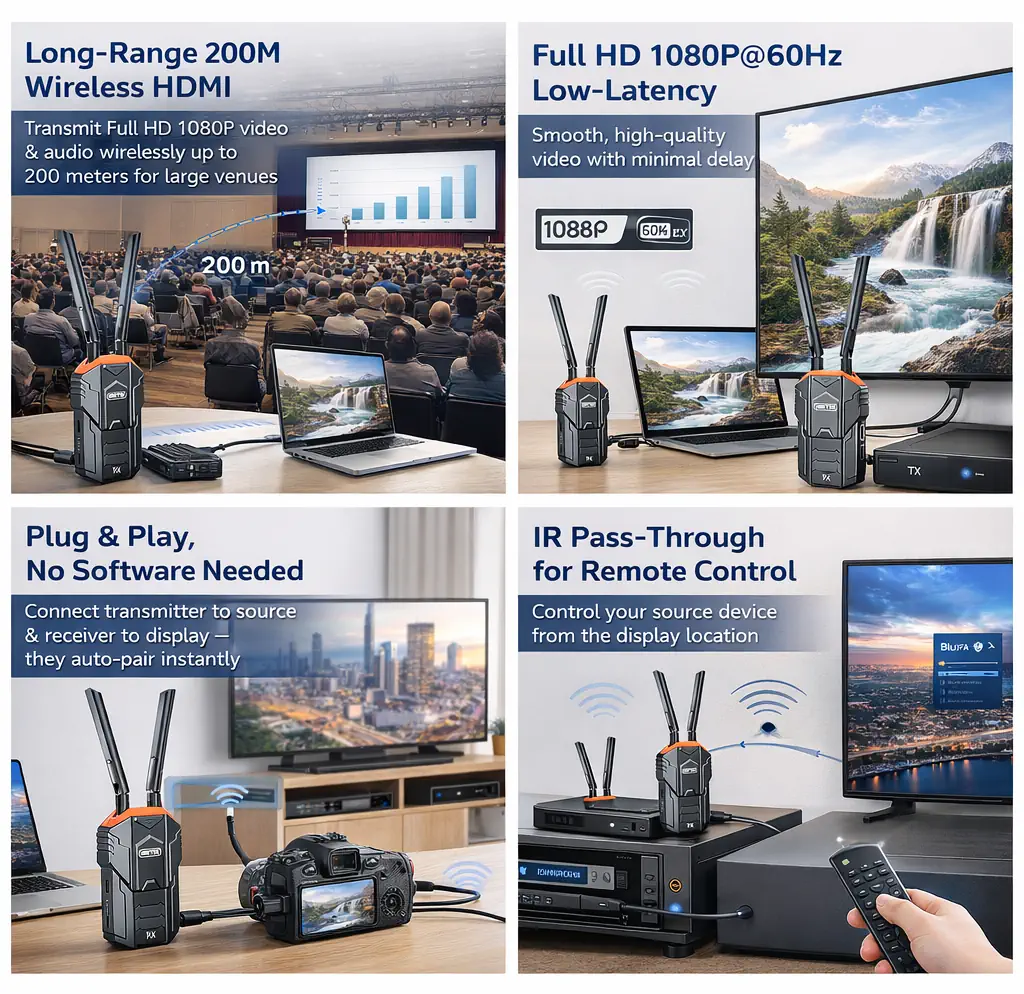
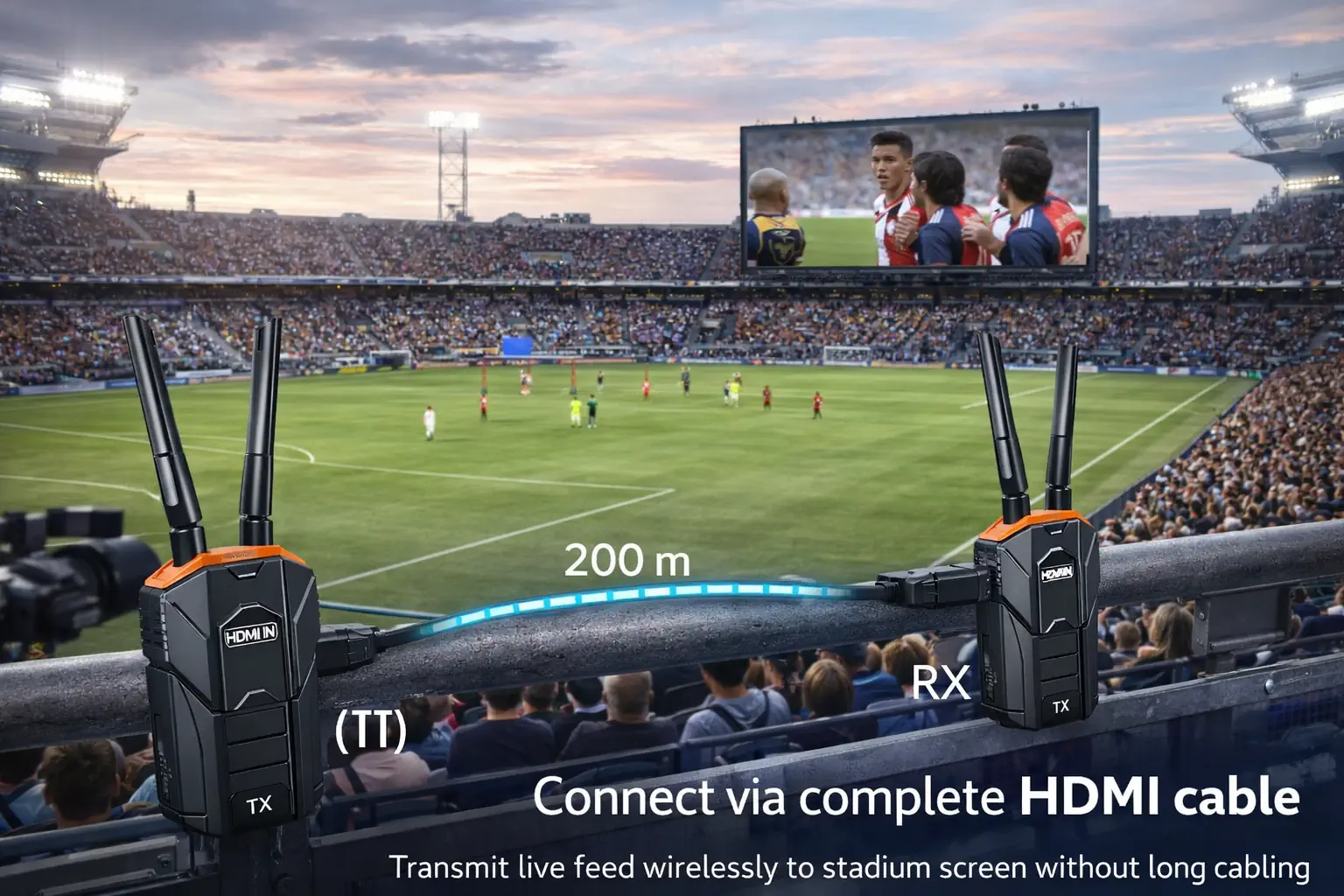
Critically, it maintains the same professional-grade performance as the full kit. You can expect the same stable 5GHz wireless connection, Full HD 1080P@60Hz quality, and low-latency performance that ensures your content looks great and stays in sync across all displays. This makes it ideal for live events, worship services, and corporate broadcasts.
Complete with Essential Accessories
This is a complete receiver package. It includes the receiver unit, high-gain antennas, IR sensor, and power supplies. The inclusion of the IR sensor means you retain the valuable ability to remotely control your media source (like a Blu-ray player or computer) from any display location. For powering the receiver in any location, a portable UGREEN power bank can be very useful.
Products Specifications:
- Model: UNITEK V176A-RX (Receiver Only)
- Compatibility: Pairs exclusively with the UNITEK V176A Transmitter
- Function: Wireless HDMI Video/Audio Receiver
- Max Received Resolution: Full HD 1080P@60Hz
- Wireless Standard: 5.2GHz & 5.8GHz Dual-Band
- Antennas: 2 x High-Gain Dual-Band Antennas (Included)
- Output: 1 x HDMI Out
- IR Port: 1 x IR Input (Sensor Included)
- Power: 5V/2A via USB-C (Adapter & Cable Included)
- Features: Auto-Pairing, IR Remote Pass-Through, Plug & Play
What’s in the Box?
- 1 x UNITEK V176A-RX Wireless HDMI Receiver
- 2 x Dual-Band Antennas
- 1 x IR Extension Sensor
- 1 x USB-C Power Cable
- 1 x USB-C Power Adapter (5V/2A)
- 1 x User Manual
10 FAQs:
1. Can I use this receiver by itself?
No. This is a receiver-only unit that must be paired with a UNITEK V176A Transmitter to function. You cannot use it with any other brand or model of wireless HDMI transmitter.
2. I own the full V176A Kit (Tx+Rx). Can I add this receiver to have two displays?
Yes, absolutely. This receiver is designed for this exact purpose. Power it on, and it will auto-pair with your existing V176A transmitter, allowing you to broadcast to two displays simultaneously from a single source.
3. How many of these receivers can I add to one transmitter?
The standard V176A transmitter is designed to pair with one receiver at a time. For one-to-many broadcasting (one source to multiple displays), you would need a different system model designed for multicast transmission.
4. Will adding a second receiver reduce video quality or cause interference?
Since the transmitter pairs with one receiver at a time, adding a second receiver means you would be switching between them, not streaming to both at once. Therefore, there is no reduction in quality or interference from multiple units.
5. How do I switch the transmitter to send video to a different receiver?
Typically, you would power on the receiver you want to use and ensure the other is powered off. The transmitter will auto-pair with the active receiver. Some models may have a pairing button for manual selection.
6. Does it have the same 200-meter range as the full kit?
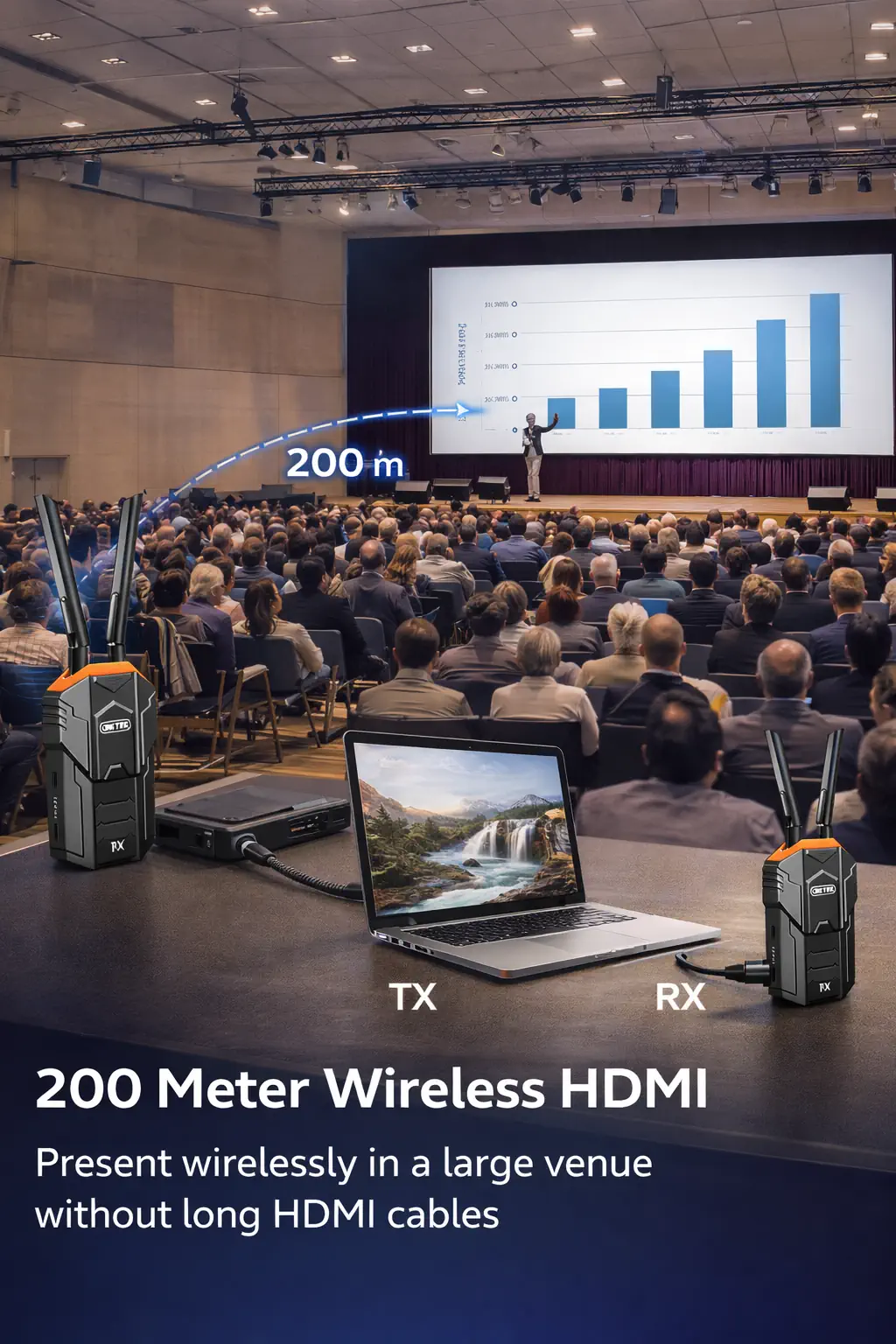
Yes, as part of the same system, it is capable of the same up to 200-meter line-of-sight range under optimal conditions. Real-world range will be affected by walls and interference.
7. Is the IR sensor necessary to use it?
No, the IR sensor is only needed if you want to use the IR remote control pass-through feature. For basic video/audio reception, you only need to connect the receiver to power and your display via HDMI.
8. Can I use it to extend my home Wi-Fi or screen mirror from my phone?
No. This is a dedicated point-to-point wireless HDMI system. It does not connect to Wi-Fi networks and does not support screen mirroring protocols like Miracast or AirPlay. It only receives video from its paired V176A transmitter.
9. What should I do if the receiver doesn’t pair with my transmitter?
Ensure both units are powered on. Check that you are within a reasonable range without major obstructions. Try power-cycling both units. Refer to the manual for a hard reset or re-pairing procedure if needed.
10. Where can I purchase the matching transmitter or get support?
You can find the full V176A system kit and get technical support for your setup on the official UNITEK Pakistan website.




 No products in the cart.
Reviews
There are no reviews yet