


UNITEK H1315B01-EU 10-in-1 USB Hub with Individual Port Switches, 8x USB-A + 2x USB-C 5Gbps with BC1.2 Fast Charging, Aluminum Powered Hub for PC, Mac, Workstation


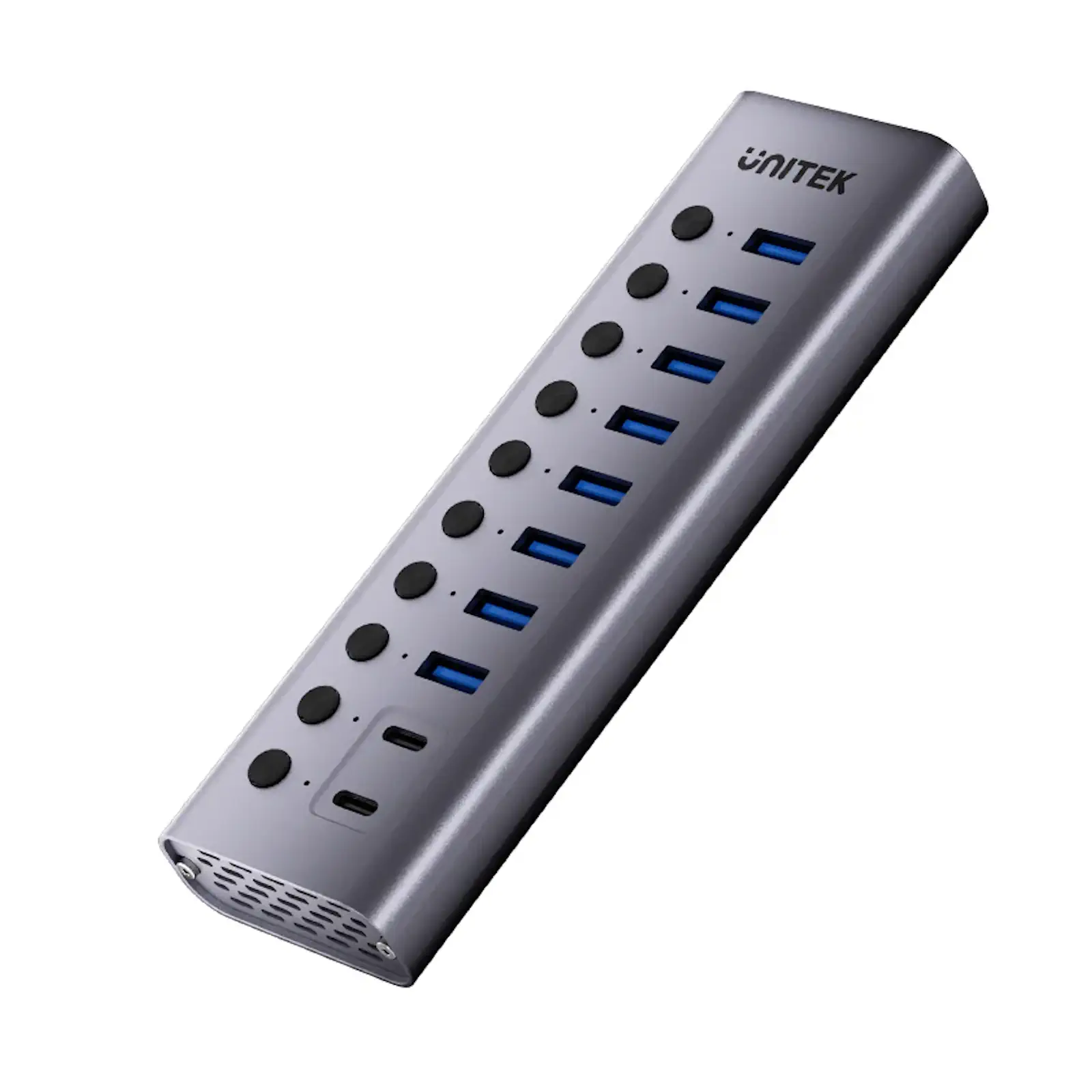
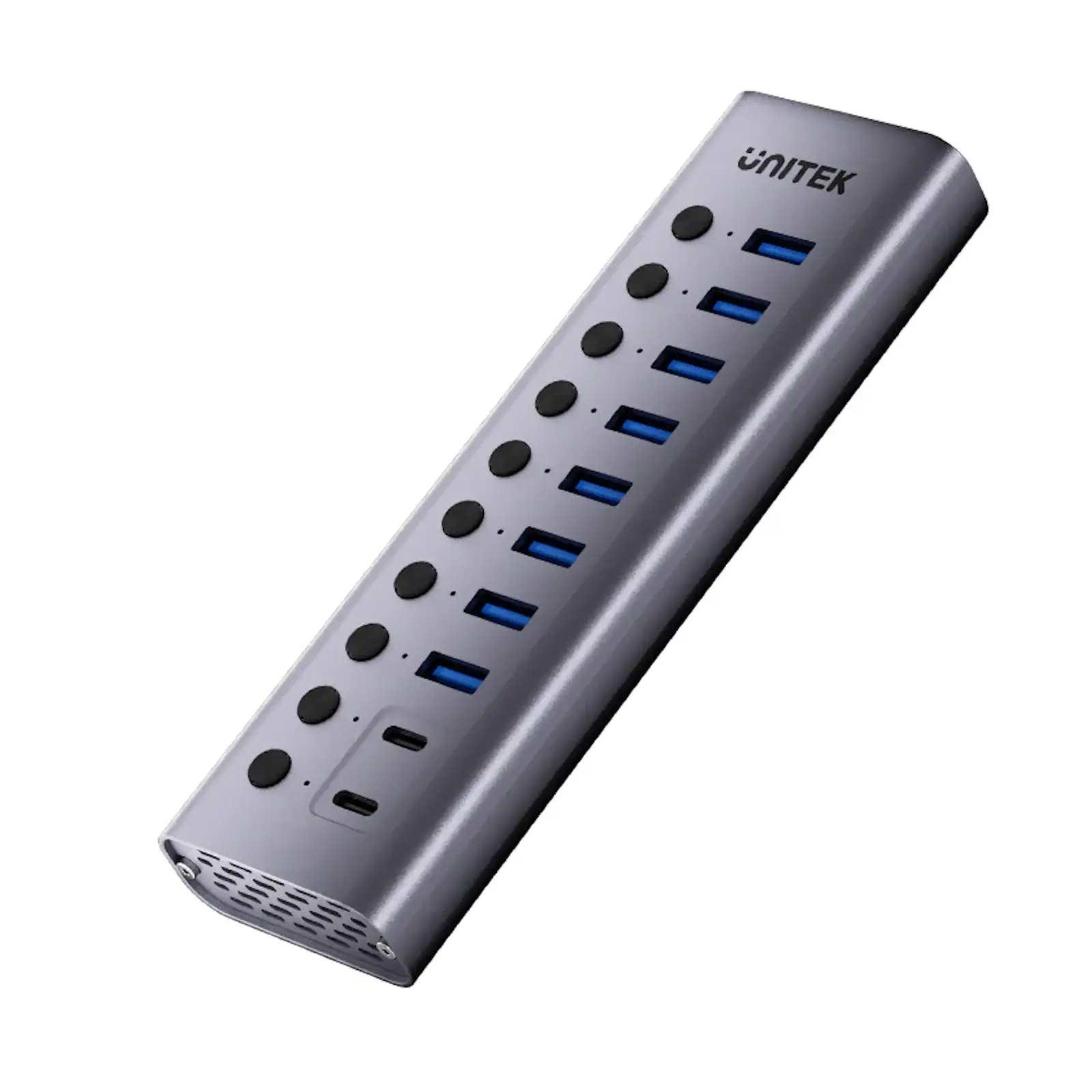
Command the most complex device ecosystems with precision. UNITEK Laptop Stand with Detachable USB-C Hub 360° Rotating Base Tilt Design Supports up to 15.6″ Notebook. The UNITEK H1315B 10-in-1 Hub is the pinnacle of managed USB expansion, designed for IT professionals, content creators, and power users who need absolute control over a vast array of peripherals. With individual switches for every port, a massive 36W power supply, and a future-proof mix of USB-A and USB-C ports, it’s the definitive hub for mission-critical setups.
Granular Control for Security and Efficiency
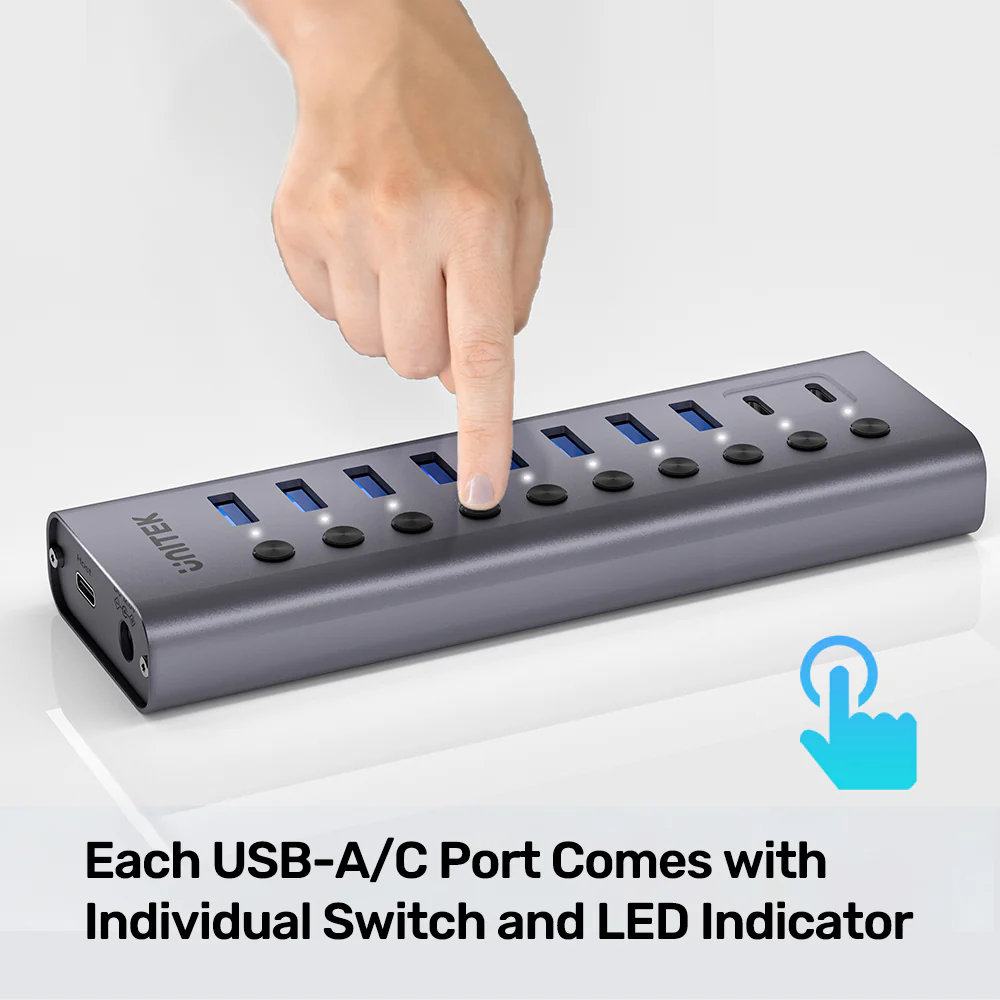
First and foremost, the per-port switching capability is its defining professional feature. This allows for instant hardware-level disconnection of any device—crucial for data security in financial or development environments, for power management in media servers, or for troubleshooting without cable unplugging. It’s an essential tool for any secure data lab.
Power and Versatility for Every Device
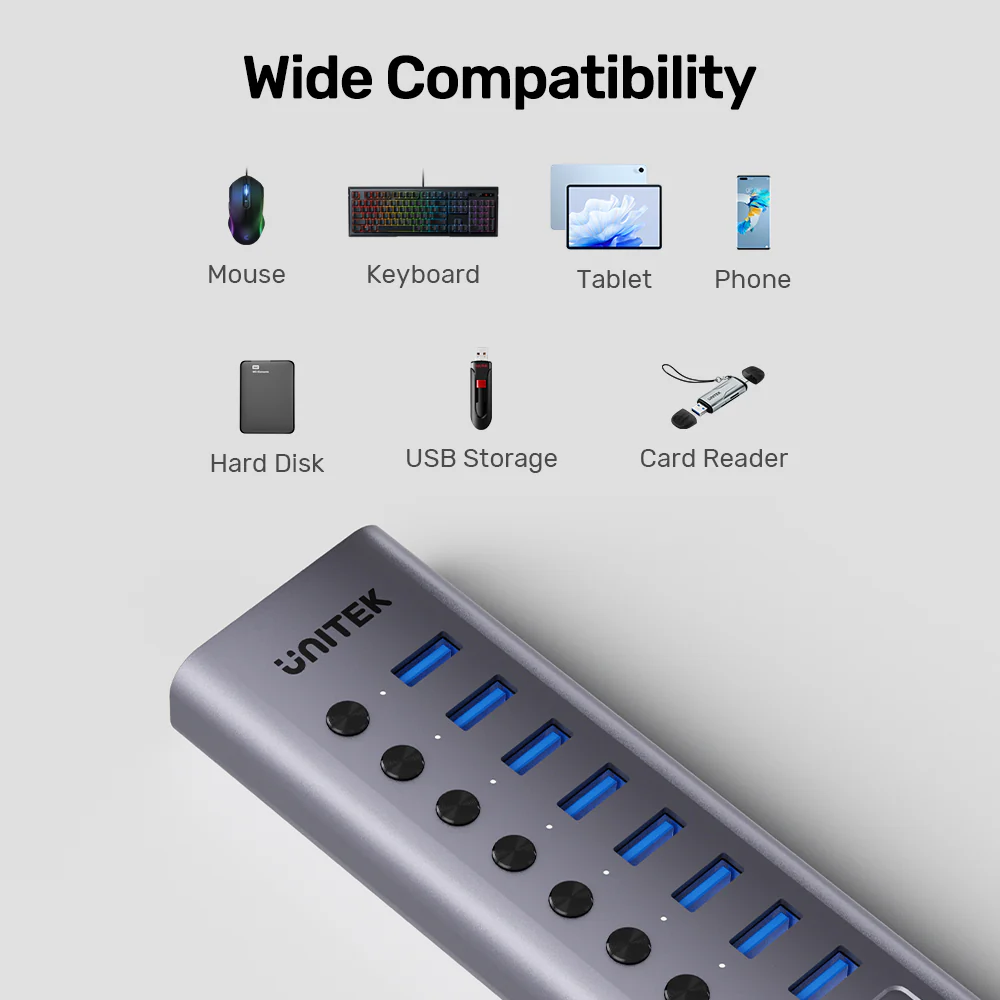
Equipped with a substantial 36W power adapter, this hub can effortlessly handle the simultaneous load of multiple 2.5″ HDDs, SSDs, card readers, and fast-charging smartphones. The inclusion of two dedicated USB-C downstream ports future-proofs your setup for modern peripherals, while the eight USB-A ports ensure compatibility with your existing gear.
Engineered for Demanding Professional Use
The extended aluminum chassis provides a large surface area for passive cooling, which is vital when all ports are active under full load. Coupled with the high-quality, regulated power supply, this hub is built not just for convenience, but for durability and unwavering stability, making it the core of any professional editing bay or engineering workstation.
Products Specifications:
- Model: UNITEK H1315B01-EU
- Type:
Externally Powered USB 3.2 Gen 1 Hub - Downstream Ports:
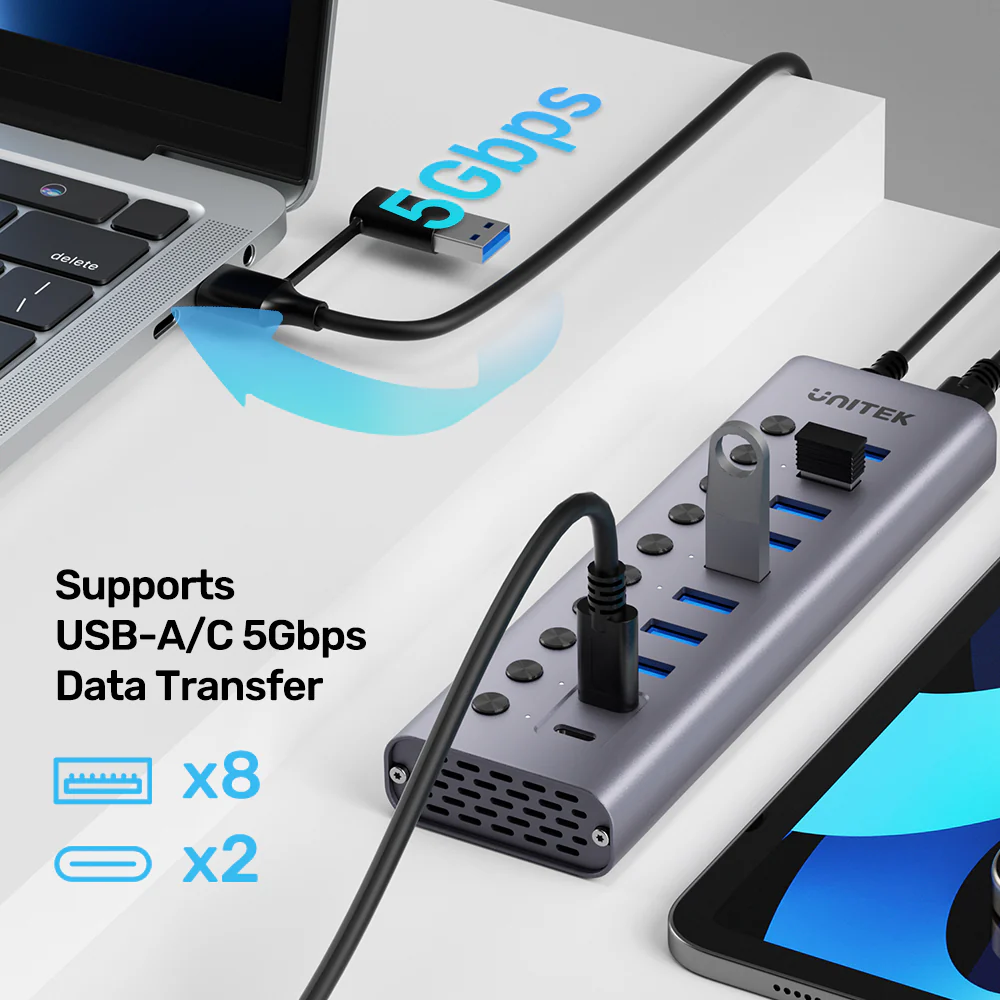
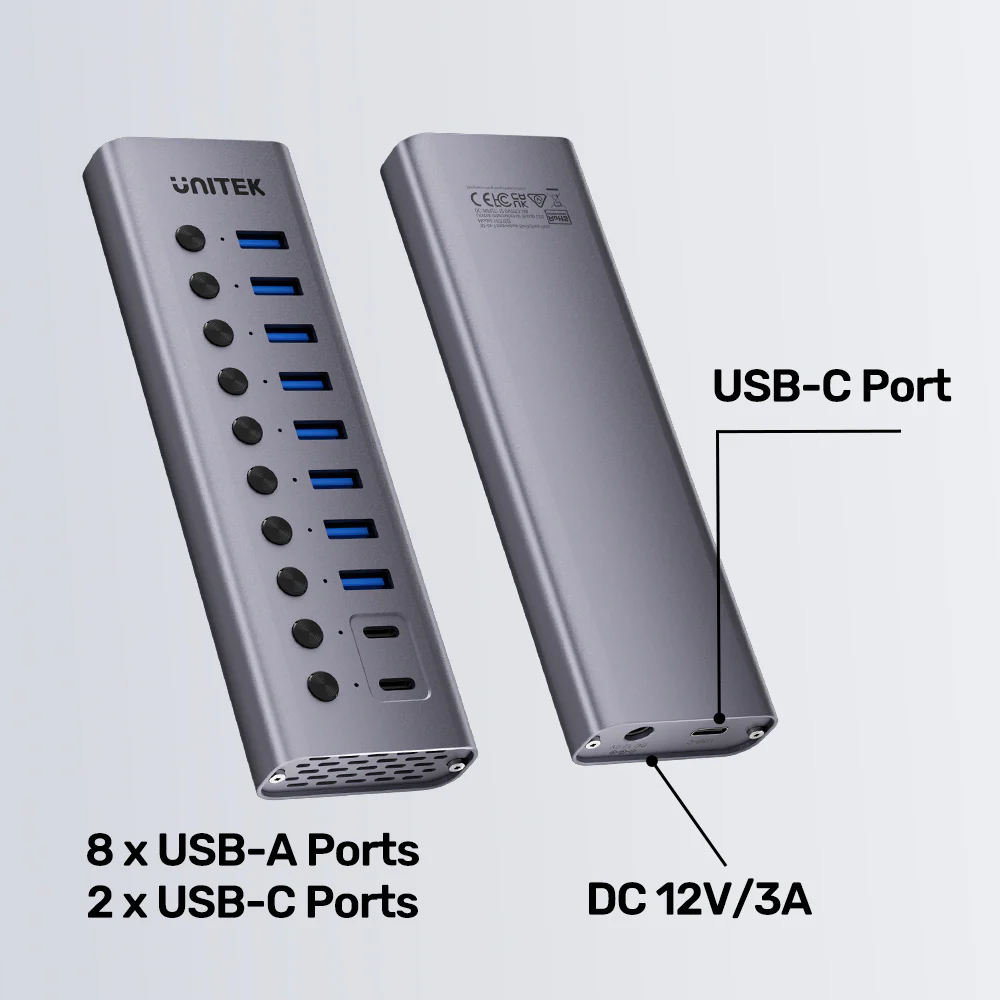
8 x USB-A + 2 x USB-C (All 5Gbps Data + BC1.2 Charging) - Upstream Connection:
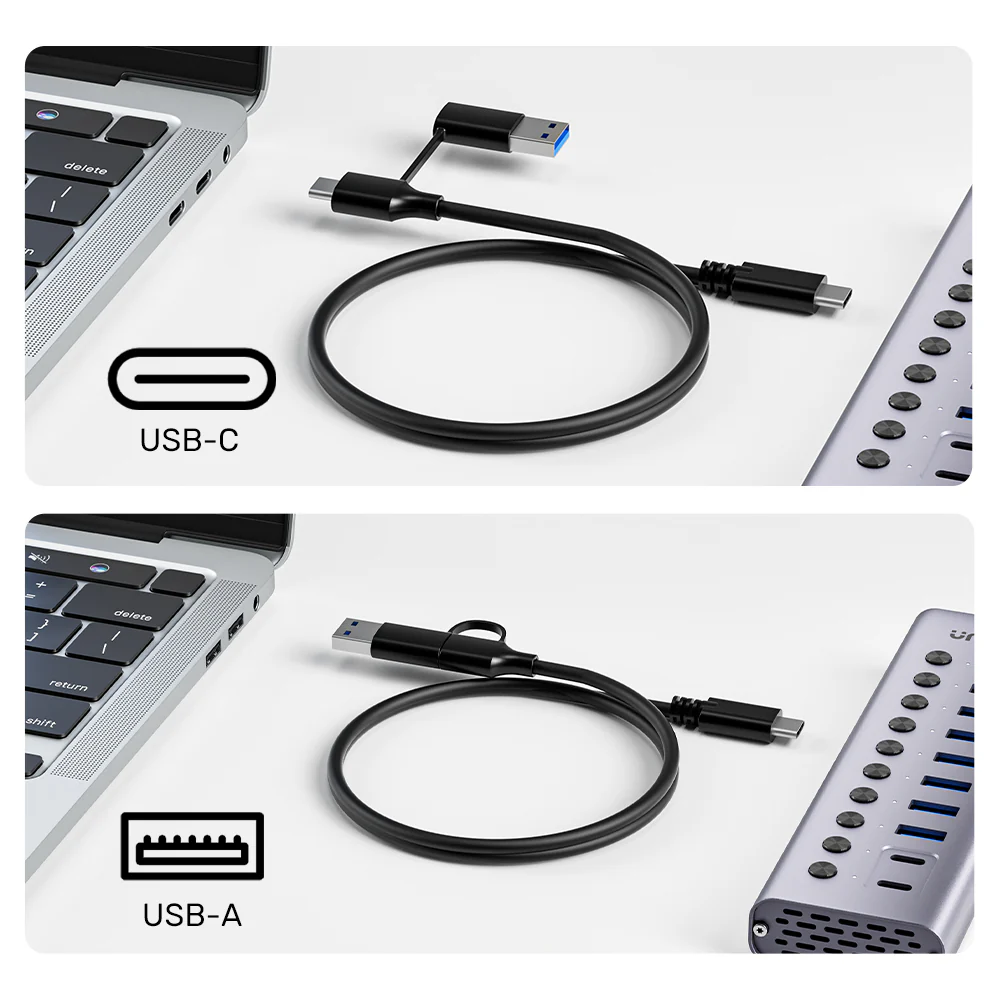
1 x USB-C Port (via included 2-in-1 Cable) - Key Feature:
Individual Mechanical Switch & LED per Port (All 10) - Data Speed:
Up to 5 Gbps - Charging Output:
Up to 2.4A per port (BC1.2 Protocol) - Power Supply:
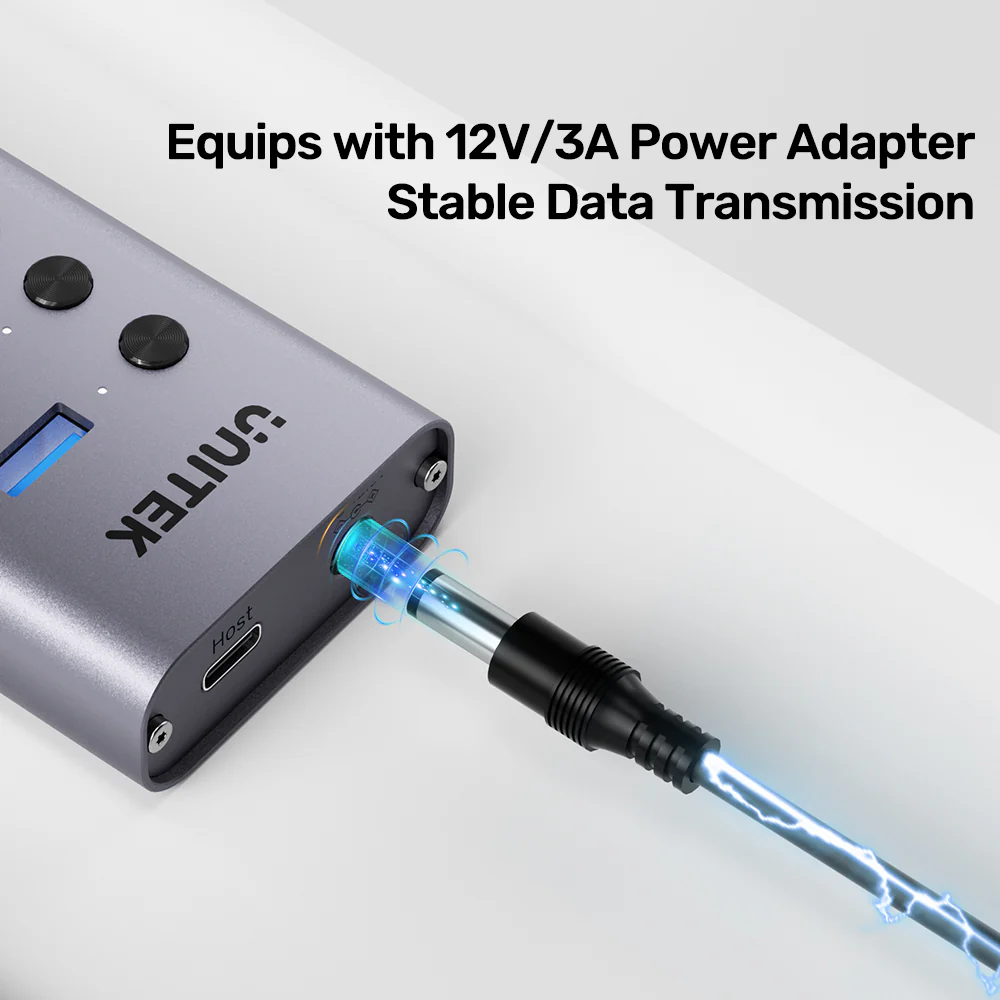
12V/3A DC Adapter (36W, Included) - Input Cable:
1m 2-in-1 USB-A / USB-C to USB-C Host Cable - Housing:
Aluminum Alloy - Color: Space Grey
- Dimensions: 159mm x 49.5mm x 20mm
- Compatibility: Windows 7+, macOS 10.6+, Linux, Chrome OS
What’s in the Box?
- 1 x UNITEK H1315B 10-Port USB Hub
- 1 x 12V/3A DC Power Adapter
- 1 x 1m 2-in-1 USB-A/USB-C to USB-C Host Cable
- 1 x User Manual
10 FAQs:
1. UNITEK Keyboard with 9-in-1 USB-C Hub, 3x USB 3.0, 4K HDMI, SD Card, AUX, 100W PD Charging What is the benefit of having switches on the USB-C ports?
The switches on the USB-C ports provide the same level of control as the USB-A ports. You can instantly cut power and data to a USB-C hard drive, webcam, or charger, which is invaluable for security, power cycling devices, or managing power draw on the hub.
2. Can the USB-C ports be used to charge a laptop?
No. These USB-C ports are data and charging ports that support the BC1.2 protocol (up to 2.4A). They do not support Power Delivery (PD) and cannot provide the high wattage (e.g., 45W, 65W) required to charge a laptop.
3. Is the large 12V/3A power adapter necessary?
Yes, it is essential. With ten high-speed ports capable of delivering both data and up to 2.4A charging current, the hub requires the full 36W from the included adapter to operate all ports simultaneously without voltage drops or instability.
4. Can I connect this to an older computer with only USB-A ports?
Yes. The included 2-in-1 host cable has both a USB-A connector and a USB-C connector. UNITEK USB-C to HDMI 8K Adapter with USB 3.0 and PD 100W Charging You can use the USB-A connector to plug into an older computer’s USB 3.0 port for full functionality.
5. Do the USB-C ports support video output (like DisplayPort Alt Mode)?
No. The USB-C ports on this hub are for data transfer and charging only. They do not support video signal transmission. For video, you would need a dedicated UNITEK docking station or adapter.
6. What happens if I connect a device that requires more than 2.4A?
The hub will limit the current to a maximum of 2.4A per port as per the BC1.2 standard. A device like an iPad Pro that can charge at a higher rate will simply charge at the slower 12W (5V/2.4A) speed.
7. UNITEK uHUB H6 Gloss 6-in-1 USB-C Hub HDMI 4K@30Hz, 3x USB-A 3.0, Gigabit Ethernet, 100W PD Can I use it with a network-attached storage (NAS) device or Raspberry Pi?
It is excellent for expanding the USB ports on a NAS, Raspberry Pi, or home server, especially with the per-port control to manage attached storage drives. Ensure your host device can provide adequate power via its USB port or use an external UGREEN power supply for the host.
8. Is it safe for continuous, 24/7 operation?
Yes, its all-metal construction and high-quality power design are intended for reliable, continuous operation in professional environments. Using the switches to disable unused ports will further enhance longevity and reduce heat.
9. Will it work with USB 2.0 devices and cables?
Yes, it is fully backward compatible. USB 2.0 and 1.1 devices will work at their native speeds. You can also use USB 2.0 cables, but they will limit data transfer speeds to USB 2.0 rates (480 Mbps).
10. Where can I find more industrial-grade UNITEK solutions?
For other professional-grade connectivity solutions like KVM switches and network hardware, visit the UNITEK website. For personal electronics accessories, see UGREEN’s latest products.




 No products in the cart.
Write a review