
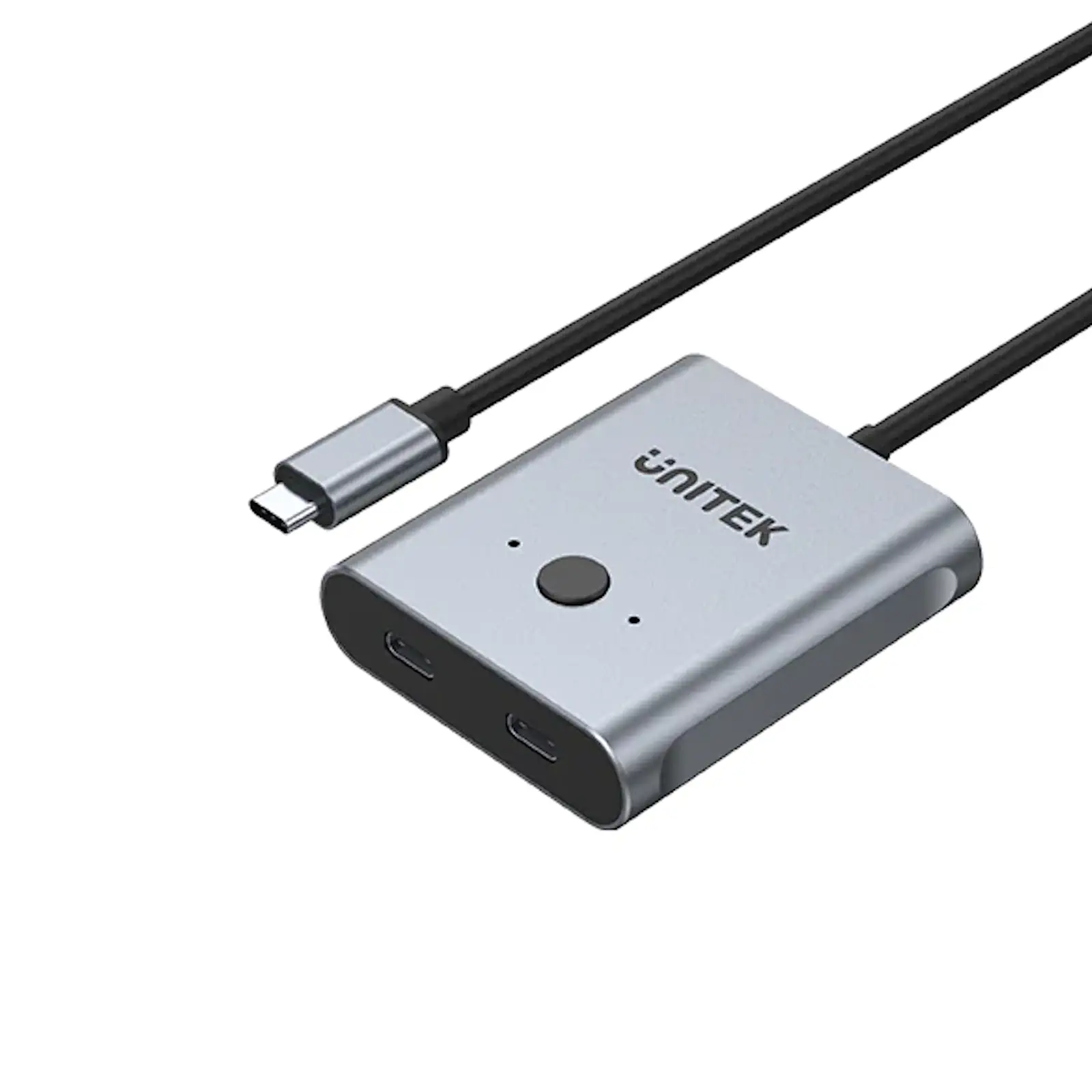


UNITEK D1078A USB-C 3.2 Gen 2 Bidirectional Switch 2-in-1 / 1-in-2, 4K@144Hz, 100W PD, 10Gbps Data for MacBook, iPad Pro, Gaming Laptops, USB-C Monitors
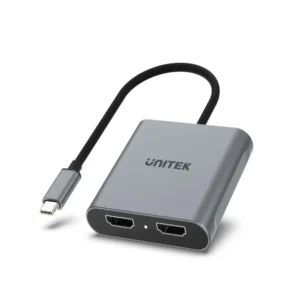
Unlock the full potential of your USB-C ecosystem with the UNITEK D1078A Bidirectional Switch. This is more than a simple adapter—it’s a high-performance video, data, and power routing hub that gives you complete command over how you connect your modern laptops, tablets, and monitors.
A Truly Flexible Centerpiece for Your Desk
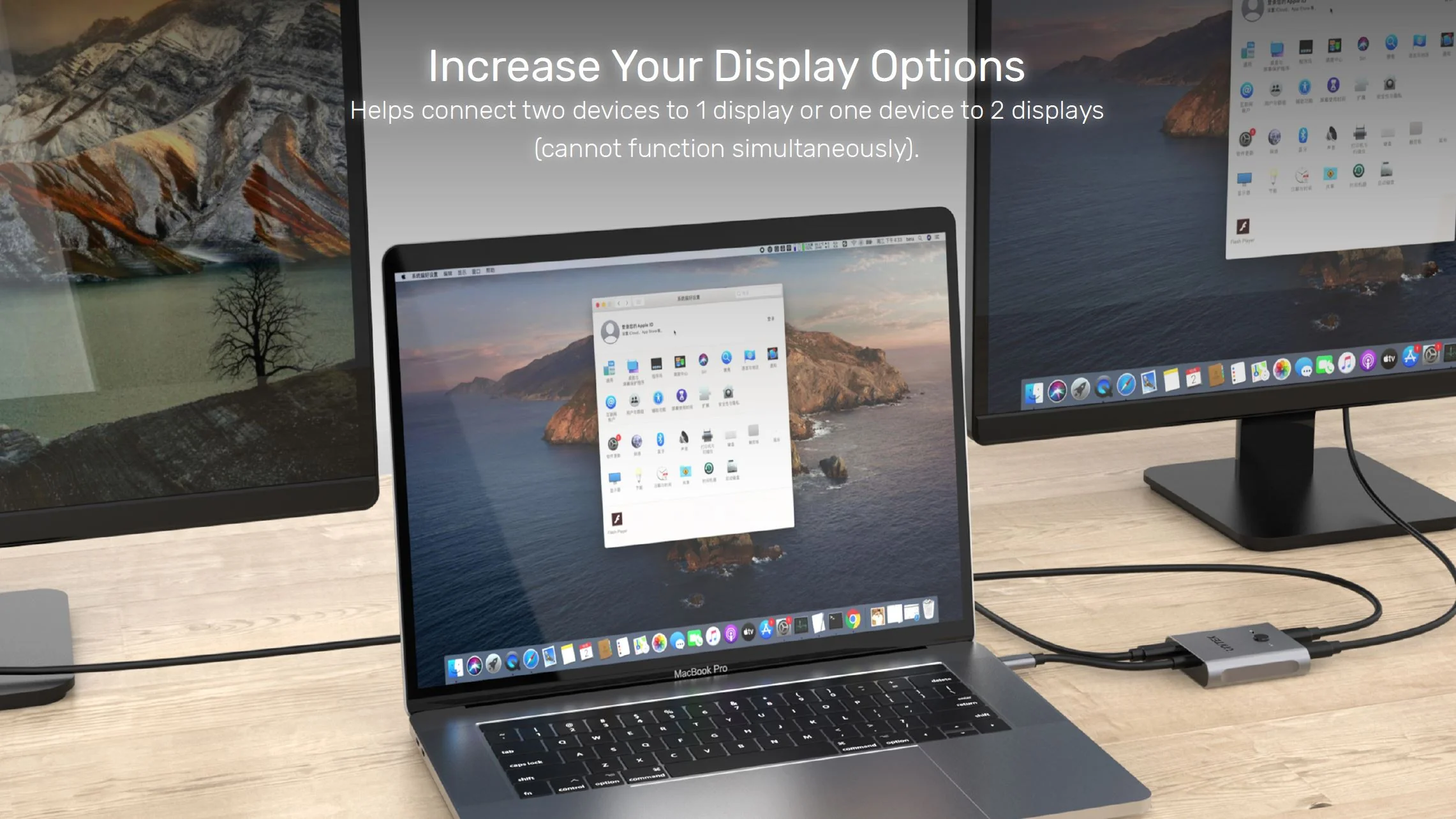
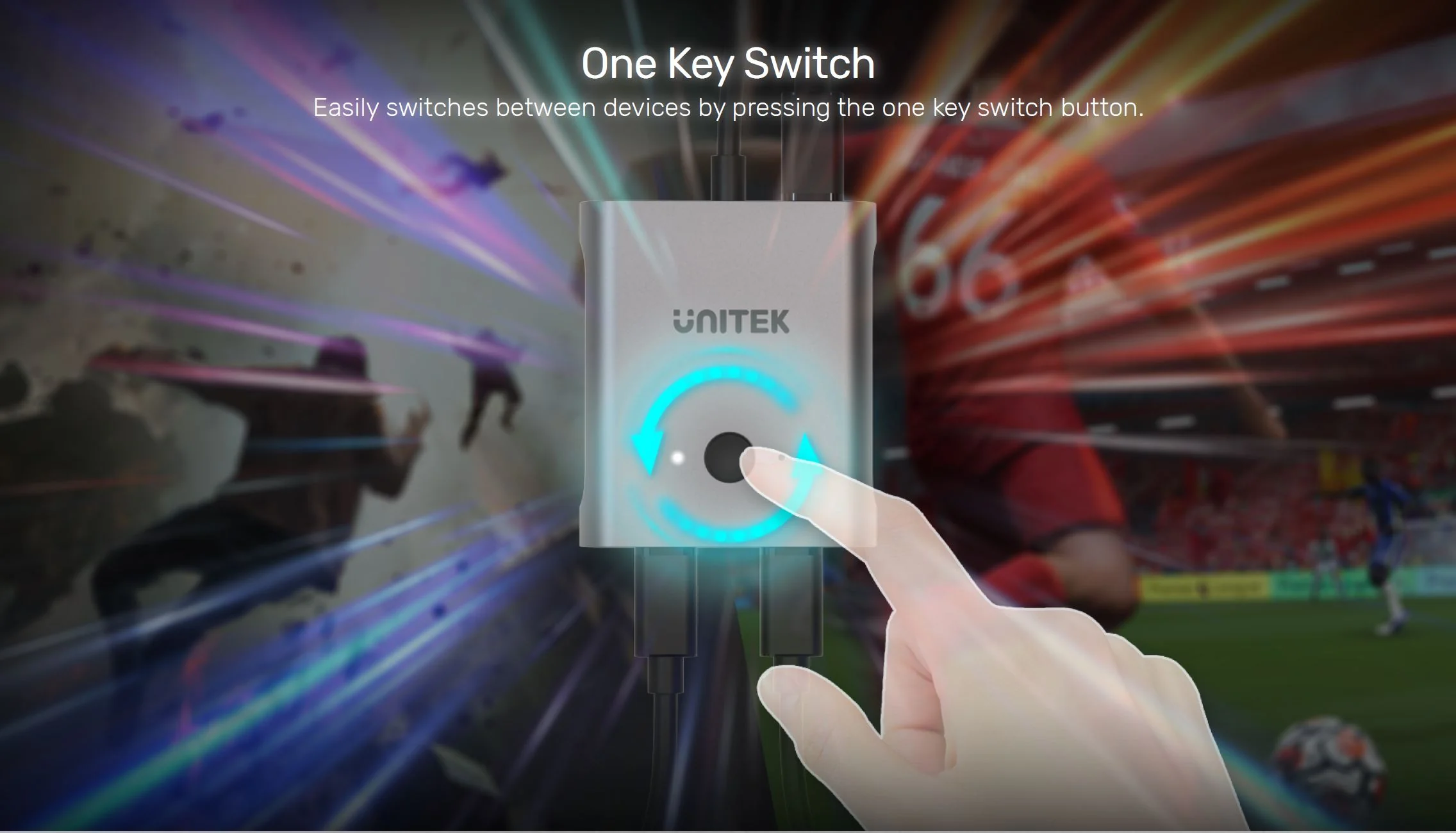
First and foremost, its bidirectional capability is revolutionary. Use it in 2-in-1 mode to connect both your work MacBook and gaming laptop to a single premium 4K high-refresh-rate monitor. With one button press, switch entire setups instantly. Or, use it in 1-in-2 mode to mirror your iPad Pro’s screen to a monitor and a projector for presentations. *Note: Splitter mode mirrors content.
Performance That Doesn’t Compromise
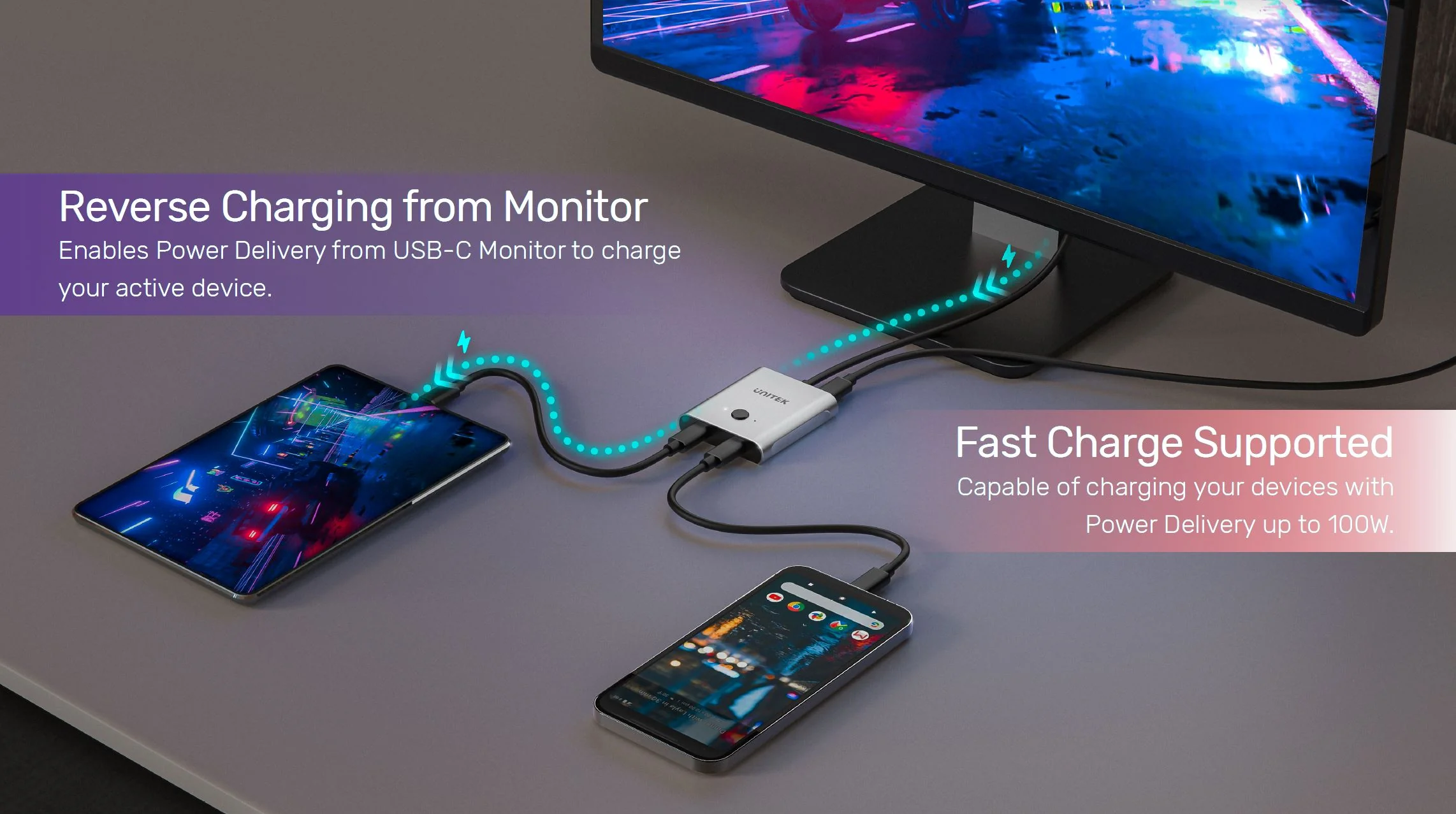
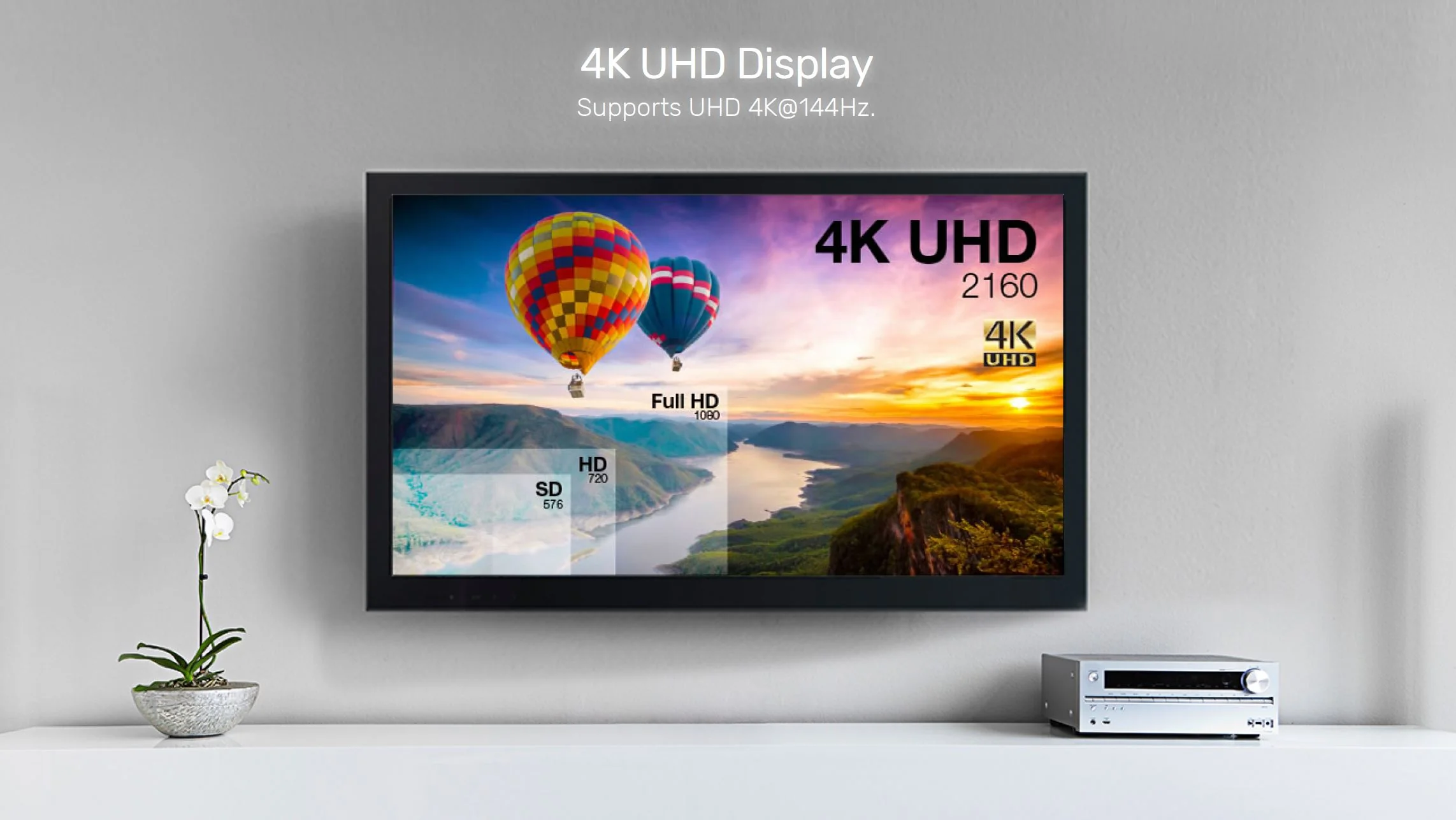
Critically, this switch is built for performance. It supports the latest DisplayPort Alt Mode over USB-C, delivering breathtaking 4K resolution at 144Hz for ultra-smooth gaming and video playback. Simultaneously, it handles 100W Power Delivery to keep your device charged and 10Gbps data for lag-free peripherals and storage. This makes it a core component for any high-end creative workstation.
All-in-One Cable Management Solution
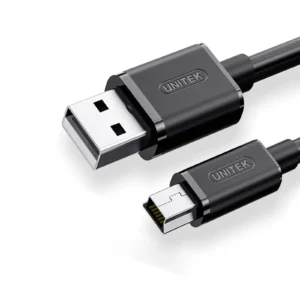
The included high-quality 10Gbps USB-C cable and power cable mean you have everything needed to start. Moreover, by consolidating video, data, and power into one connection per device, it dramatically reduces cable clutter. Essentially, it’s the smart, efficient hub that modern USB-C setups have been waiting for, simplifying connections for developers, designers, and power users.
Products Specifications:
- Model: UNITEK D1078A
- Function: Bidirectional USB-C Switch/Splitter Hub
- Modes: 2-in-1 Switcher / 1-in-2 Splitter (Mirroring)
- Max Video Support: 4K@144Hz, 8K@60Hz
- Video Protocol: DisplayPort 1.4 Alt Mode over USB-C
- Power Delivery: Up to 100W Input, 85W Output (Per Port)
- Data Speed: USB 3.2 Gen 2 (10 Gbps)
- Ports: 3 x USB-C (Configurable as 2x Downstream / 1x Upstream or vice versa)
- Switching: Manual One-Button Control
- Power: 20V/5A (100W) via included USB-C Cable
- Included Cables: 1 x 1m USB-C to C 10Gbps Cable, 1 x USB-A to C Power Cable
- Housing: ABS
- Color: Space Grey
What’s in the Box?
- 1 x UNITEK D1078A USB-C Bidirectional Switch
- 1 x USB-C to USB-C 10Gbps Full-Featured Cable (1m)
- 1 x USB-A to USB-C 5V/2A Power Cable (1m)
- 1 x User Manual
10 FAQs:
1. What does “bidirectional” mean for this USB-C switch?
It means the three USB-C ports can be configured in two ways: “2-in-1 Out” (two source devices to one display) or “1-in-2 Out” (one source device to two displays). You choose the mode based on your connections.
2. Can I get an extended desktop across two monitors with this in splitter mode?
No. In the 1-in-2 splitter mode, it mirrors/duplicates the same screen to both displays. To extend your desktop across two monitors, your laptop needs to support multiple display streams via a single port (like with MST), or you need a different docking solution.
3. Does it support 4K 144Hz for gaming on a MacBook Pro or gaming laptop?
Yes, provided your laptop’s USB-C port supports DisplayPort 1.4 Alt Mode and your monitor supports 4K@144Hz over USB-C. This switch will pass through the high-bandwidth signal required for this resolution and refresh rate.
4. How does the 100W charging work?
Connect a 100W USB-C PD charger to the switch’s power input. When a laptop is connected, the switch can deliver up to 85W of power to it for charging while in use. The remaining power runs the switch itself.
5. Can I connect non-USB-C displays using an adapter?
Yes, you can connect a USB-C to HDMI or DisplayPort adapter to one of the switch’s downstream ports. Ensure the adapter supports the resolution and refresh rate you desire (e.g., 4K 60Hz).
6. Will it work with my iPad Pro?
Yes, perfectly. The iPad Pro’s USB-C port supports video output. You can use this switch to connect your iPad to an external monitor or to switch it with another computer on the same display.
7. Can I use it to share a webcam and keyboard between two computers?
No. This switch is designed for video, power, and data pass-through for a single device chain. It does not function as a USB peripheral KVM switch for sharing individual devices like webcams.
8. Is the power cable always required?
Yes, for full functionality. The 20V/5A power connection is mandatory to support high-resolution video, high-wattage charging, and multiple connected devices simultaneously.
9. What is the difference between this and a Thunderbolt dock?
A Thunderbolt dock typically offers more port variety (USB-A, Ethernet, SD card) and can support multiple independent displays (extended desktop). This switch is focused on high-bandwidth video switching/splitting with power and data, often at a more accessible price point.
10. Where can I find compatible high-wattage USB-C chargers?
You can find reliable 100W USB-C PD chargers and other essential USB-C accessories on the UNITEK website. For a wide selection of chargers, also check UGREEN’s power solutions.

 No products in the cart.
Reviews
There are no reviews yet