

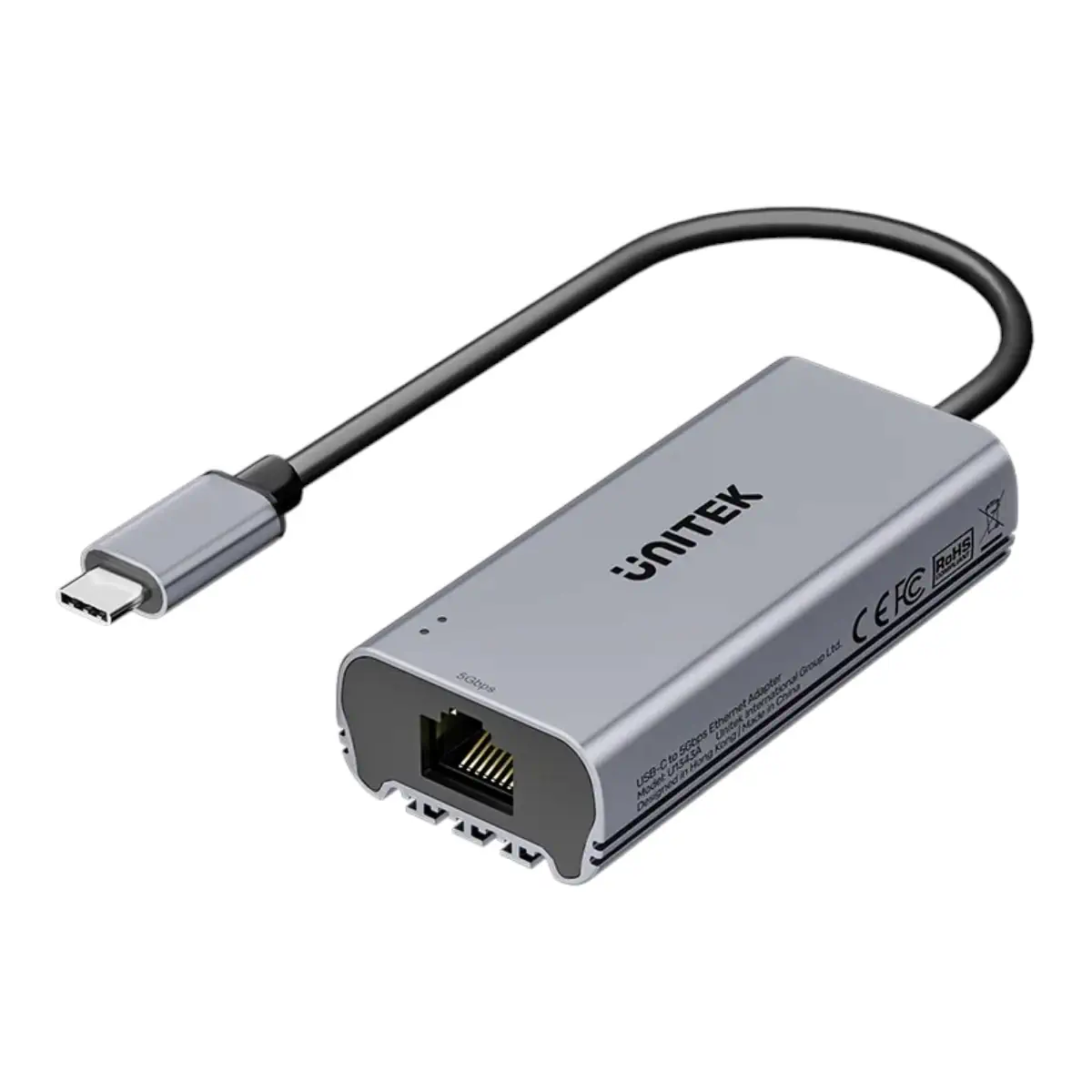
Upgrade Your USB-C Device to 5Gbps Wired Ethernet
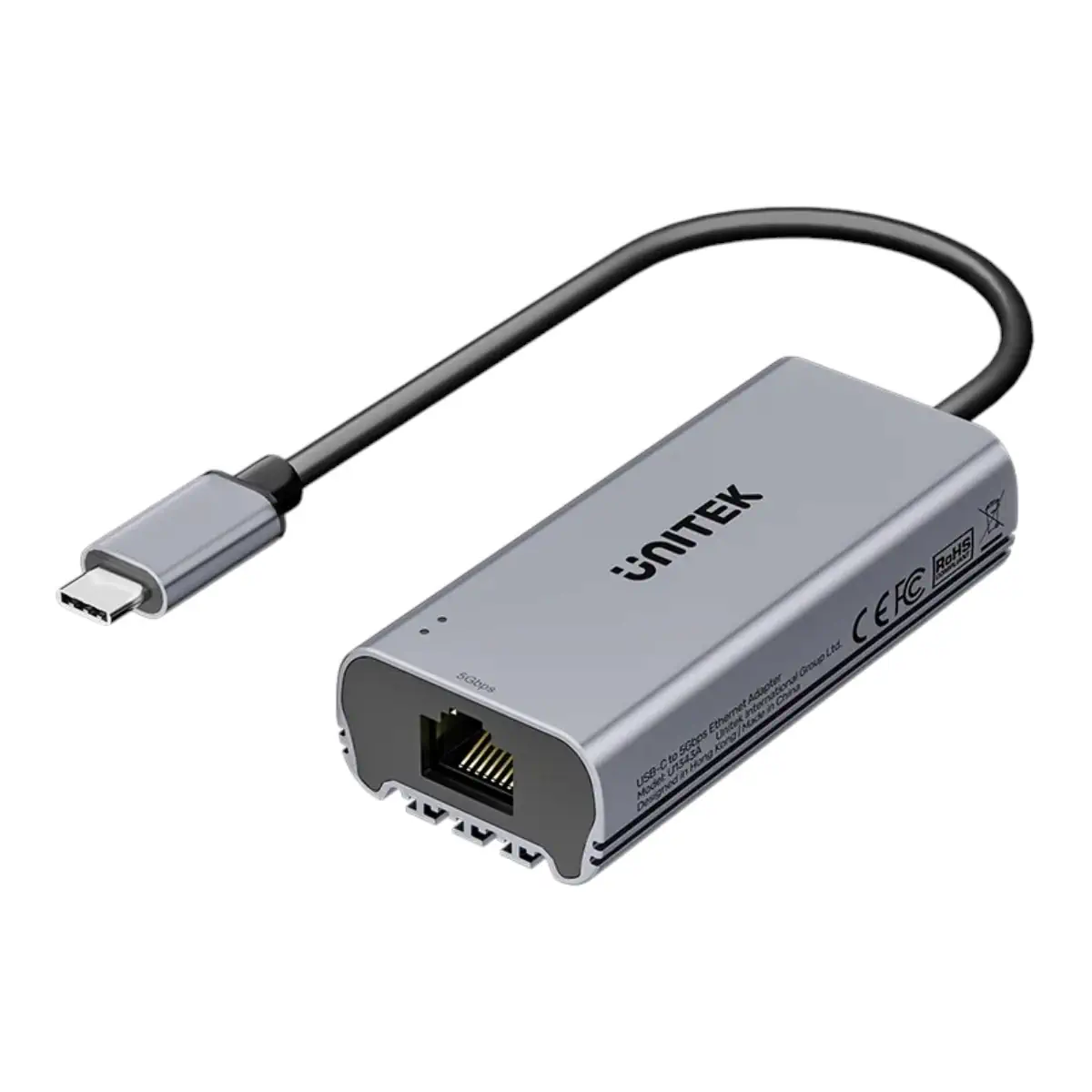
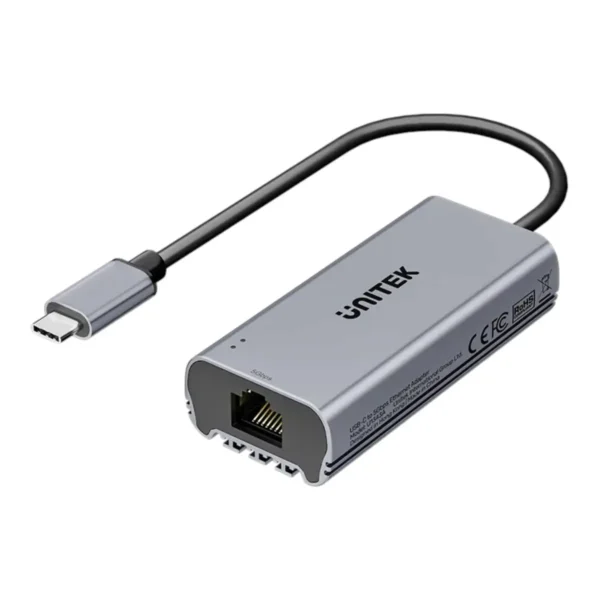
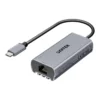
The UNITEK U1343AGY01 USB-C to 5Gbps Ethernet Adapter provides a convenient way to add high-speed wired networking to compatible USB-C devices.
Designed for modern laptops, desktops, tablets and supported mobile devices, this compact adapter converts a USB-C connection into an RJ45 Ethernet interface supporting network speeds up to 5,000Mbps.
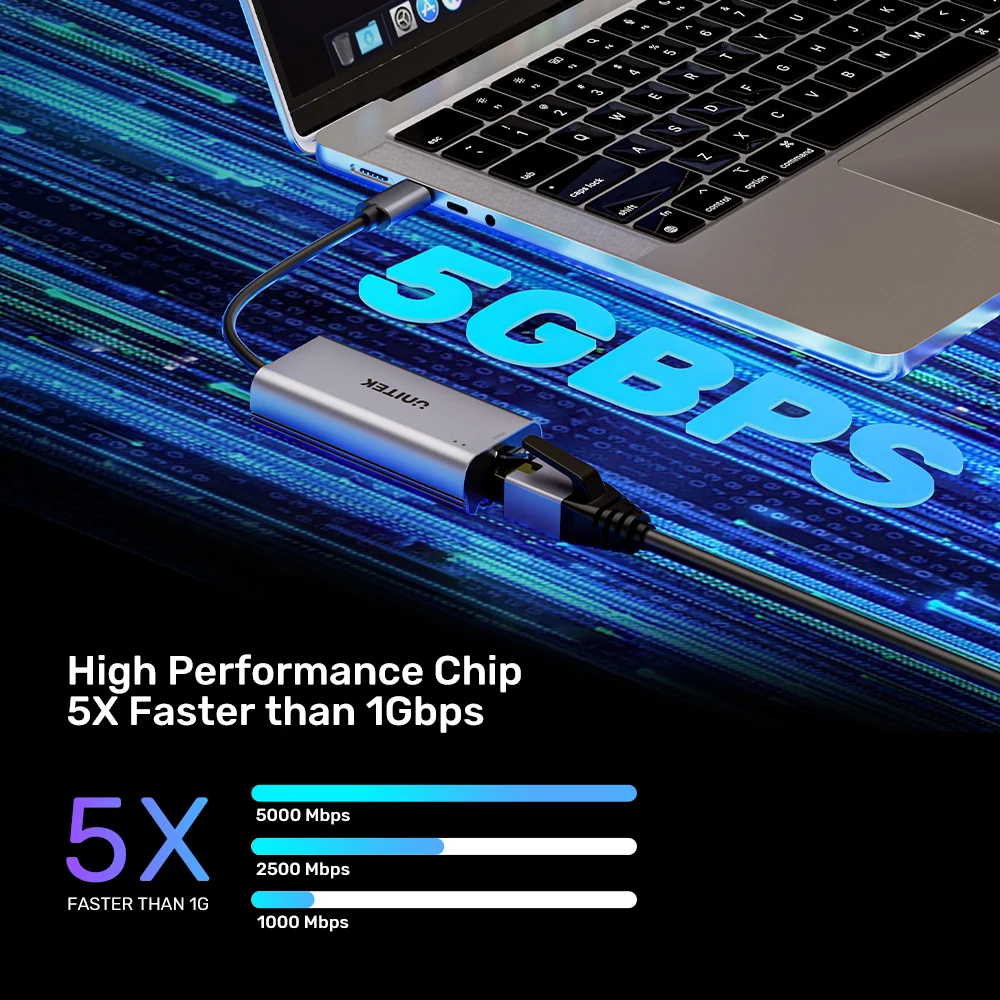
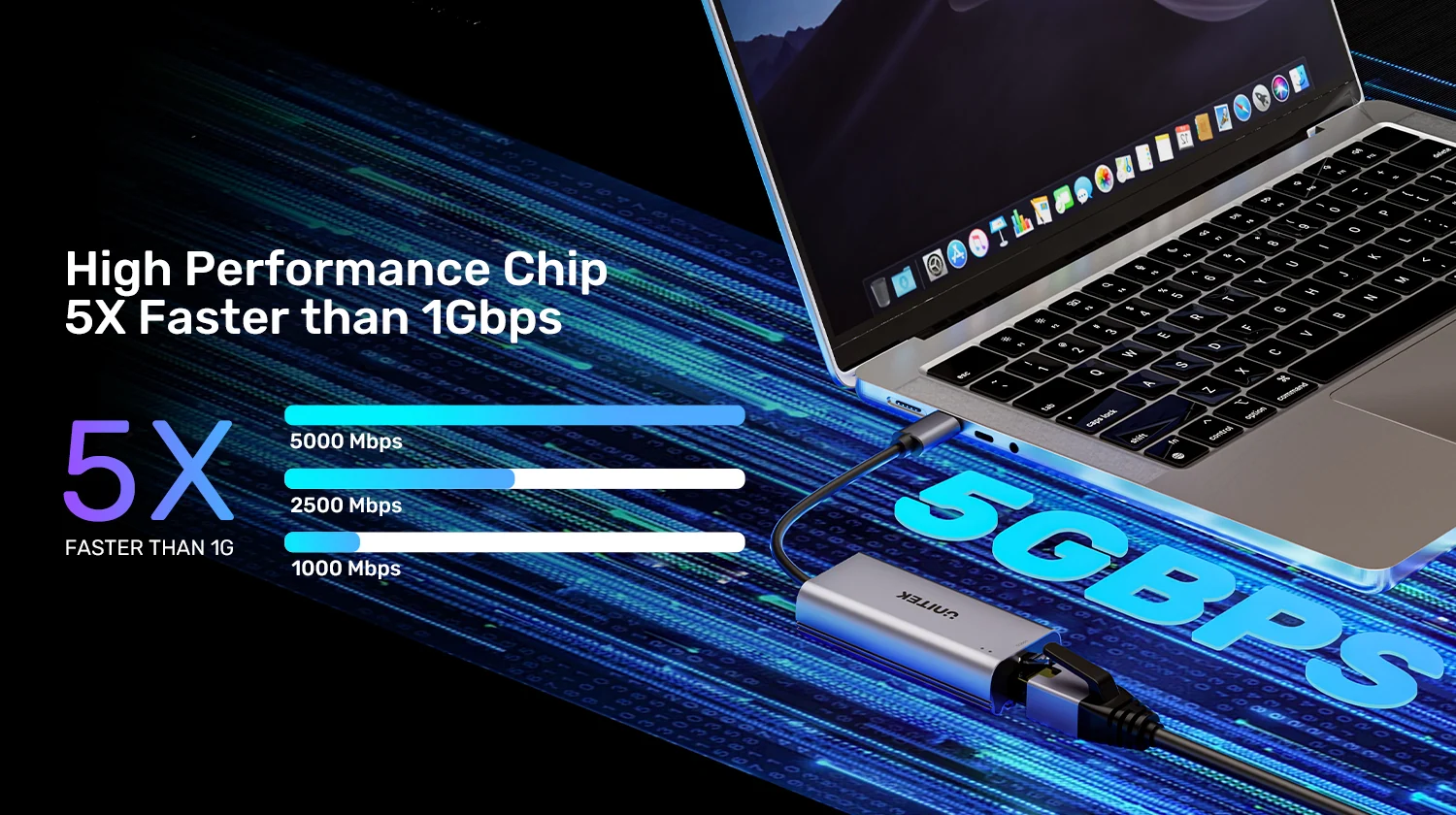
Compared with traditional 1Gbps Ethernet adapters, its 5Gbps connection offers five times the nominal network bandwidth when connected to compatible equipment.
This additional capacity is particularly useful for large file transfers, network-attached storage, professional workstations and local networks equipped with multi-gigabit switches.
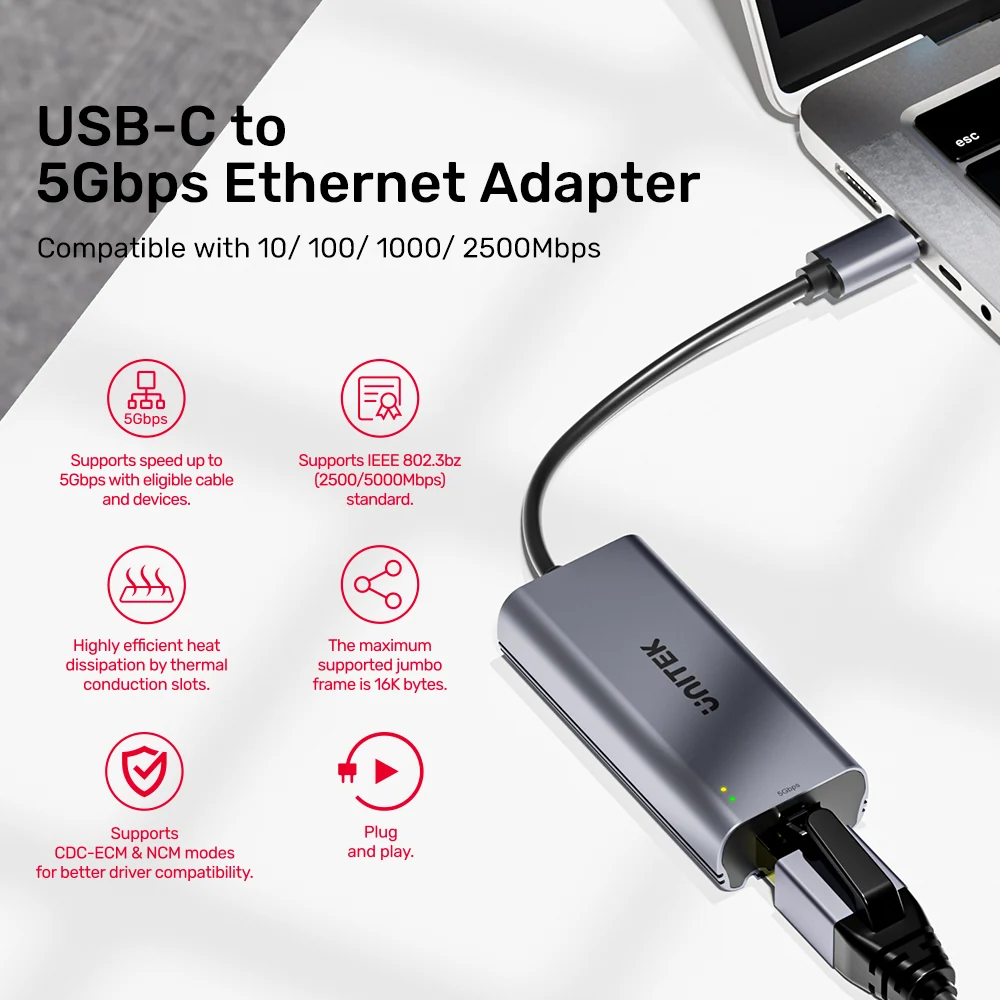
The adapter also supports lower Ethernet speeds, including 2.5Gbps, 1Gbps, 100Mbps and 10Mbps, allowing it to work with a wide range of existing network equipment.
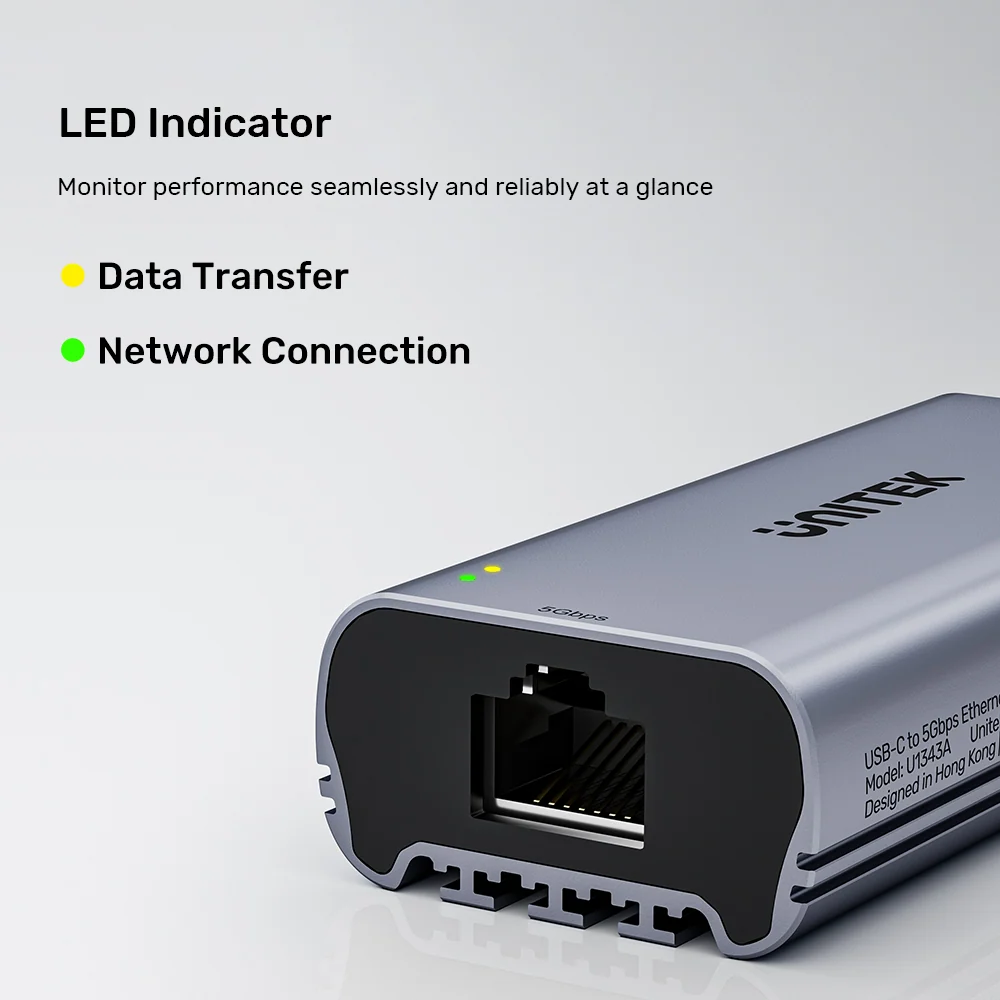
Its aluminum alloy enclosure, integrated 15cm USB-C cable and dual LED indicators make it a practical accessory for everyday connectivity.
Whether you are upgrading a MacBook workstation, connecting a laptop to a multi-gigabit network or transferring large files to a compatible NAS, the UNITEK U1343AGY01 delivers flexible wired Ethernet connectivity without requiring a separate power supply.
Up to 5Gbps Ethernet for High-Bandwidth Networking
The main advantage of the UNITEK U1343AGY01 is its support for multi-gigabit Ethernet speeds up to 5Gbps.
A 5Gbps Ethernet connection provides a nominal link rate of 5,000Mbps, compared with 1,000Mbps on conventional Gigabit Ethernet.
This increased bandwidth can benefit users who frequently transfer large files between computers, network storage devices and other equipment on a compatible local network.
Typical applications include:
- Transferring large video projects to a NAS.
- Accessing high-resolution media files stored on a local server.
- Moving large photo libraries between workstations.
- Working with shared files over a multi-gigabit office network.
- Connecting a laptop to a compatible 5GbE switch.
- Upgrading wired network connectivity on computers without built-in multi-gigabit Ethernet.
The adapter supports a maximum Ethernet link rate of 5Gbps, but actual file transfer speeds depend on storage performance, network protocols, connected equipment and other operating conditions.
A 5Gbps Ethernet connection does not automatically provide 5Gbps internet service.
What You Need to Achieve 5Gbps Performance
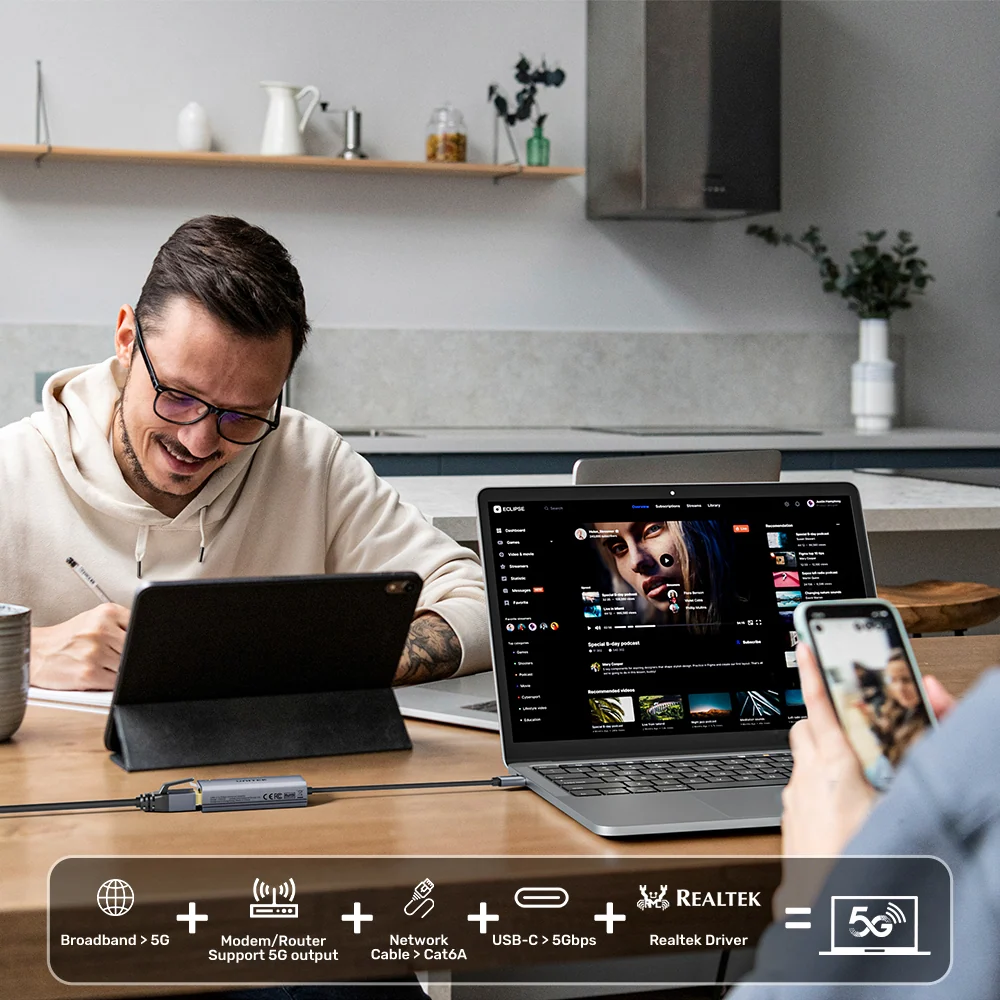
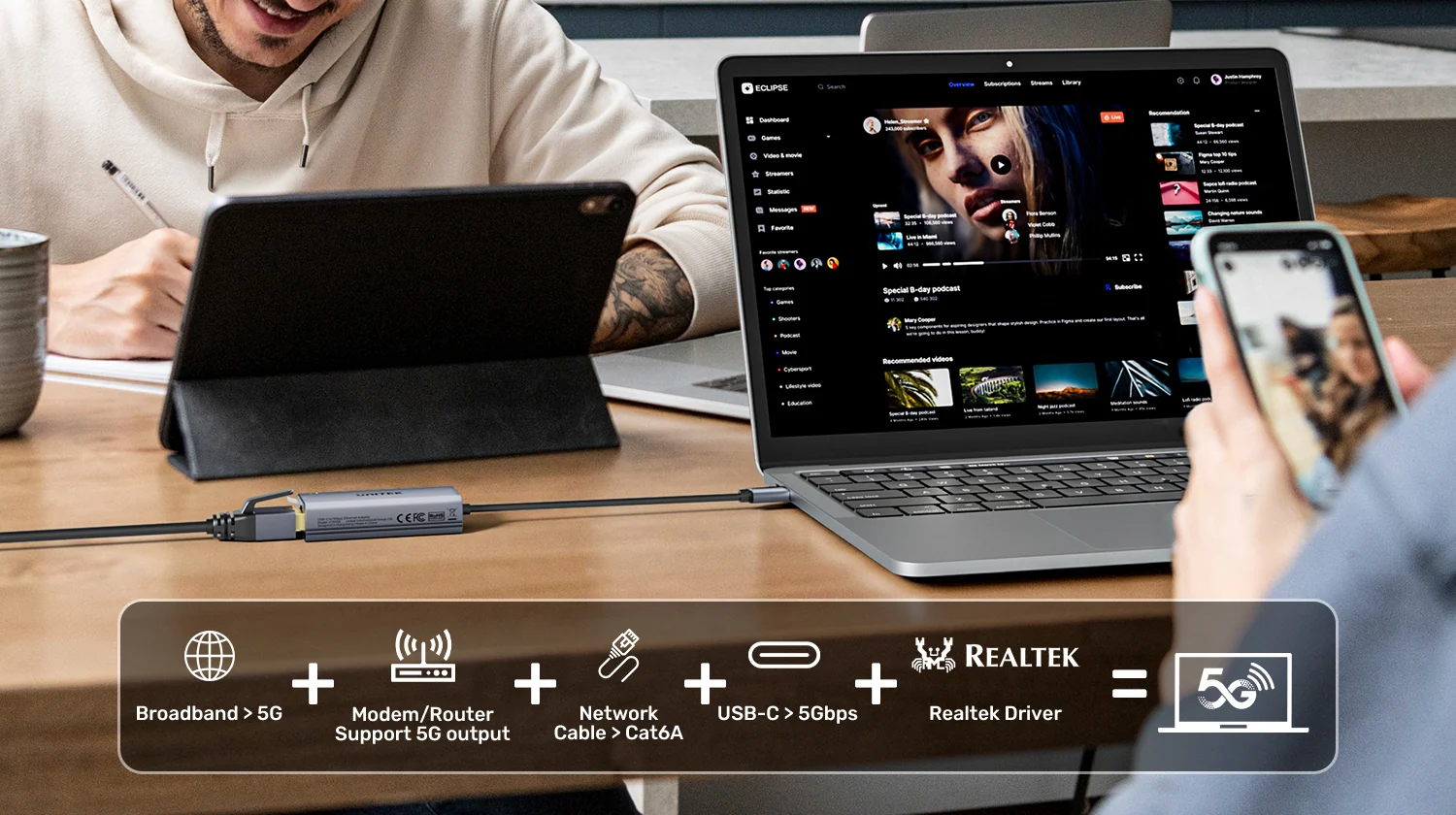
To make full use of the adapter’s maximum network capability, the surrounding equipment must support the required speeds.
UNITEK recommends the following setup:
- Connect the adapter to a USB-C host interface supporting 10Gbps data transfer, such as a compatible USB 10Gbps, USB4 or Thunderbolt port.
- Use a suitable Cat 6A or higher-grade Ethernet cable.
- Connect the RJ45 port to a 5GbE-capable switch, router or other compatible network device.
- Ensure the connected network equipment supports a 5Gbps Ethernet link.
- For internet speeds approaching 5Gbps, use an internet connection and network infrastructure capable of delivering that bandwidth.
If the router, switch, USB-C port or another component operates at a lower speed, overall performance may be limited accordingly.
For example, connecting the adapter to a standard Gigabit Ethernet router port will normally limit the negotiated Ethernet link to 1Gbps.
Similarly, a 2.5GbE network port can provide a 2.5Gbps link rather than the adapter’s maximum 5Gbps connection.
These compatibility considerations are important when planning a multi-gigabit network upgrade.
Backward Compatible with 2.5GbE, Gigabit and Fast Ethernet
The UNITEK USB-C Ethernet Adapter supports multiple Ethernet link speeds:
- 5Gbps Ethernet.
- 2.5Gbps Ethernet.
- 1Gbps Gigabit Ethernet.
- 100Mbps Fast Ethernet.
- 10Mbps Ethernet.
This makes the adapter suitable for users who have a mixture of newer and older network equipment.
For example, a laptop can connect to a 5GbE office network, a 2.5GbE home router or a standard 1Gbps network switch using the same adapter.
The actual connection speed is negotiated according to the capabilities of the devices and cabling involved.
This flexibility allows users to benefit from the adapter immediately while retaining the option to upgrade their network infrastructure later.
High-Speed File Transfers for NAS and Professional Workstations
Multi-gigabit Ethernet is particularly useful for users who work with large files.
The UNITEK U1343AGY01 can provide a high-bandwidth wired connection between a compatible USB-C computer and a multi-gigabit network.
This makes it relevant for creative professionals, IT administrators, office users and anyone who regularly accesses network storage.
A compatible 5GbE network can support faster transfers than a conventional 1GbE connection when the storage devices and network infrastructure are capable of using the additional bandwidth.
For example, photographers may benefit when transferring large RAW image collections to network storage.
Video editors can use a compatible multi-gigabit network to move large project files between workstations and a NAS.
Office teams may also benefit when working with large shared documents, media assets or backup files.
For the best results, ensure the NAS, switch, storage drives and connected computers can sustain the desired throughput.
Stable Wired Connectivity for Work and Entertainment
A direct Ethernet connection can be useful when users want to avoid relying entirely on wireless networking.
The UNITEK adapter provides a wired network option for compatible USB-C devices, making it suitable for office work, video conferences, online collaboration and media streaming.
A wired connection can help reduce exposure to wireless interference and signal fluctuations.
This may be useful in crowded Wi-Fi environments, shared office spaces and workstations located far from wireless access points.
The adapter can also serve as a convenient Ethernet solution for laptops that do not include a built-in RJ45 network port.
Although wired networking can improve connection consistency, actual latency, stability and internet performance still depend on the wider network and service provider.
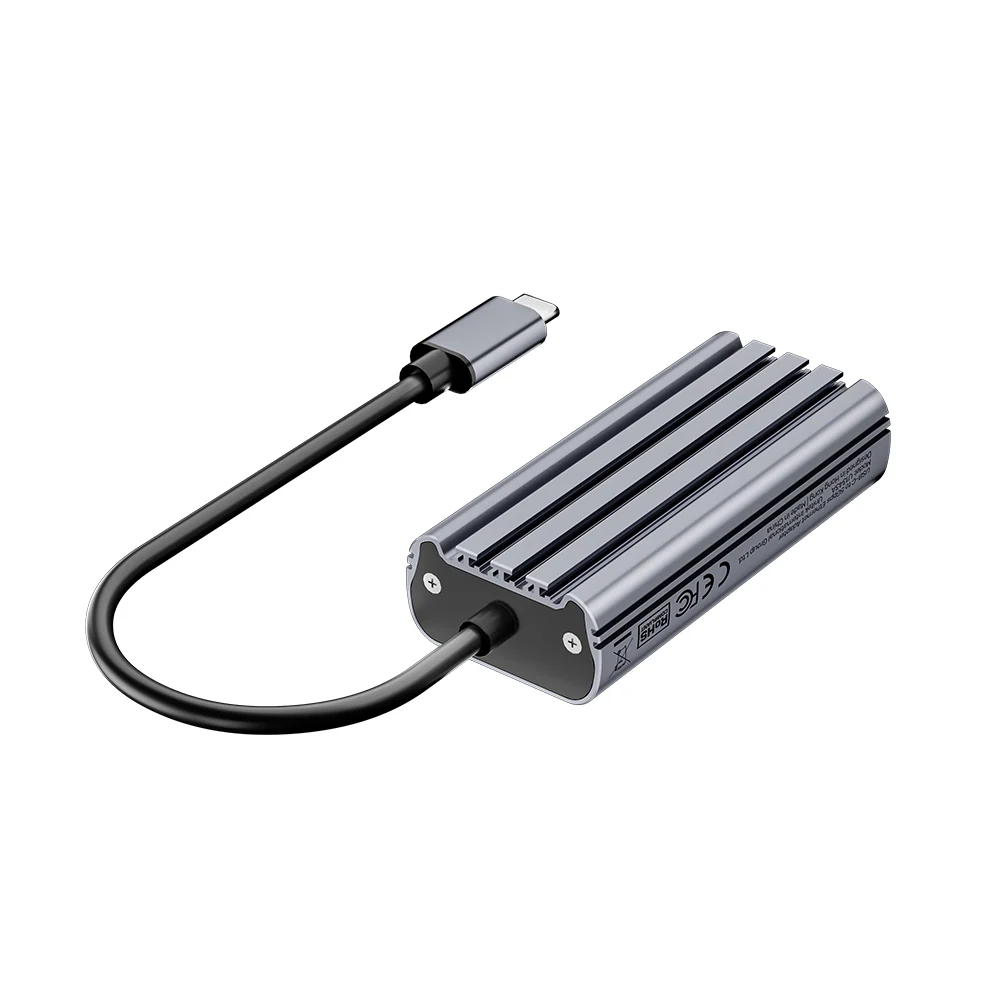
Aluminum Alloy Housing with Efficient Heat Dissipation
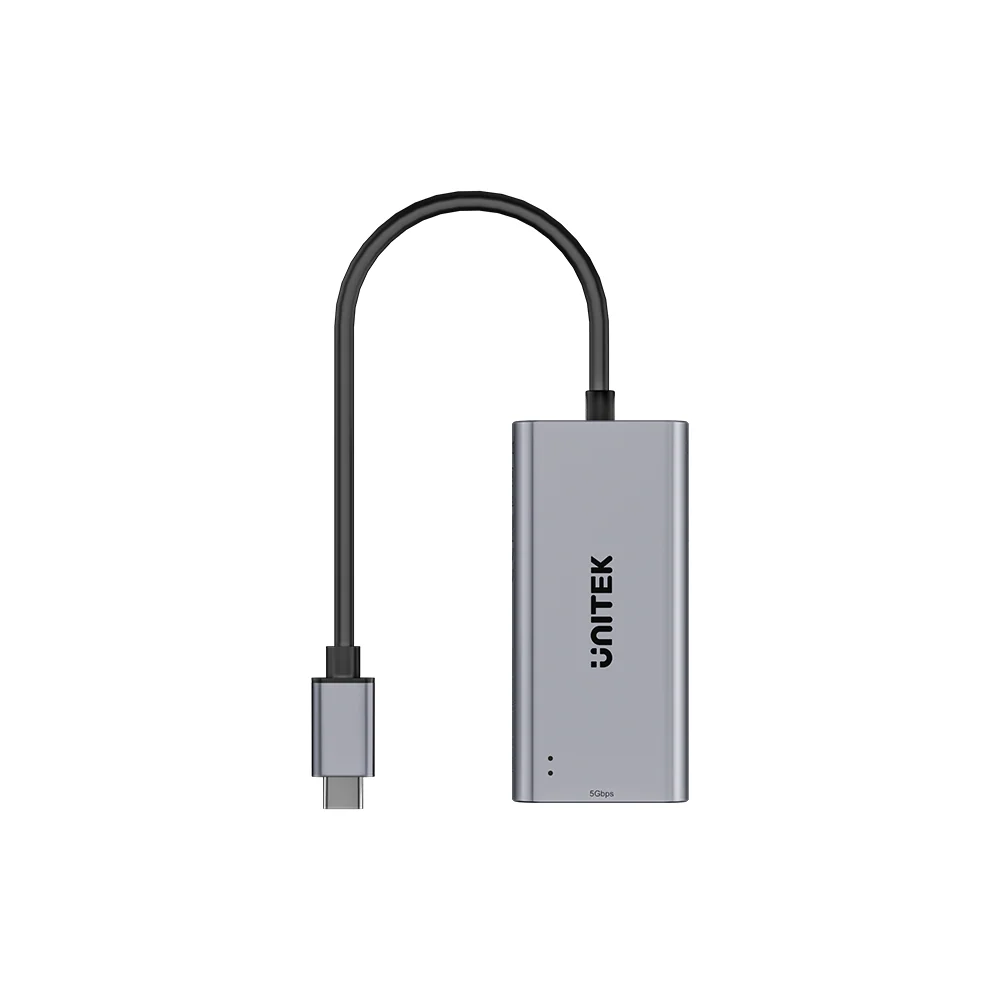
The UNITEK U1343AGY01 features an aluminum alloy enclosure in Space Grey.
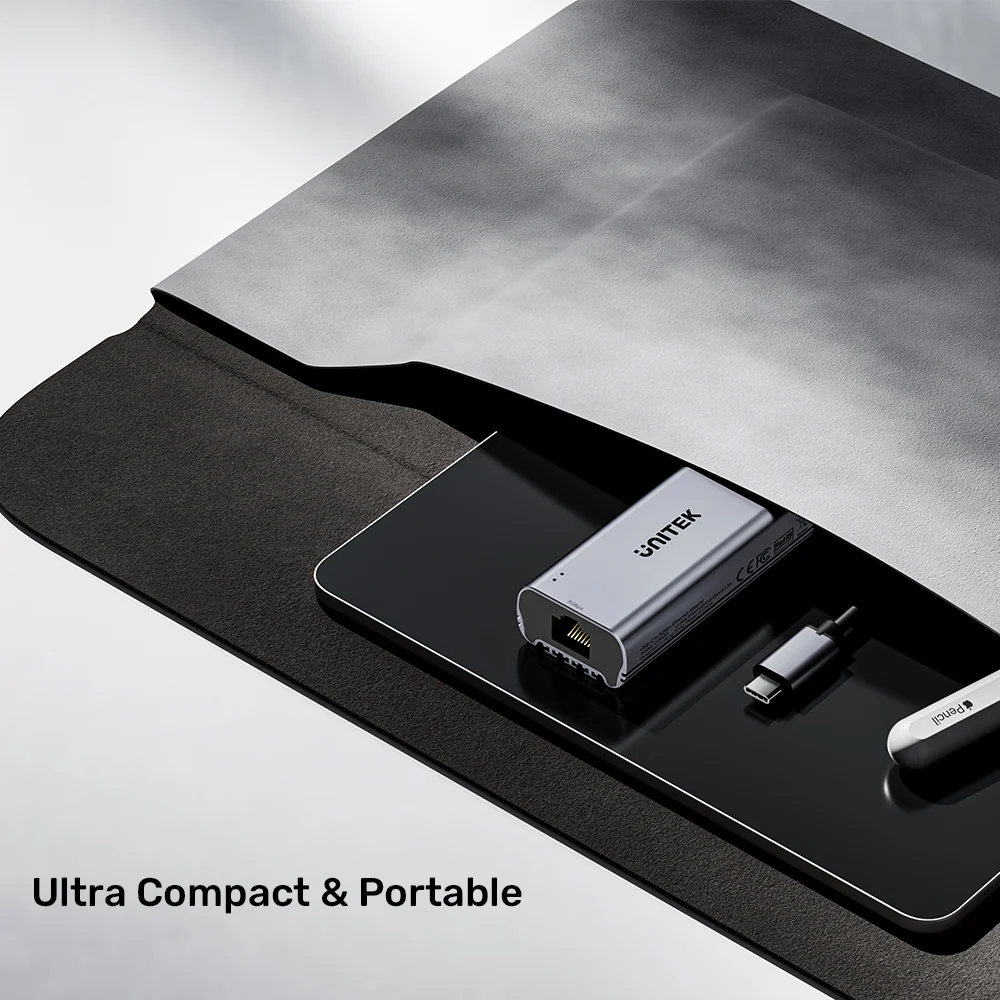
Its compact housing is designed for durability and everyday portability.
The manufacturer also highlights an internal heat-dissipation design intended to support stable operation during extended use.
This is particularly relevant when transferring large files or maintaining high-speed network connections for prolonged periods.
The aluminum construction gives the adapter a practical, professional appearance that fits modern laptop and desktop setups.
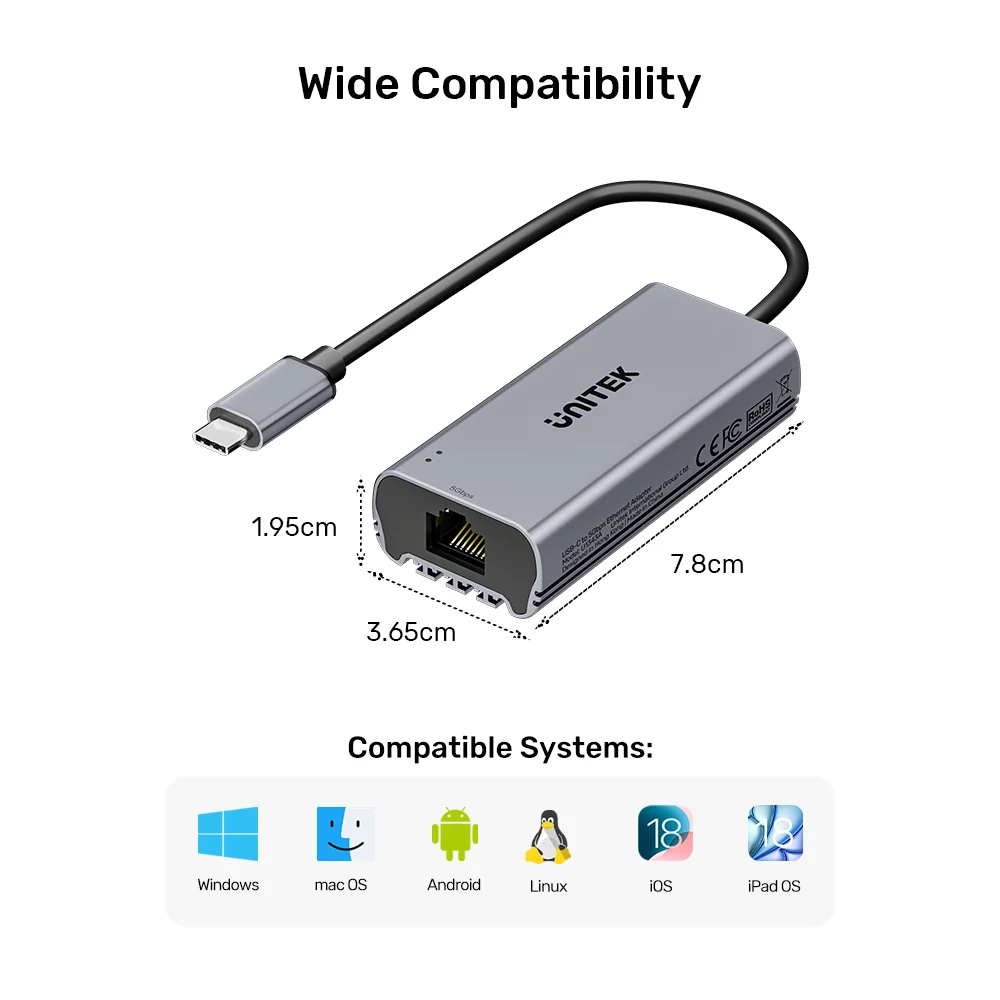
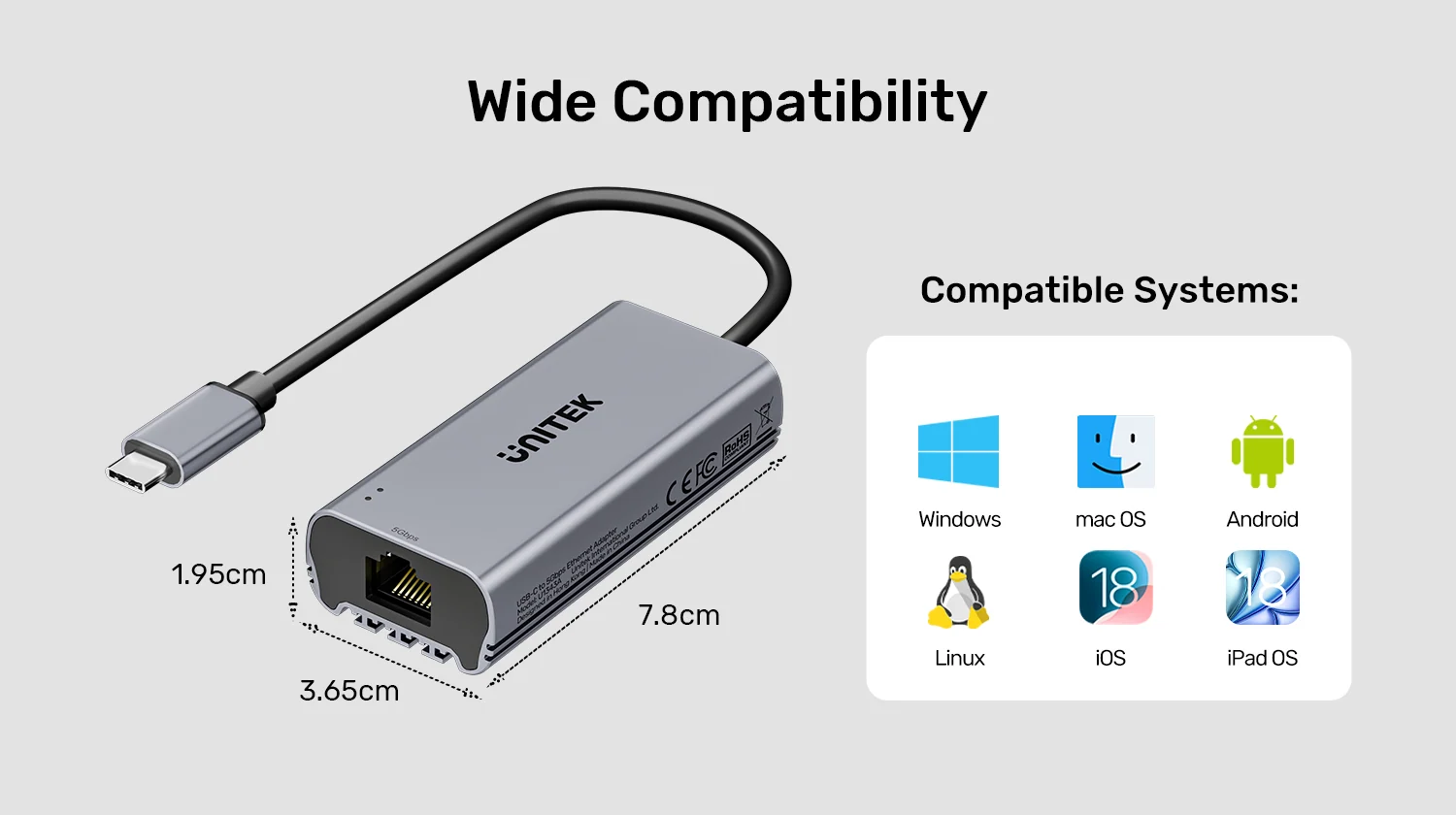
Its dimensions of 78 × 36.5 × 19.5mm make it compact enough to carry in a laptop bag or accessory pouch.
For reliable operation, avoid covering the adapter or placing it near excessive heat sources.
Bus-Powered USB-C Design – No External Adapter Required
The UNITEK 5Gbps Ethernet Adapter receives operating power through its USB-C connection.
This eliminates the need for an external power supply or separate charging cable.
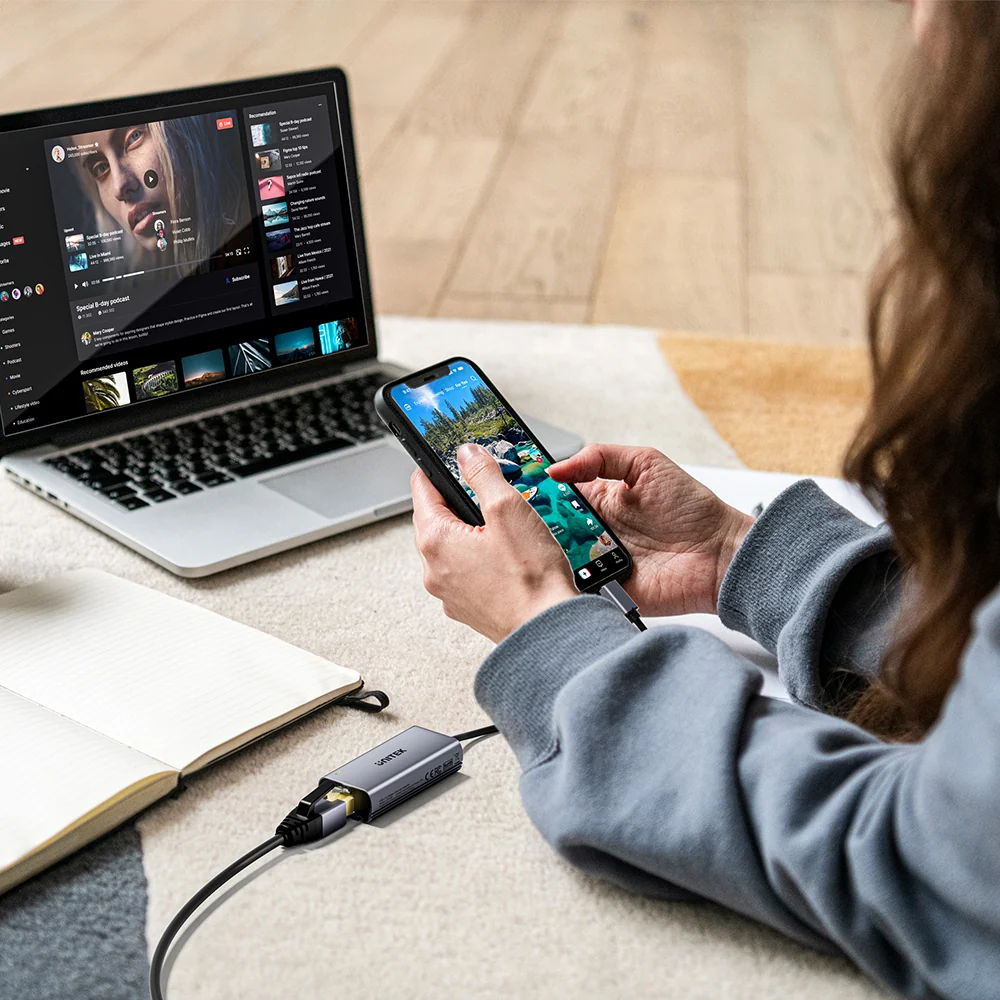
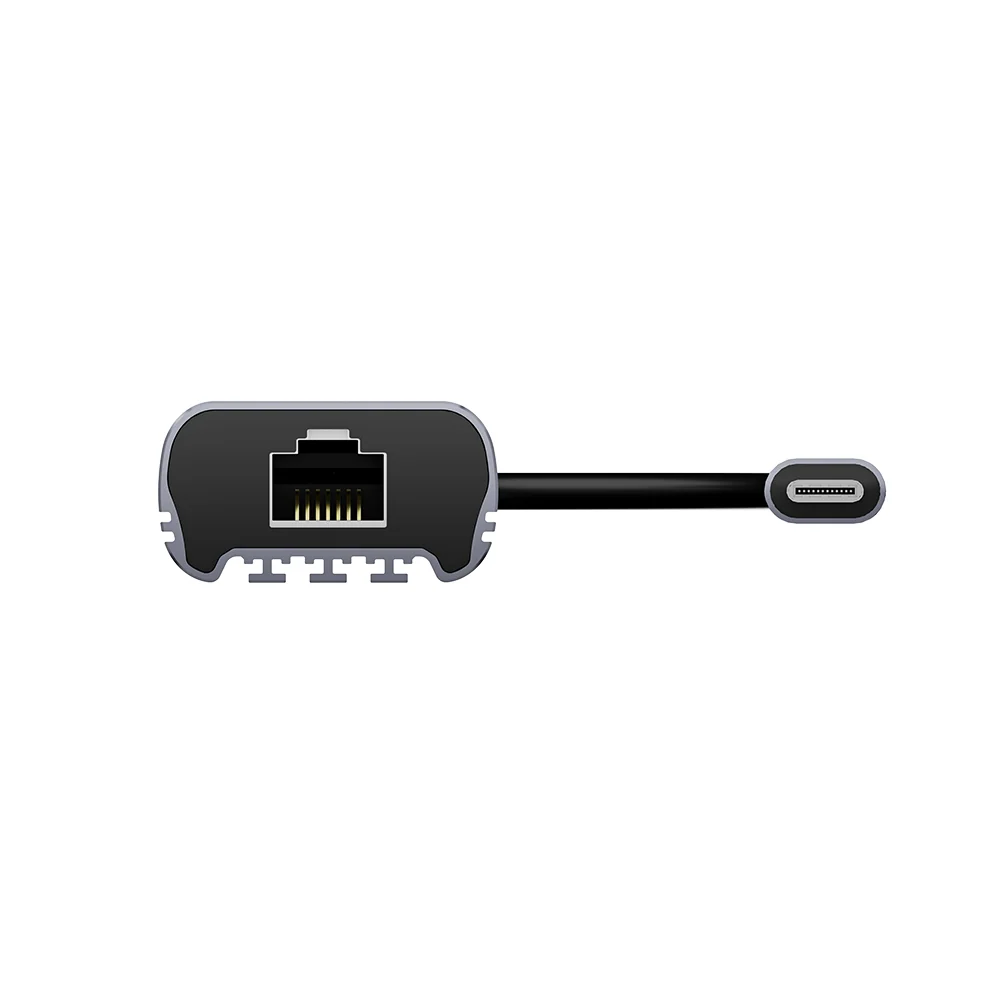
Simply connect the integrated USB-C plug to a compatible host device and attach an Ethernet cable to the RJ45 port.
The bus-powered design is especially convenient for laptop users who frequently move between workstations, meeting rooms and travel environments.
It also helps reduce unnecessary power cables around the desk.
The connected host must provide sufficient USB power and support compatible USB Ethernet operation.
Dual LED Indicators for Network Monitoring
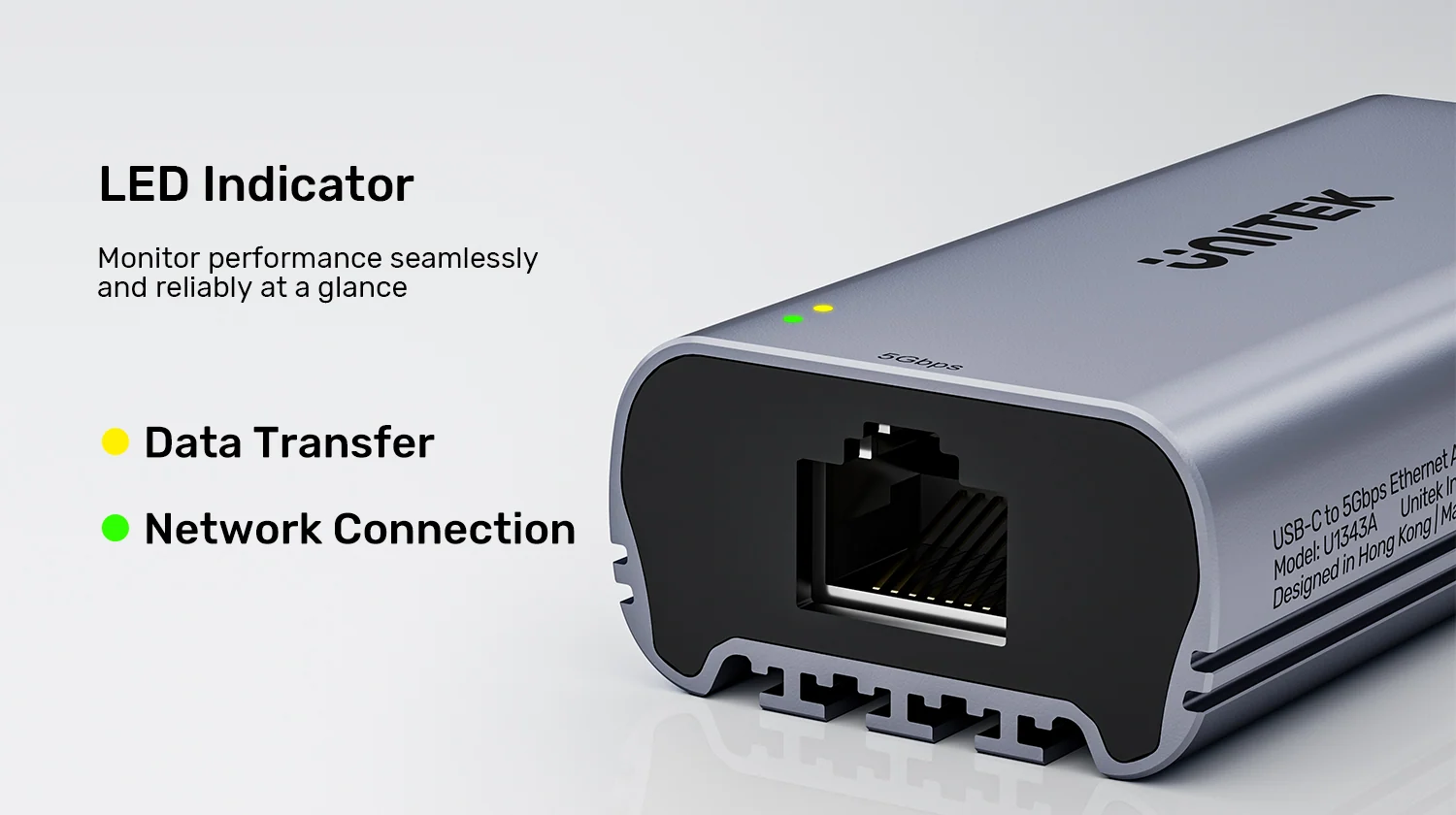
The adapter includes two status indicators that provide convenient visual feedback.
Yellow LED – Data Activity
The yellow LED indicates network data-transfer activity.
This can help users identify when the adapter is actively transmitting or receiving network traffic.
Green LED – Network Connection
The green LED indicates an established network connection.
Together, the two indicators provide a simple way to check connection status without opening network settings.
They can be helpful when troubleshooting a disconnected Ethernet cable or checking whether the network connection is active.
The LEDs are status indicators and do not provide a direct measurement of actual network throughput.
Plug-and-Play Compatibility Across Multiple Operating Systems
The UNITEK U1343AGY01 is designed for convenient operation on supported systems.
The manufacturer lists compatibility with:
- Windows 10.
- macOS.
- Linux.
- iPadOS.
- iOS.
- Android.
The adapter is advertised as driver-free on supported platforms.
For compatible devices, the operating system can recognize the USB Ethernet interface without requiring a separate manual driver installation.
However, support may vary by operating-system version, USB controller, device model and available network drivers.
Some devices may require a system update or compatible driver support before the adapter operates correctly.
For tablets and smartphones, confirm that the device supports USB Ethernet accessories.
Compact 15cm USB-C Cable for Convenient Connectivity
The adapter includes an integrated 15cm USB-C cable.
This short cable provides a convenient connection between the host device and the adapter housing.
It also helps position the RJ45 socket away from closely spaced USB-C ports, which can be useful on slim laptops.
The attached cable reduces the need to carry a separate USB-C connection cable.
Its compact design makes the adapter suitable for everyday workstations and portable setups.
Ideal Applications for the UNITEK 5Gbps Ethernet Adapter
The U1343AGY01 is designed for users who need flexible, high-speed wired networking.
- Multi-Gigabit Home Networks: Connect a compatible USB-C laptop to a 2.5GbE or 5GbE router or switch.
- NAS File Transfers: Access compatible network-attached storage over a high-bandwidth wired connection.
- Professional Workstations: Transfer large files and access shared network resources.
- MacBook Connectivity: Add an RJ45 Ethernet interface to compatible USB-C MacBooks.
- Windows Laptop Upgrades: Improve wired networking options on supported Windows laptops.
- Remote Work: Use a direct Ethernet connection for video meetings and cloud-based applications.
- Media Workflows: Move large photo and video files across compatible local networks.
- Travel and Portable Offices: Carry a compact Ethernet adapter for locations where wired networking is available.
- IT and Network Administration: Connect compatible USB-C devices to Ethernet networks for configuration and maintenance tasks.
Buy UNITEK USB-C to 5Gbps Ethernet Adapter in Pakistan
The UNITEK U1343AGY01 USB-C to 5Gbps Ethernet Adapter is an excellent choice for users who need faster wired networking without replacing their laptop or computer.
With support for 5Gbps, 2.5Gbps and Gigabit Ethernet, a durable aluminum alloy enclosure, integrated USB-C cable and dual LED indicators, it offers a practical upgrade for compatible home and office networks.
Whether you need a multi-gigabit LAN adapter in Karachi, a USB-C Ethernet converter in Lahore or a 5GbE network accessory in Islamabad, this adapter provides versatile wired connectivity.
Check the latest UNITEK U1343AGY01 USB-C to 5Gbps Ethernet Adapter Price in Pakistan and order from the Official UNITEK Store in Pakistan for an original UNITEK networking accessory.
Important Notes
- 5Gbps Network Requirement: A compatible 5GbE network port, suitable cabling and a sufficiently fast USB host interface are required to achieve the maximum advertised link speed.
- USB-C Host Performance: UNITEK recommends a USB-C 10Gbps connection, including compatible Thunderbolt or USB4 interfaces, for optimal 5Gbps performance.
- Ethernet Cable: A Cat 6A or higher-grade Ethernet cable is recommended by the manufacturer for maximum performance.
- Backward Compatibility: The adapter can negotiate lower supported Ethernet link speeds when connected to slower network equipment.
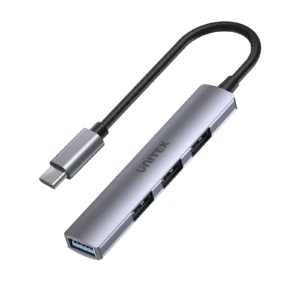
- Internet Speed: A 5Gbps Ethernet link does not guarantee 5Gbps internet speed. UNITEK uHUB Q4 USB-C Hub 4-in-1 USB-A Adapter (5Gbps + 3x USB 2.0) Your internet service and network equipment must also support the required bandwidth.
- Actual Throughput: Real-world file transfer speeds are lower than nominal link rates due to protocol overhead and device limitations.
- Driver-Free Operation: Plug-and-play functionality depends on operating-system and device support.
- Mobile Device Compatibility: iOS, iPadOS and Android devices must support compatible USB Ethernet accessories.
- Power Supply: The adapter is powered by the USB-C host and does not require a separate external adapter.
- Charging Function: This is an Ethernet network adapter, not a USB-C Power Delivery charging hub.
- LED Indicators: Yellow indicates data activity, while green indicates network connection status.
- Warranty: Confirm applicable warranty terms with the seller before purchase.



Write a review