
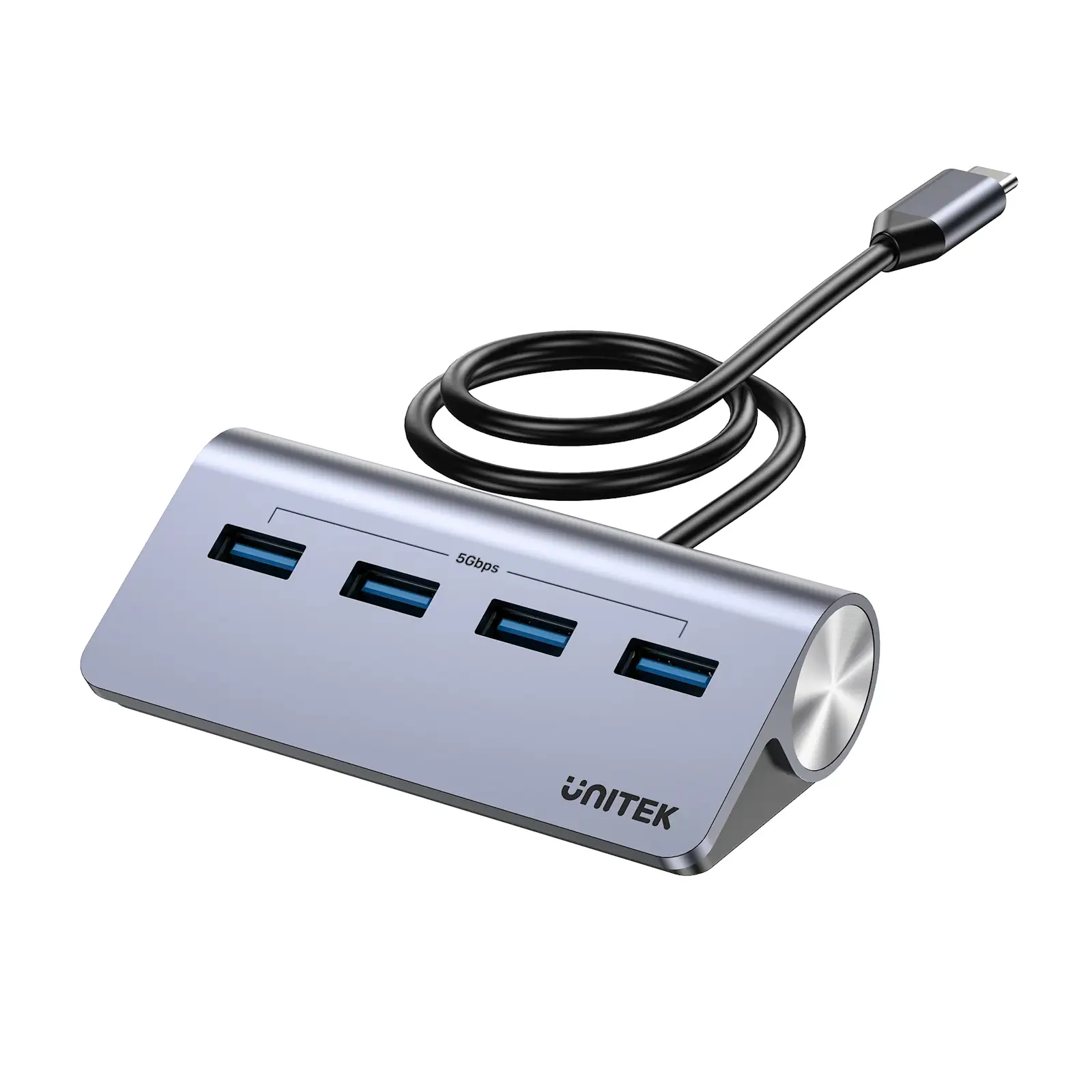
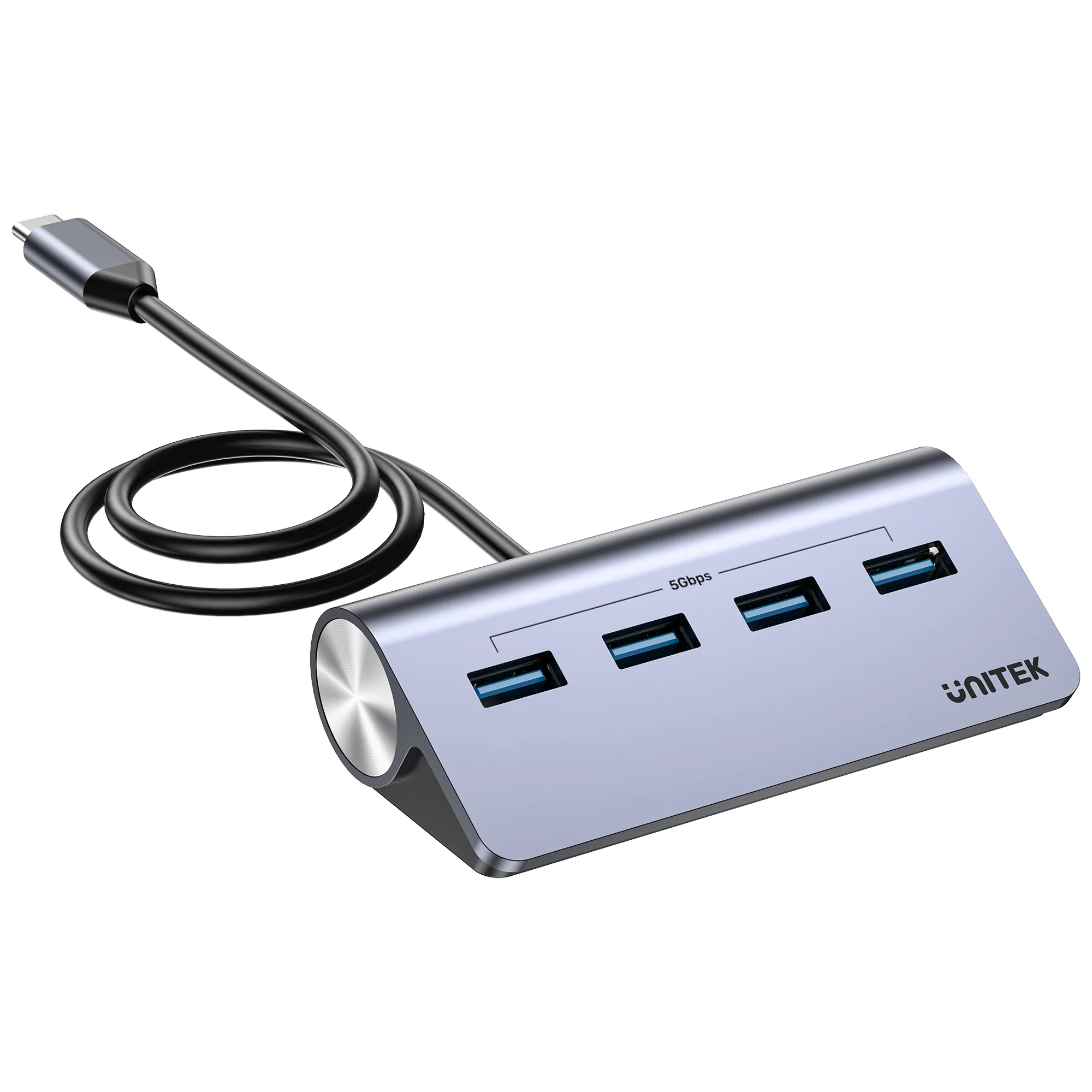

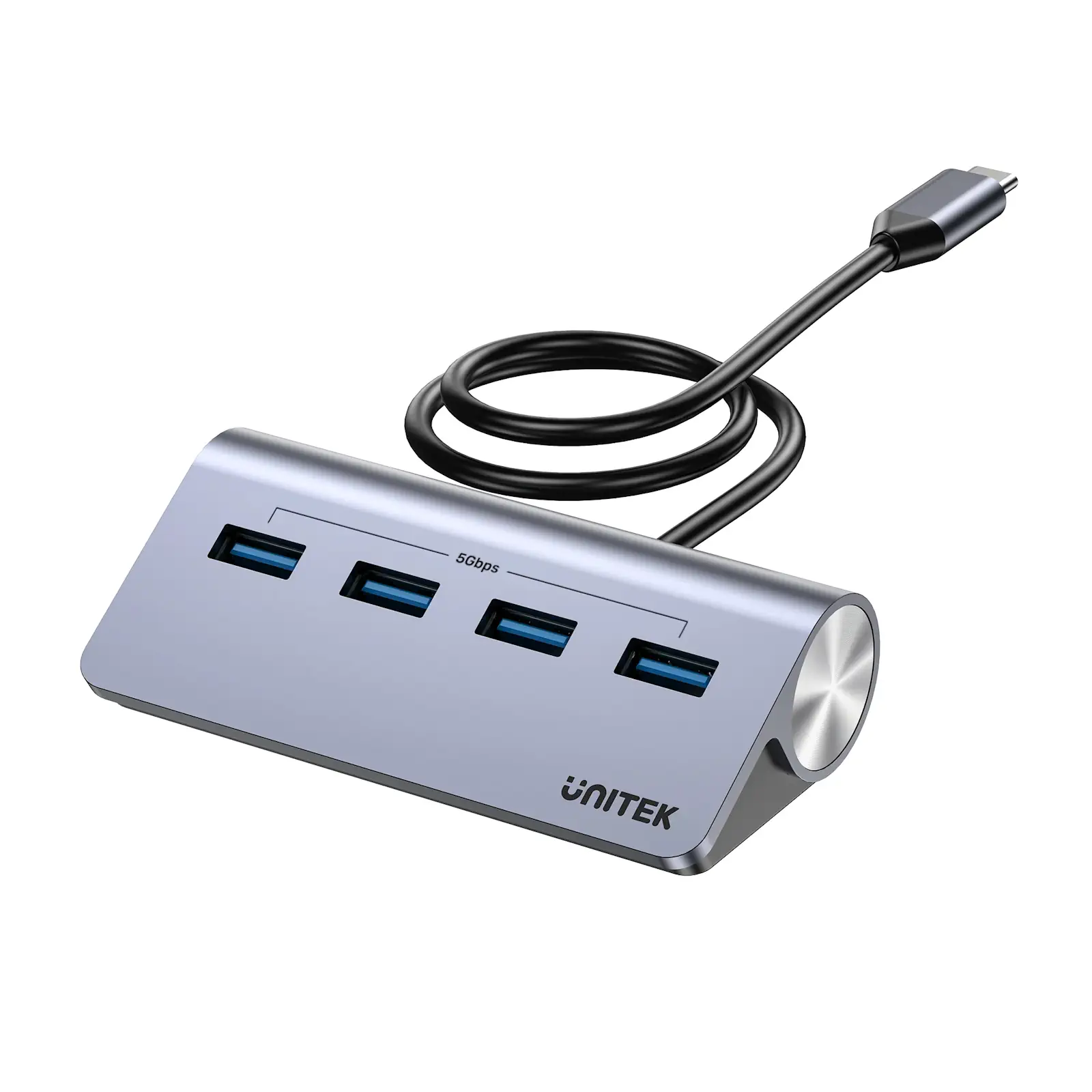
UNITEK H1337BGY01 uHUB Q4 4-in-1 USB-C Hub, 4x USB-A 5Gbps Data Ports with External Power, 33° Angled Aluminum Design for MacBook, Windows Laptop, iPad Pro


Maximize your laptop’s potential without sacrificing a sleek profile. UNITEK USB-C to Dual 4K HDMI Adapter The UNITEK uHUB Q4 is a smartly designed, high-performance USB-C hub that delivers essential expansion for modern thin-and-light laptops. It combines fast data transfer, reliable powered operation, and an ingenious ergonomic design in a compact, all-metal form factor.
Essential Expansion for Modern Workflows
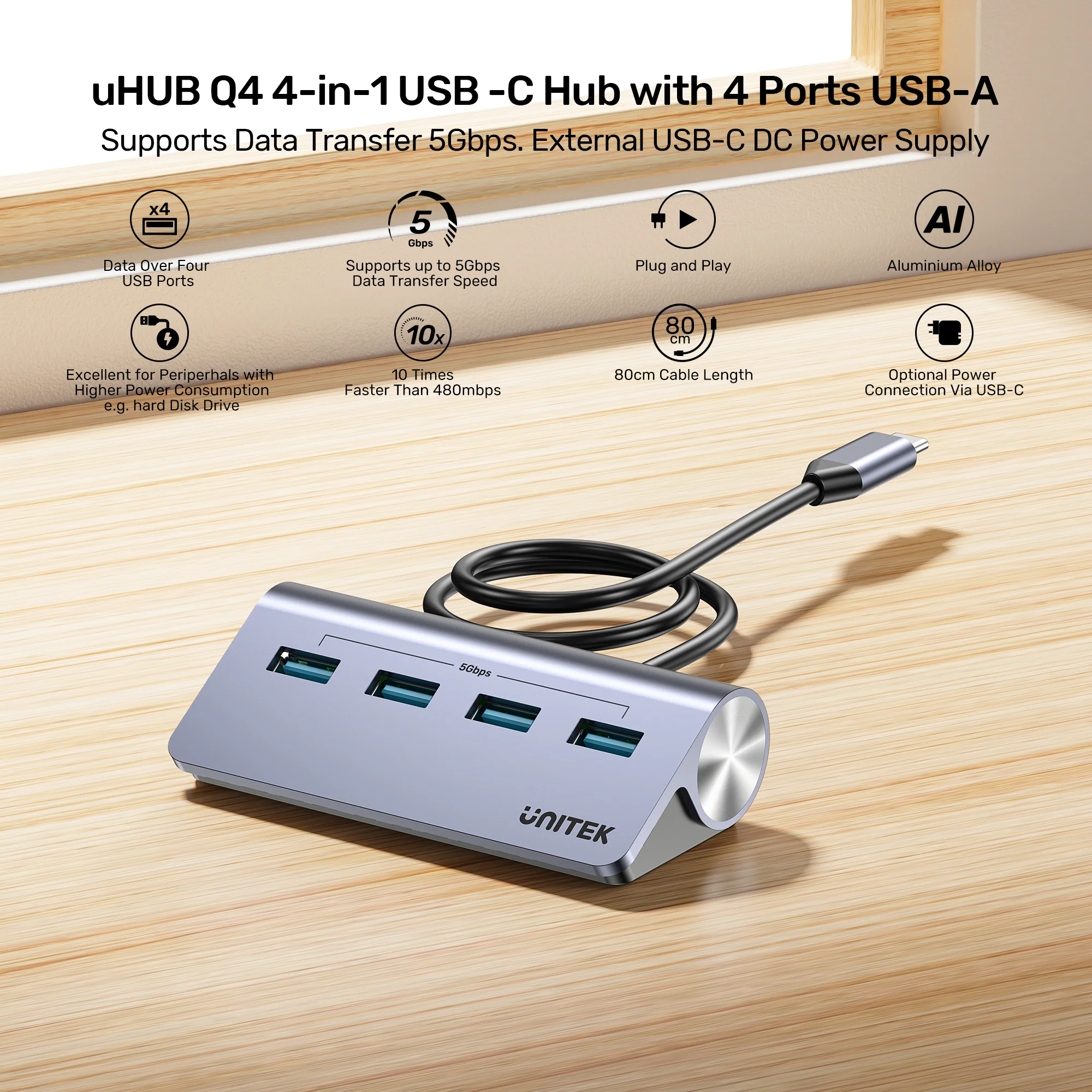
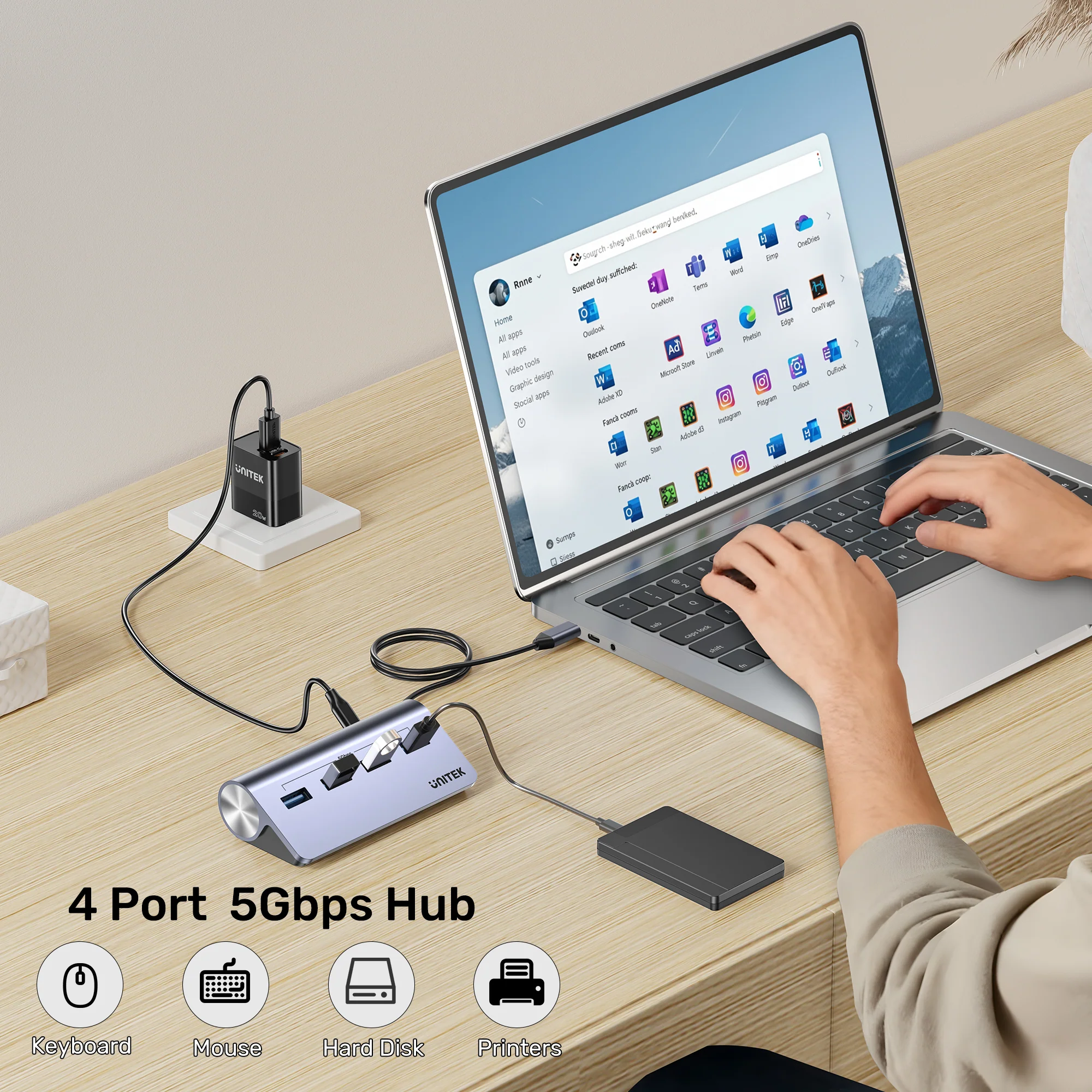
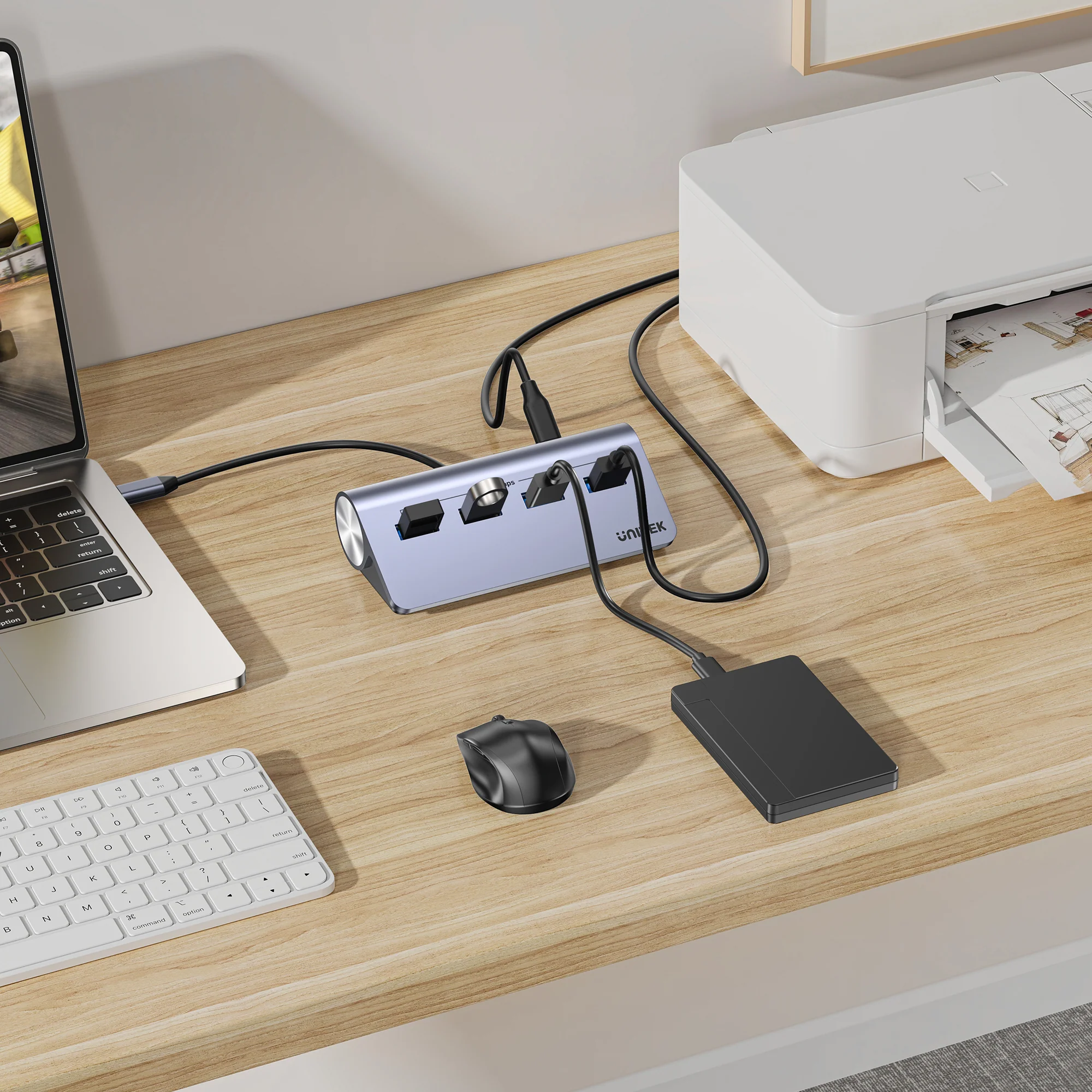
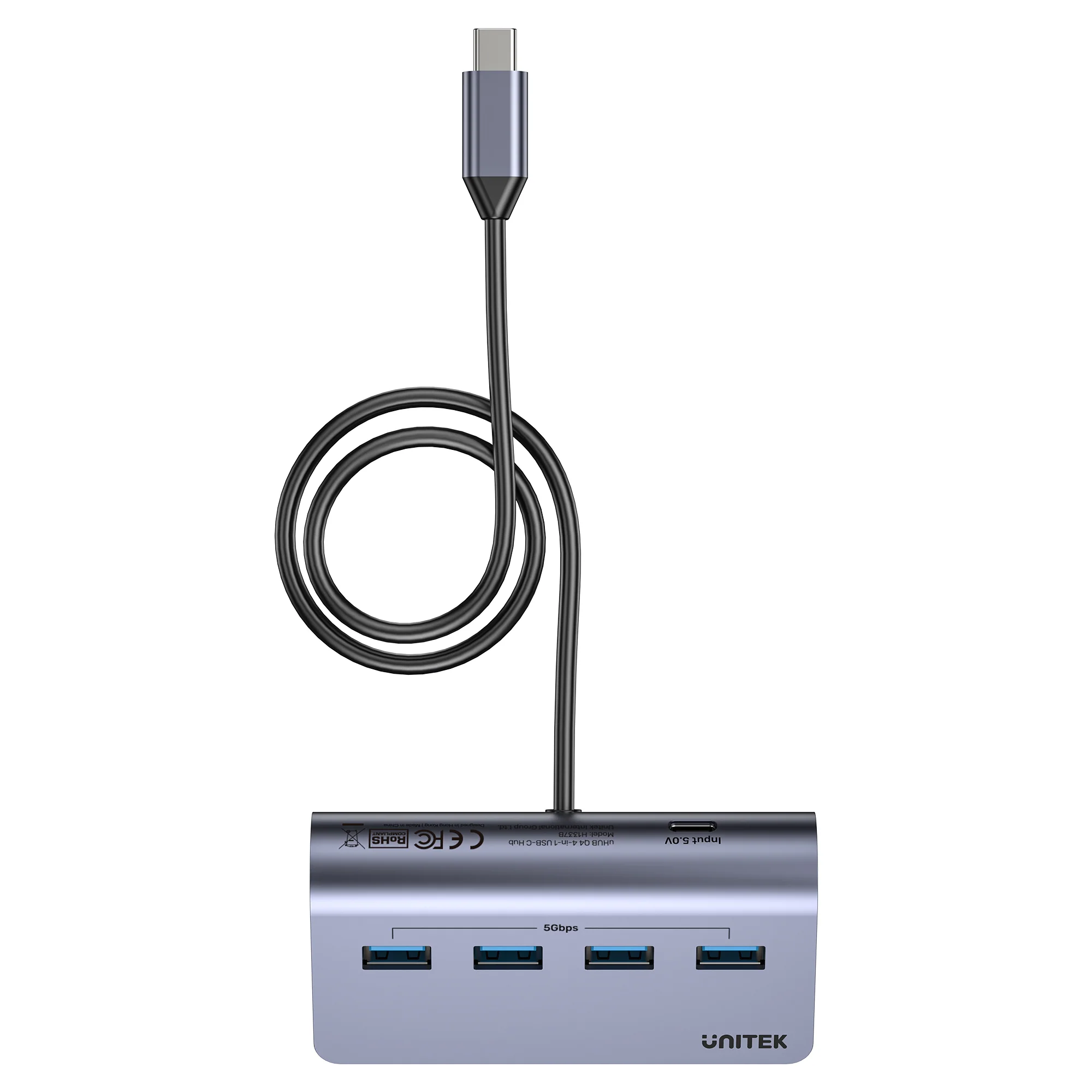
First and foremost, as laptops become thinner, USB-A ports are disappearing. This hub restores crucial connectivity, allowing you to connect legacy and modern USB-A devices like external hard drives, security dongles, and input devices to your USB-C laptop. It’s the perfect desktop docking solution for a clean, cable-free desk.
Powered Performance When You Need It
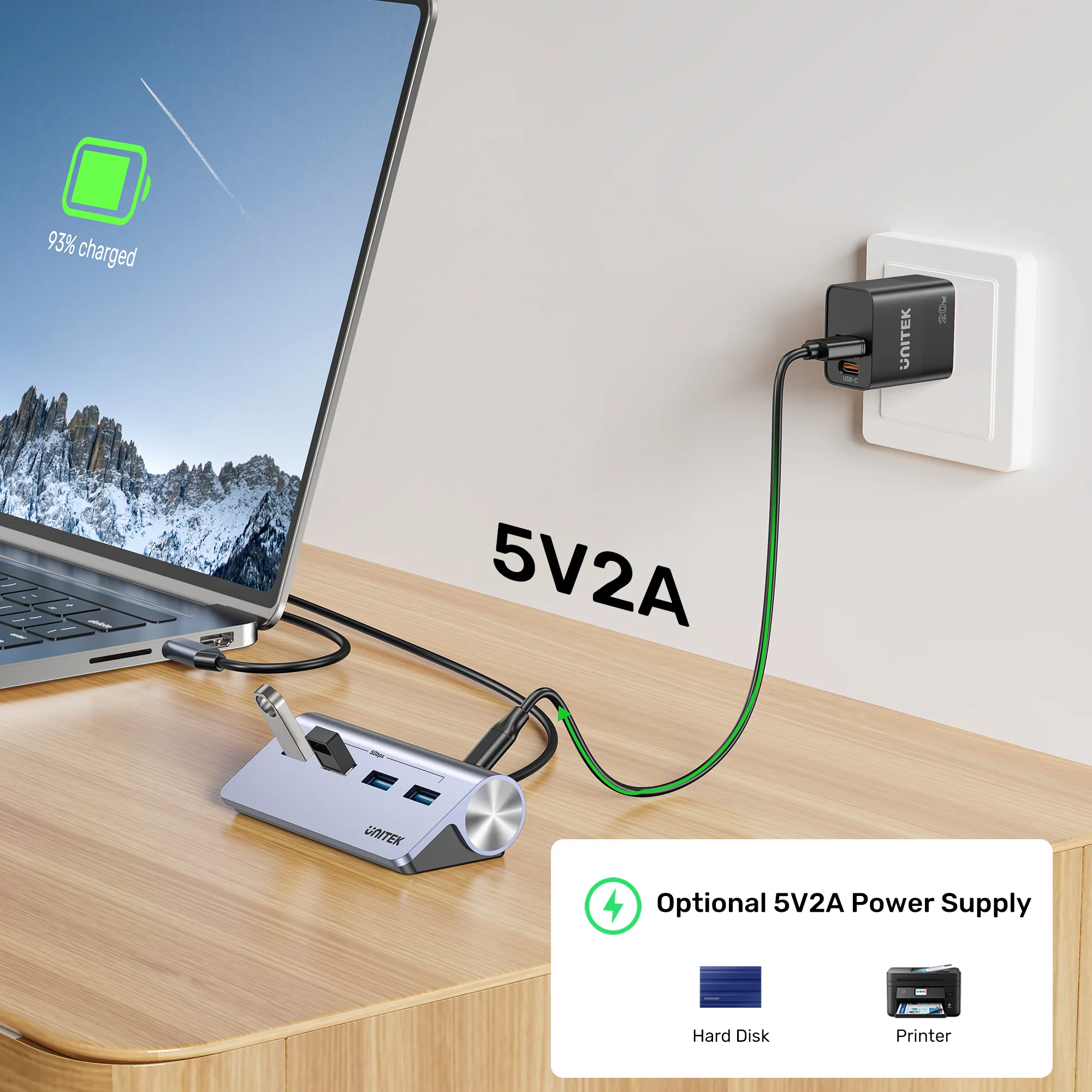
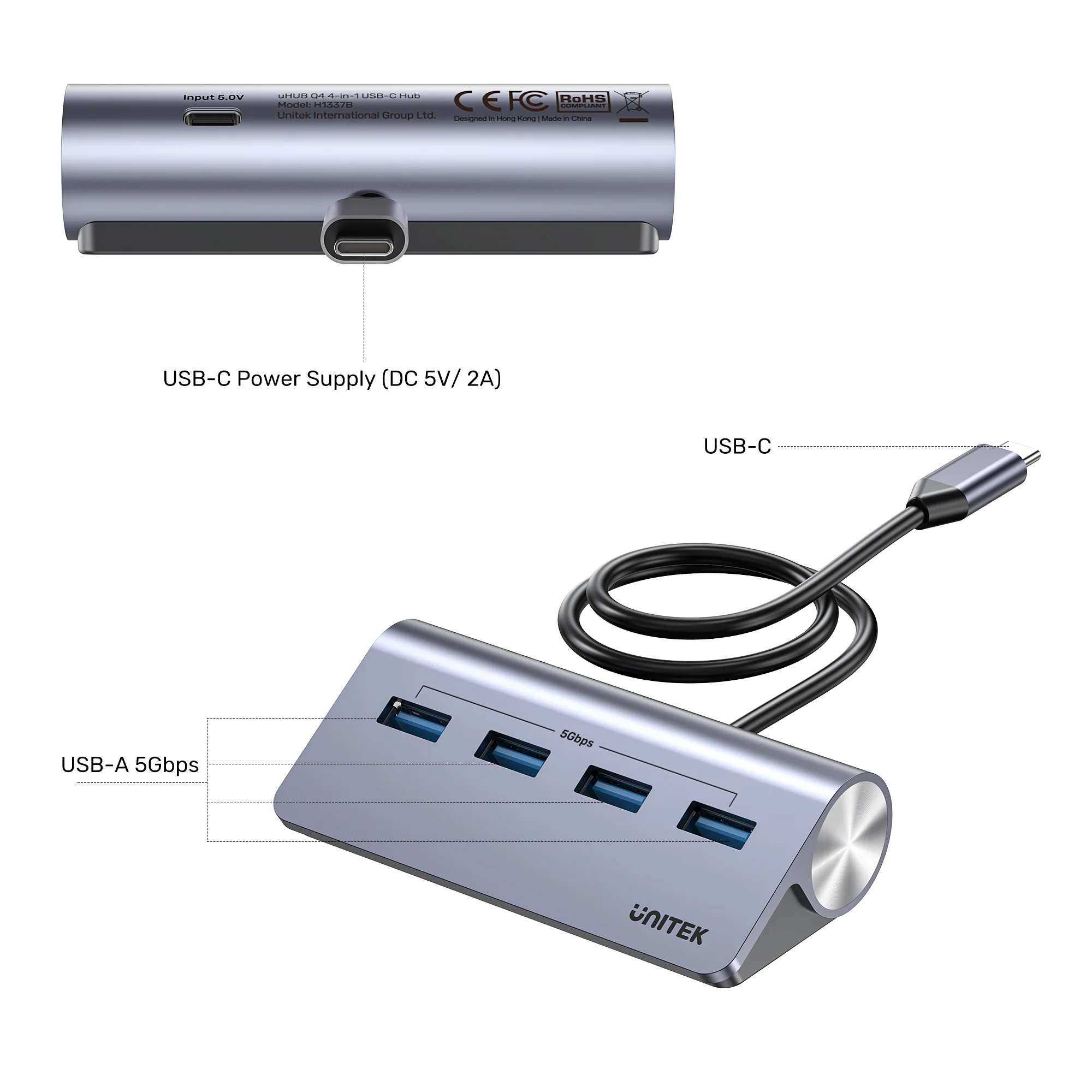
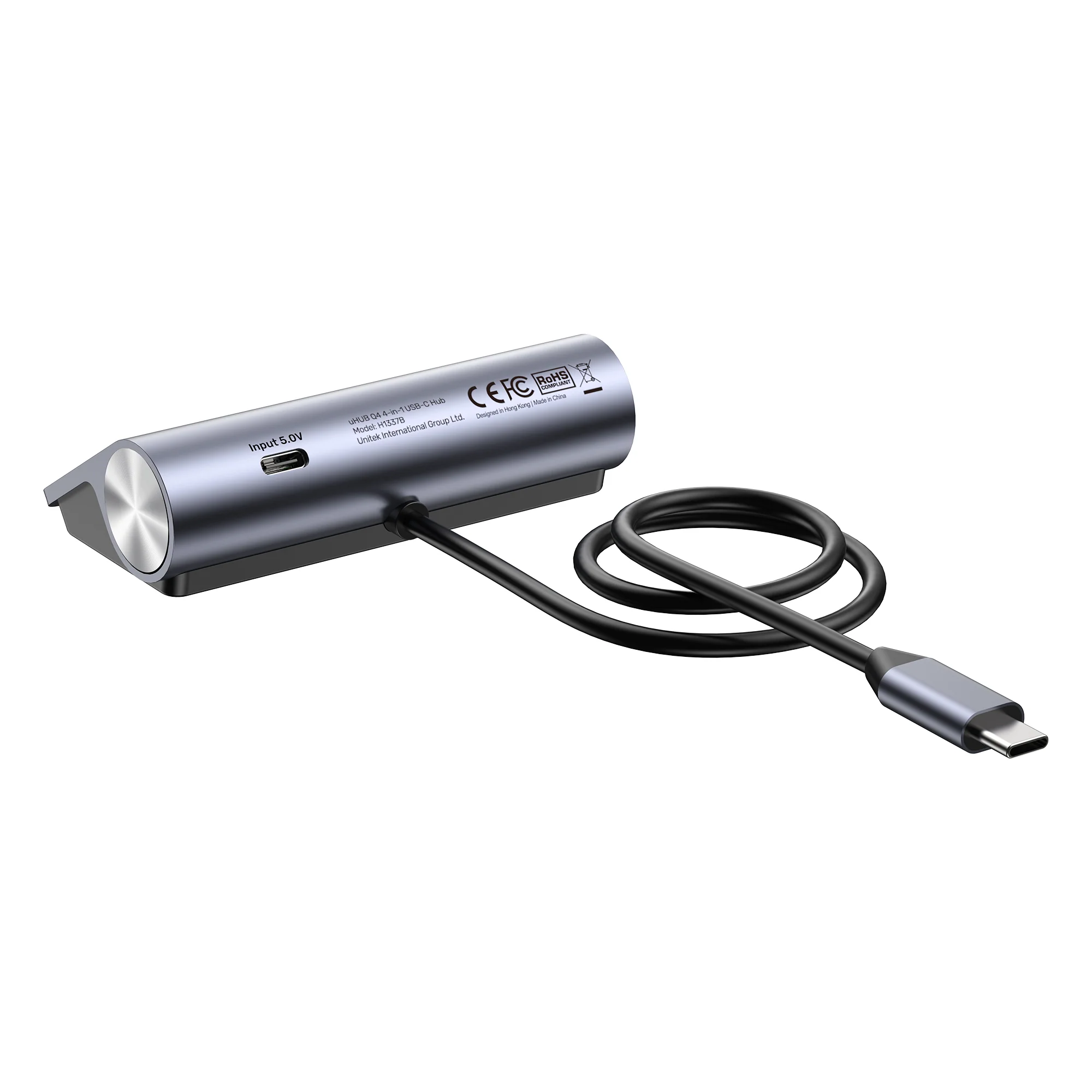
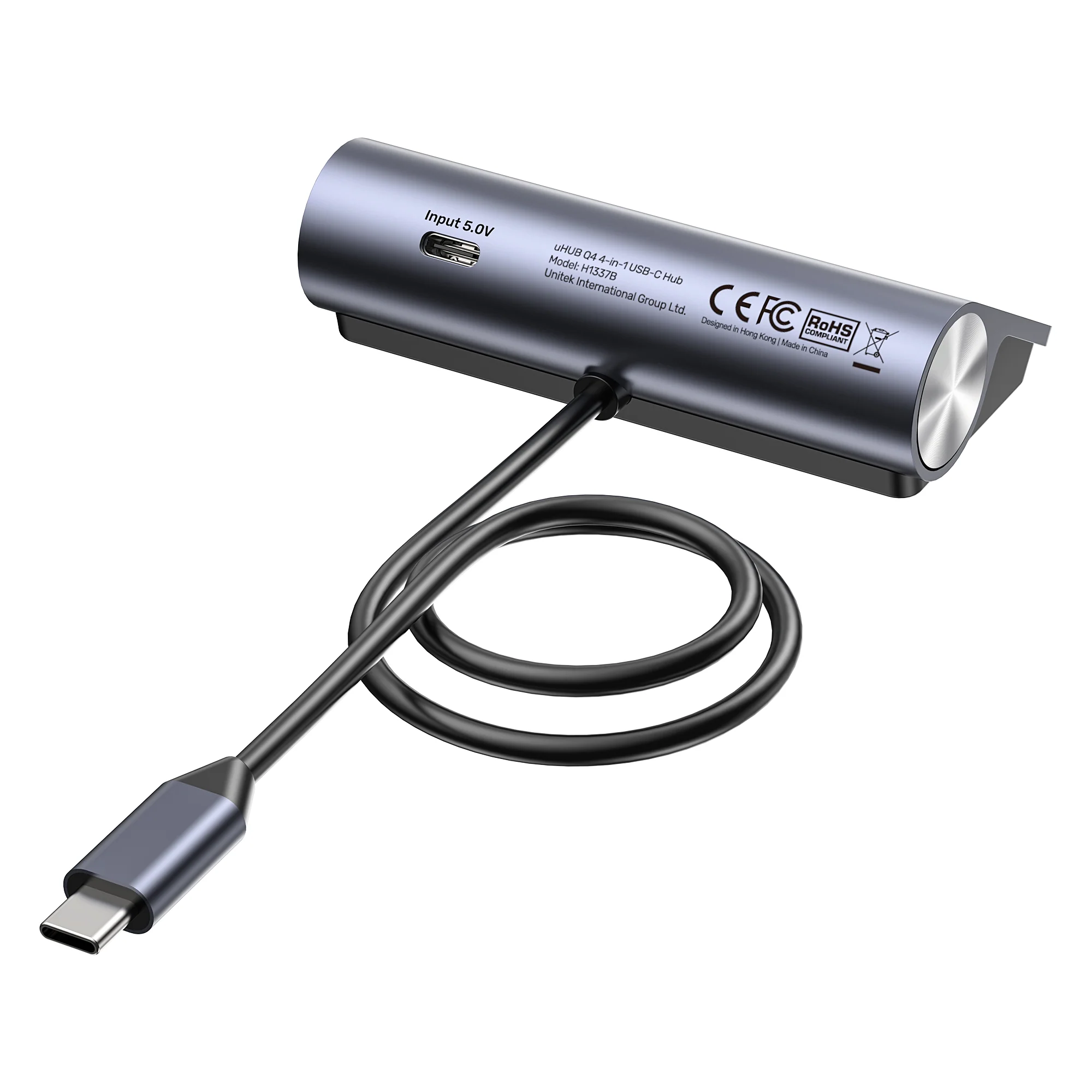
The key differentiator is the external DC power input. While the hub works bus-powered for low-energy devices, adding a 5V adapter (not included) via this port guarantees stable, simultaneous operation of all four ports with power-hungry devices like multiple hard drives, preventing data drops and errors. Power it with any UGREEN USB charger.
Engineered for Comfort and Longevity
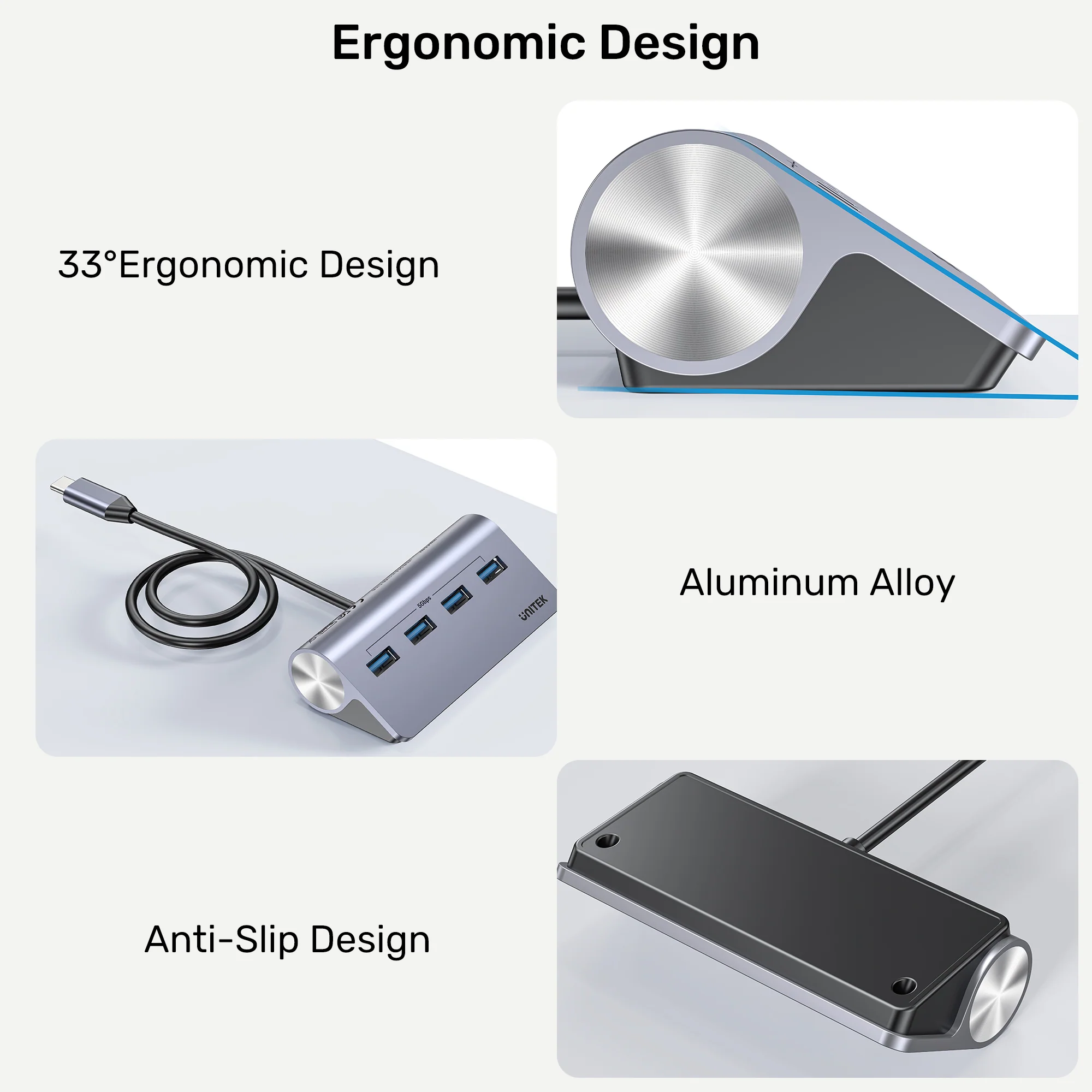
Designed with user experience in mind, the 33-degree slope makes plugging and unplugging cables intuitive and strain-free. UNITEK USB-C to HDMI 8K Adapter with USB 3.0 and PD 100W Charging Moreover, the unibody aluminum construction not only looks premium but also effectively dissipates heat, protecting your connected devices and ensuring the hub’s durability for years of reliable service.
Products Specifications:
- Model: UNITEK H1337BGY01 (uHUB Q4)
- Type:
Powered USB-C to USB-A Data Hub - Upstream Port:
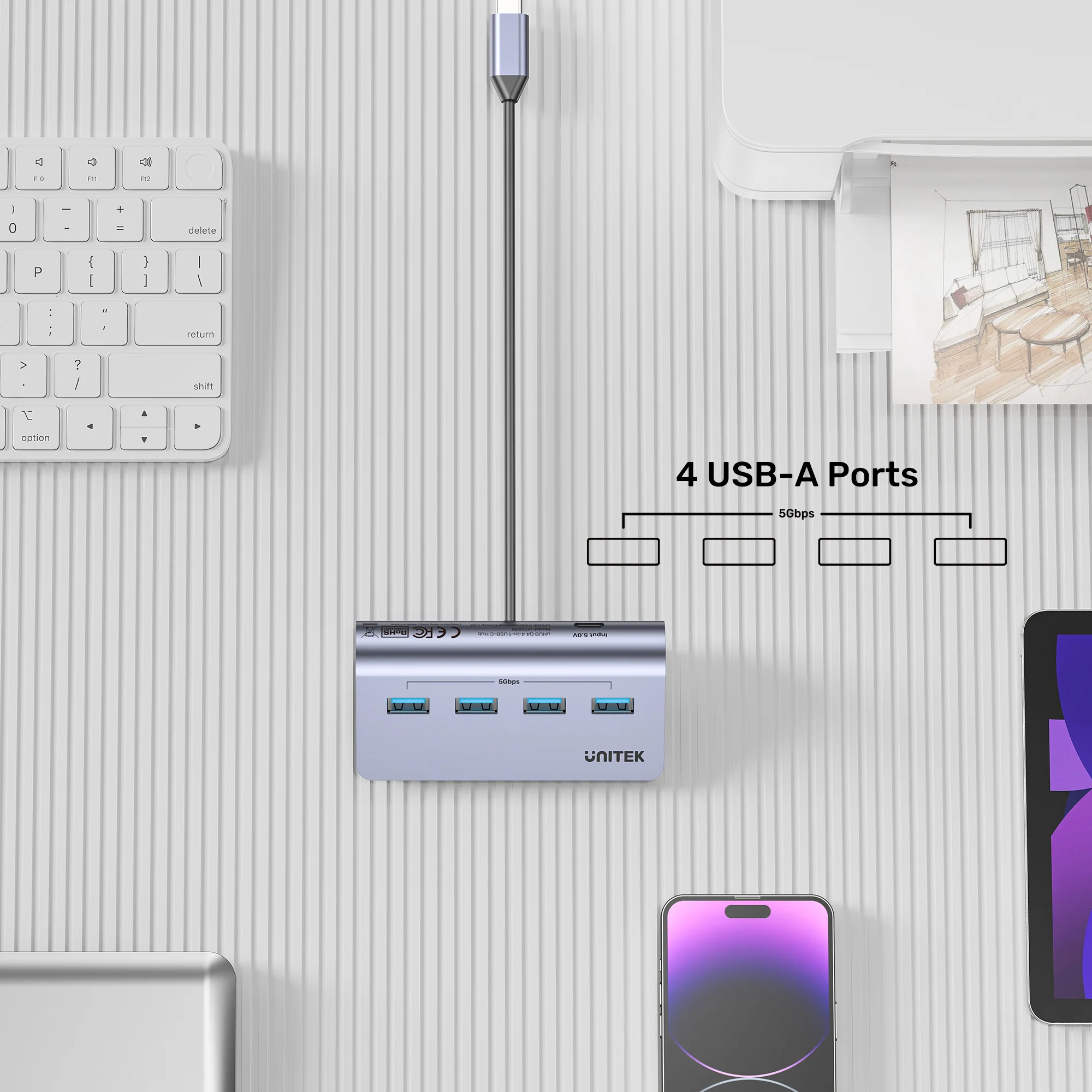
1 x USB-C (to Host Computer) - Downstream Ports:
4 x USB-A 3.2 Gen 1 (5Gbps) - Power Port:
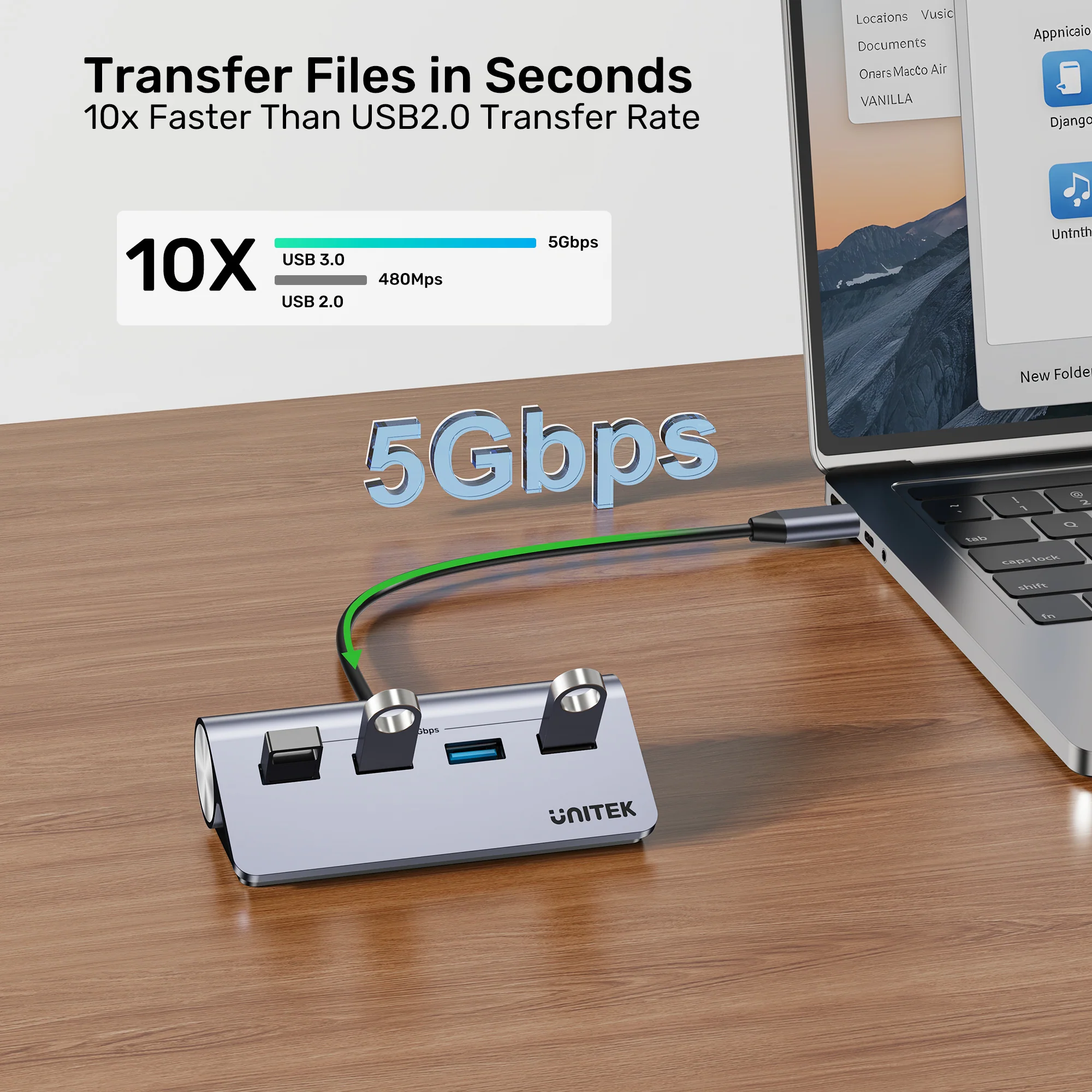
1 x USB-C (DC 5V/2A Input) - Data Transfer Speed:
Up to 5 Gbps - Power Supply:
Bus-powered or External 5V/2A DC (Adapter not included) - Protection:
Anti-Reverse Current Protection - Housing:
Aluminum Alloy - Cable Length:
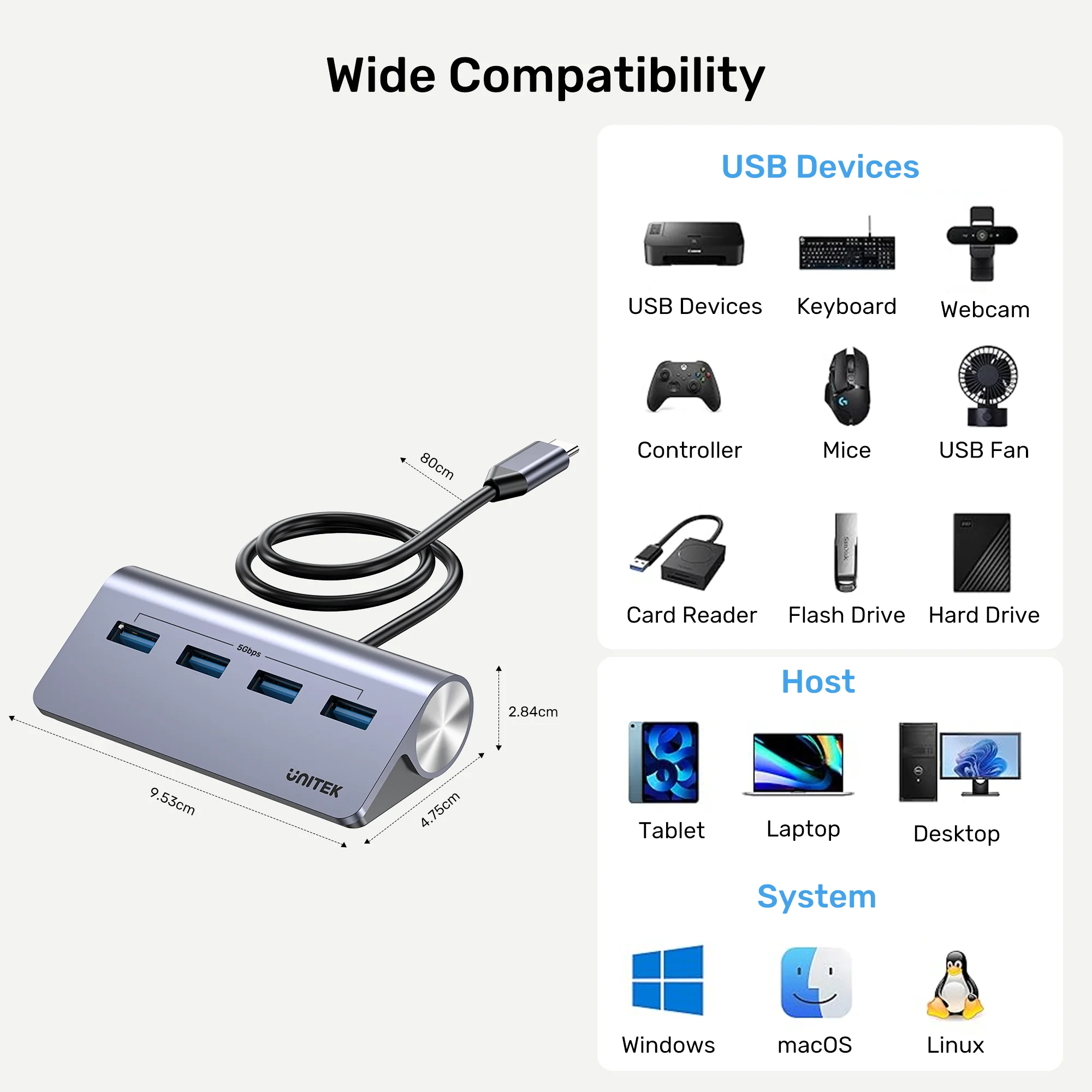
80 cm (Attached) - Dimensions: 95.3mm x 47.5mm x 28.4mm
- Color: Space Grey
- OS Support: Windows, macOS, Linux, Chrome OS, iPadOS, Android
What’s in the Box?
- 1 x UNITEK uHUB Q4 4-Port USB-C Hub
- 1 x User Manual
10 FAQs:
1. Does this hub support fast charging for phones or tablets?
No. The four USB-A ports are data transmission ports only. They do not support fast charging protocols like QC or PD. They provide standard 5V/0.9A power for data devices.
2. Why is there a separate USB-C port for power?
The DC power input port allows you to connect an external 5V adapter. This is essential when you are using multiple high-power devices (like 2.5″ hard drives) simultaneously, ensuring they all receive stable power and function correctly.
3. UNITEK uHUB S7 7-in-1 USB Hub 5Gbps Aluminum USB-C & USB-A Expander Is an external power adapter included?
No, a power adapter is not included in the box. The hub will operate in bus-powered mode from your laptop for low-power devices. For high-power scenarios, you can use any standard 5V/2A USB charger (like a phone charger).
4. Can I connect an external monitor or Ethernet through this hub?
No. This hub is specifically for adding USB-A data ports. It does not have HDMI, Ethernet, or SD card slots. For those functions, you would need a more comprehensive UNITEK docking station.
5. Will it work with my iPad Pro or Android tablet?
Yes, for data transfer. If your tablet supports USB peripherals (USB OTG), you can use this hub to connect USB flash drives, keyboards, or mice to your iPad Pro or Android device for expanded functionality.
6. UNITEK 4-Port USB 2.0 Hub 480Mbps Ultra-Compact USB Expander (White) What is the benefit of the 33-degree angle?
The angled design brings the ports to a more natural and visible position, making it much easier to insert and remove USB cables without straining or looking underneath the hub, especially when it’s placed behind a laptop or monitor.
7. Does it support USB 2.0 devices?
Yes, it is fully backward compatible. You can connect USB 2.0 and USB 1.1 devices (like older keyboards or mice), and they will work at their native, slower speeds.
8. Is the attached cable long enough?
The 80cm (31-inch) attached cable provides ample length to position the hub conveniently on your desk, whether your laptop is on a stand, docked, or sitting directly on the desk surface.
9. Can I use it to charge devices at all?
It can provide standard, low-power charging (5V/0.9A per port) to devices like wireless mouse receivers or basic phones, but it is not designed for fast or efficient charging. Use a dedicated UGREEN charger for that.
10. Where can I find a compatible power adapter?
You can use any quality 5V/2A (10W) USB power adapter with a USB-C cable. We recommend using reliable brands like UNITEK or UGREEN. Browse UGREEN’s power adapters for a suitable option.


 No products in the cart.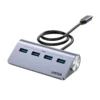
Write a review