


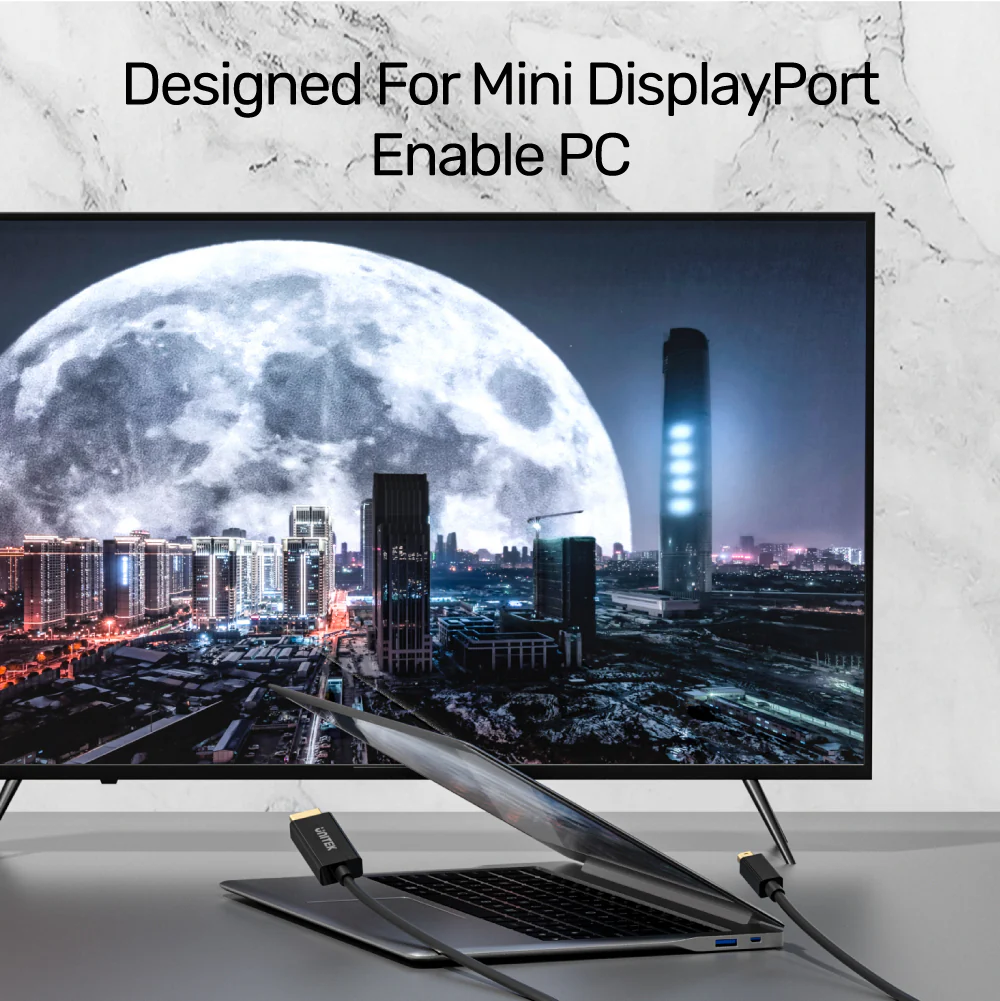

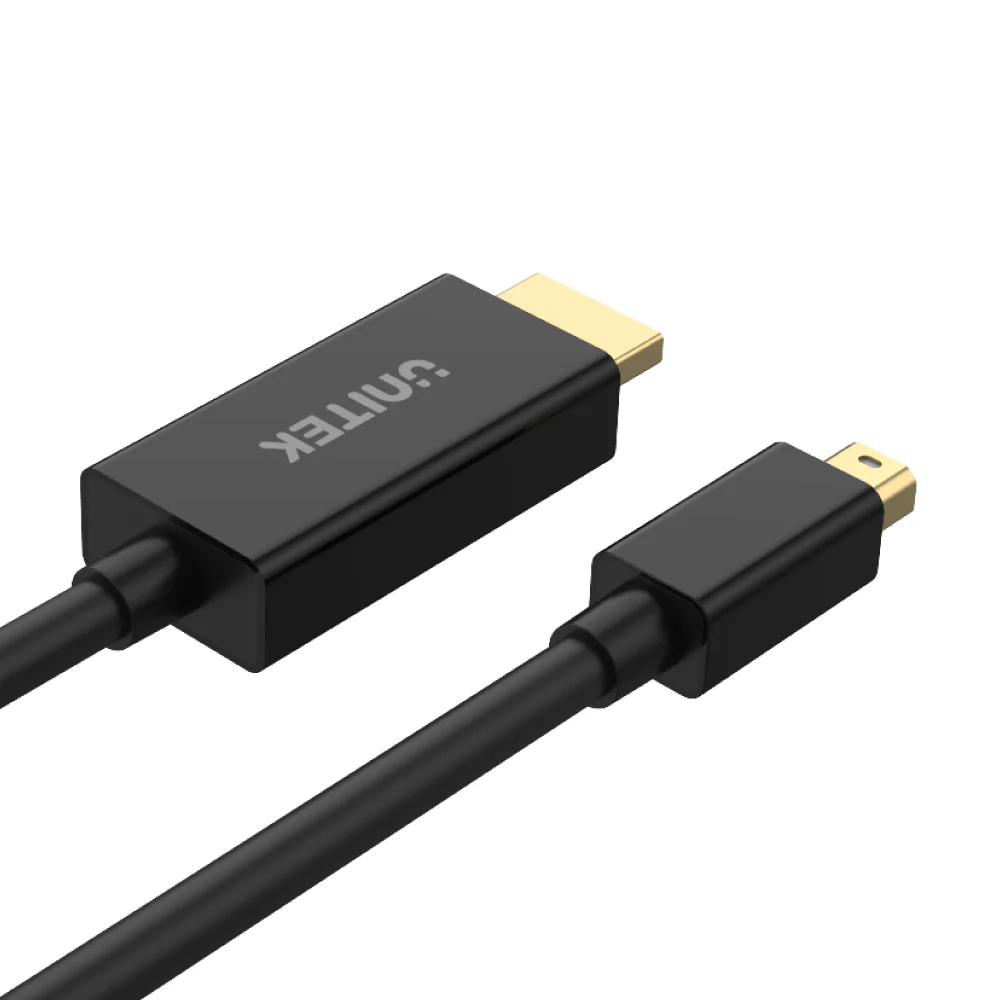

UNITEK V1152A Mini DisplayPort to HDMI Cable 2 Meter, 4K@30Hz, HDCP 2.2, HDR, 3D Support, Gold-Plated Connectors, Plug-and-Play for MacBook, Surface Pro, and More (Black)
The UNITEK V1152A Mini DisplayPort to HDMI Cable is the ultimate solution for connecting your Mini DisplayPort devices to HDMI displays. UNITEK C1628GY01 DisplayPort 1.4 Cable 8K@60Hz, 32.4Gbps, 240Hz, HDR, DSC 1.2 Whether you’re streaming 4K videos, giving a presentation, or extending your desktop, this cable ensures seamless connectivity and high-quality performance.
With support for 4K Ultra HD resolution at 30Hz, the V1152A delivers stunning visuals and immersive audio. UNITEK DisplayPort 2.1 Certified Braided Cable 16K@60Hz (2 Meter) 80Gbps DP to DP Cable for Gaming It also supports HDCP 2.2, HDR, and 3D video, making it perfect for streaming platforms like Netflix, Amazon Prime Video, and DirectTV. UNITEK Active HDMI to DisplayPort Cable 4K@60Hz (1.8 Meter) The cable features gold-plated connectors for superior signal transmission and durability, while its high-quality build ensures stable and reliable performance.
The UNITEK V1152A is compatible with Mini DisplayPort-equipped devices, including MacBook and Surface Pro models (Pro/Pro 2/Pro 3/Pro 4/Pro 5/Pro 6). UNITEK DisplayPort to HDMI Adapter 4K@30Hz HDCP 2.1 Compliant Plug-and-Play Its plug-and-play design requires no drivers or software installation—simply connect your device to the HDMI display, and you’re ready to go.
FAQs
What devices are compatible with this cable?
It is compatible with Mini DisplayPort-equipped devices like MacBook and Surface Pro models (Pro/Pro 2/Pro 3/Pro 4/Pro 5/Pro 6).
Does this cable support 4K resolution?
Yes, it supports 4K Ultra HD resolution at 30Hz.
Can I use this cable for streaming Netflix?
Yes, it supports HDCP 2.2, making it compatible with streaming platforms like Netflix, Amazon Prime Video, and DirectTV.
Does the cable support audio?
Yes, it supports uncompressed digital 7.1, 5.1, or stereo audio channels.
Is the cable bi-directional?
No, it only converts signals from Mini DisplayPort to HDMI.
What is the length of the cable?
The cable is 2 meters long, providing flexibility for various setups.
Are the connectors gold-plated?
Yes, the gold-plated connectors enhance signal transmission and resist corrosion.
Does the cable require external power or drivers?
No, it is plug-and-play and requires no external power or drivers.
Can I use this cable with a MacBook before 2010?
MacBooks before 2010 may not support audio over Mini DisplayPort. Video will still work.
What is included in the package?
The package includes 1 x Mini DisplayPort to HDMI Cable (2M).
Troubleshooting Tips
No Sound on MacBook
- Go to System Preferences -> Sound.
- Under the Output tab, select the HDMI source instead of Internal Speakers.
Setting Up Mirror/Extend Mode
-
For Mac Users
- Go to Apple -> System Preferences -> Displays.
- Under the Arrangement section, check the “Mirror Displays” checkbox.
- For audio, go to System Preferences -> Sound and select the HDMI source under the Output tab.
-
For Windows Users:
- Right-click on the desktop and select Screen resolution.
- From the multiple displays drop-down list, select “Duplicate these displays.”
- For audio, open Control Panel -> Hardware and Sound -> Sound, and select the HDMI source under the Playback tab.


 No products in the cart.
Write a review