
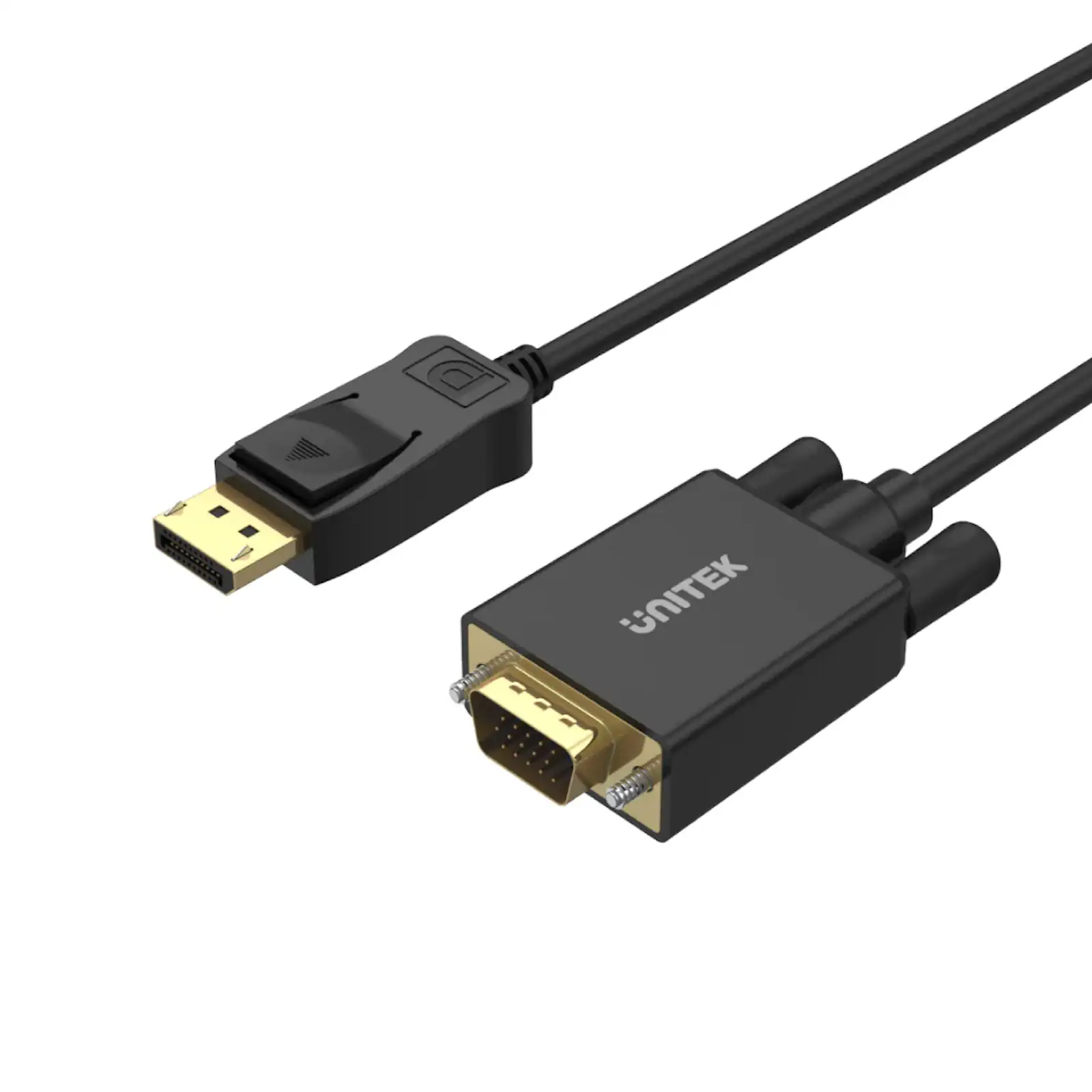
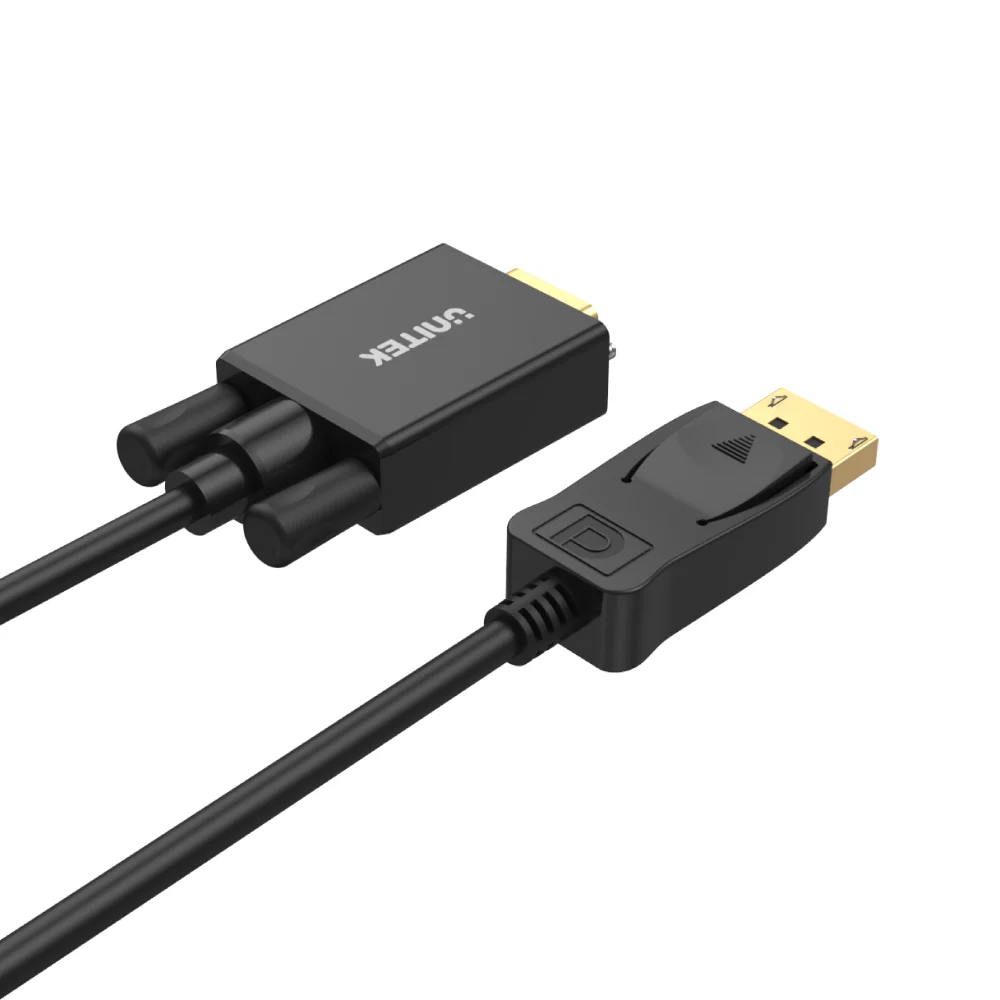

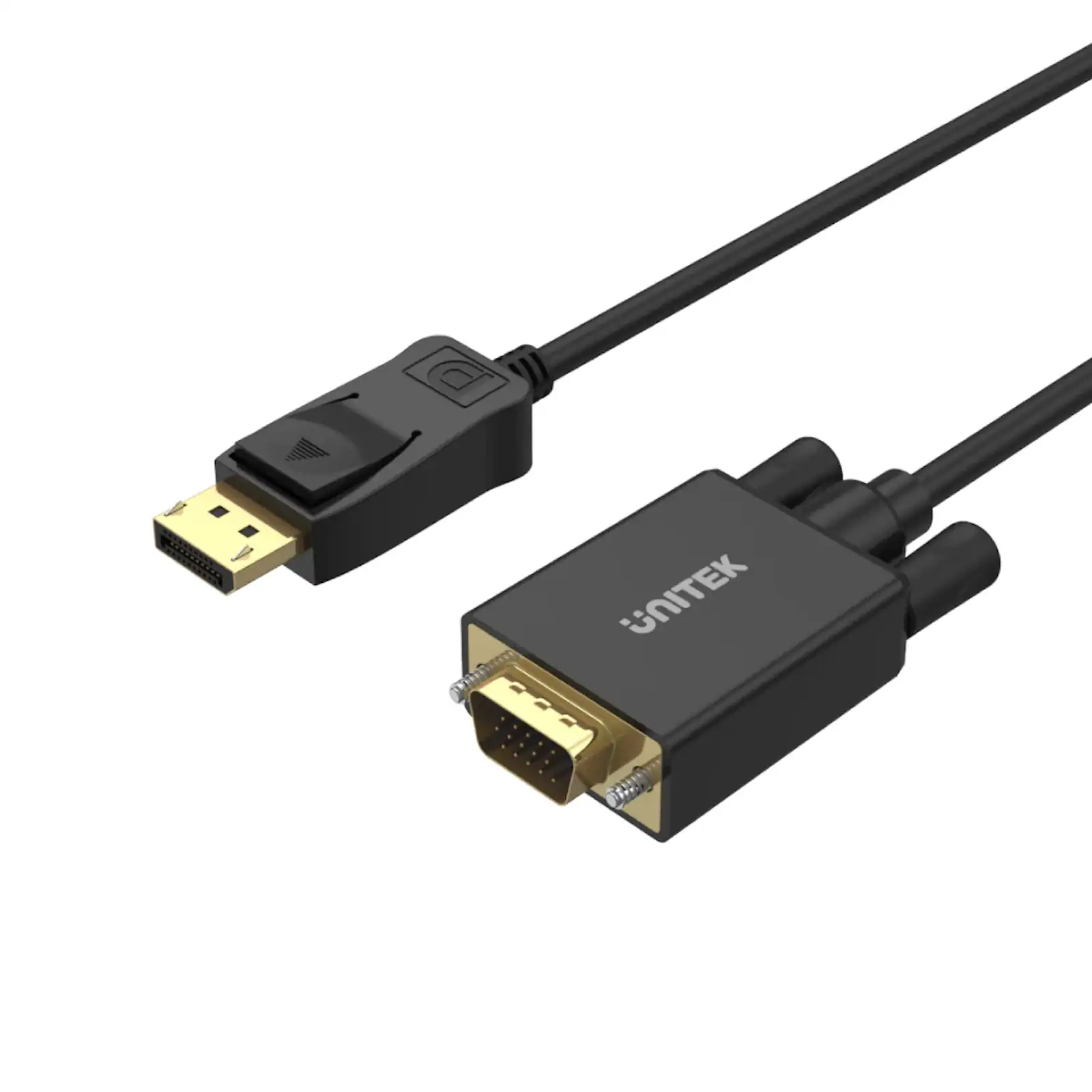
UNITEK Y-5118F DisplayPort to VGA Cable – 1.8M, Full HD 1080P, Plug-and-Play, Wide Compatibility with Laptops, PCs, and Monitors (Black)
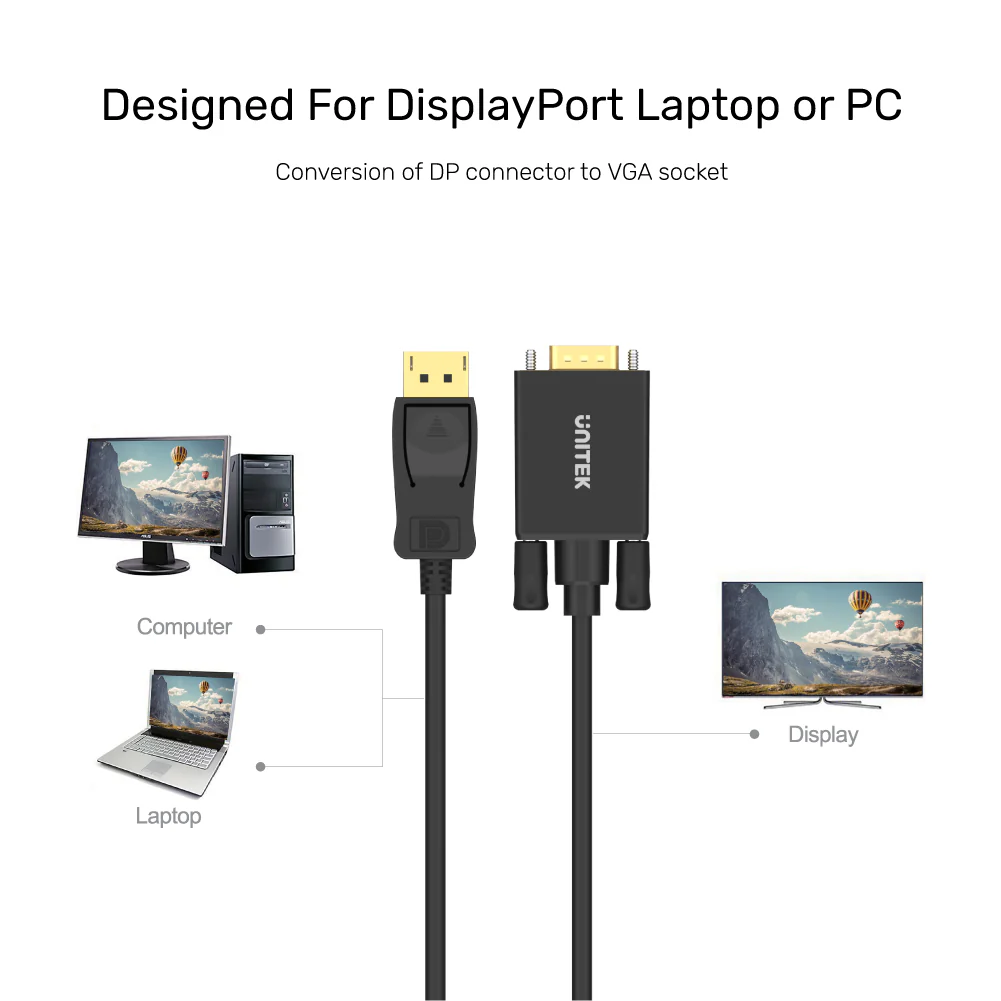
The UNITEK Y-5118F DisplayPort to VGA Cable is the perfect solution for connecting your DisplayPort-enabled devices to VGA monitors or projectors. UNITEK DisplayPort to HDMI Adapter 4K@30Hz HDCP 2.1 Compliant Plug-and-Play Whether you’re giving a presentation, setting up a home theater, or extending your desktop, this cable ensures seamless connectivity and high-quality performance.
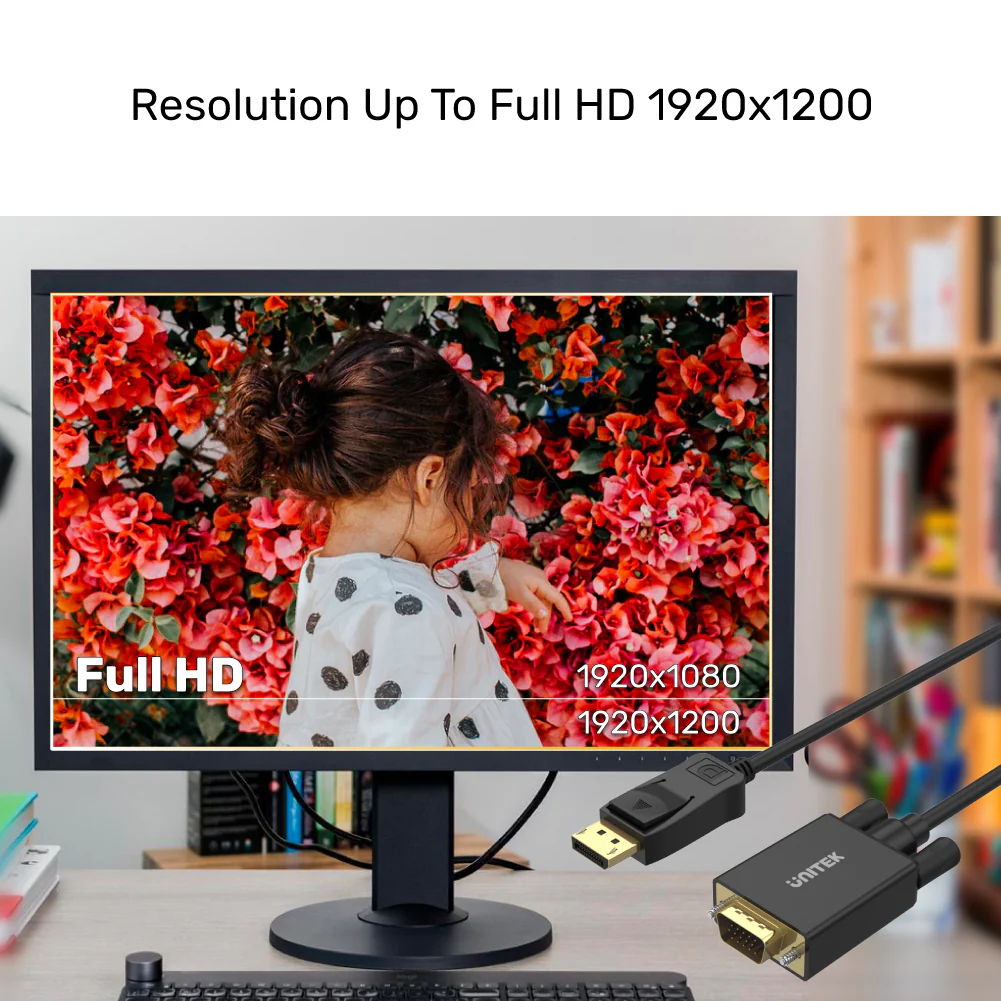
With support for Full HD 1080P resolution (1920×1200 for PC and 1080p for HDTV), the Y-5118F delivers crisp and clear video output, making it ideal for both professional and personal use. Its plug-and-play design requires no software or drivers—simply connect your DisplayPort device to the VGA display, and you’re ready to go.
The UNITEK Y-5118F is compatible with most DisplayPort-equipped devices, including laptops, PCs, and monitors. UNITEK DisplayPort 2.1 Certified Braided Cable 16K@60Hz (2 Meter) 80Gbps DP to DP Cable for Gaming However, it is non-bidirectional and only converts DisplayPort to VGA. Additionally, since VGA does not support audio, you will need a separate audio cable to transmit sound.
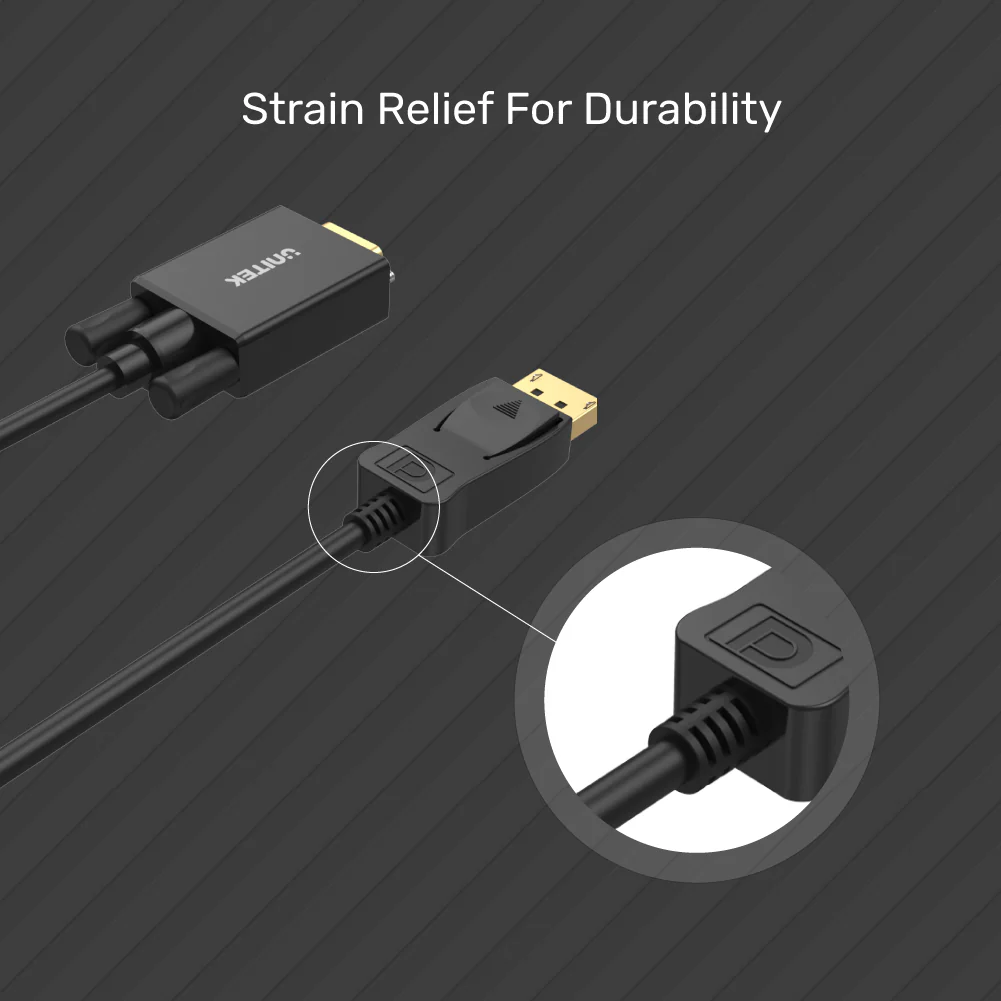
This 1.8-meter cable provides ample length for flexible setup configurations, and its durable build ensures long-lasting performance. UNITEK Active HDMI to DisplayPort Cable 4K@60Hz (1.8 Meter) Whether you’re in the office, classroom, or home, this cable is a reliable and convenient solution for all your display needs.
FAQs
What devices are compatible with this cable?
It is compatible with most DisplayPort-equipped devices, including laptops, PCs, and monitors.
Does this cable support Full HD resolution?
Yes, it supports Full HD 1080P resolution (1920×1200 for PC and 1080p for HDTV).
Can I use this cable to connect a VGA device to a DisplayPort monitor?
No, this cable is non-bidirectional and only converts DisplayPort to VGA.
Does the cable support audio?
No, VGA only transmits video. Use a separate audio cable for sound.
What is the length of the cable?
The cable is 1.8 meters long, providing flexibility for various setups.
Is the cable plug-and-play?
Yes, it requires no software or drivers—just connect and use.
Can I use this cable for presentations?
Absolutely! UNITEK 4K 30Hz Mini DisplayPort to HDMI 1.4 Cable Gold-Plated Connectors It’s perfect for connecting laptops to projectors or extending displays for presentations.
What is included in the package?
The package includes 1 x DisplayPort to VGA Cable (1.8M).
Why is my monitor showing “Out of Range”?
This error means the resolution output by your computer is incompatible with the display. Lower the resolution on your computer or source device to resolve the issue.
How do I set up mirror/extend mode on a Mac?
Go to Apple -> System Preferences -> Displays -> Arrangement, and check the “Mirror Displays” checkbox.
Troubleshooting Tips
Monitor says “Out of Range”
This error typically means the resolution output by the computer is incompatible with the display. Lower the resolution on your computer or source device to resolve the issue.
Setting Up Mirror/Extend Mode
-
For Mac Users:
- Go to Apple -> System Preferences -> Displays.
- Under the Arrangement section, check the “Mirror Displays” checkbox.
-
For Windows Users:
- Right-click on the desktop and select Screen resolution.
- From the multiple displays drop-down list, select “Duplicate these displays.”
- If the display is not detected, click “Detect.”



 No products in the cart.
Write a review