
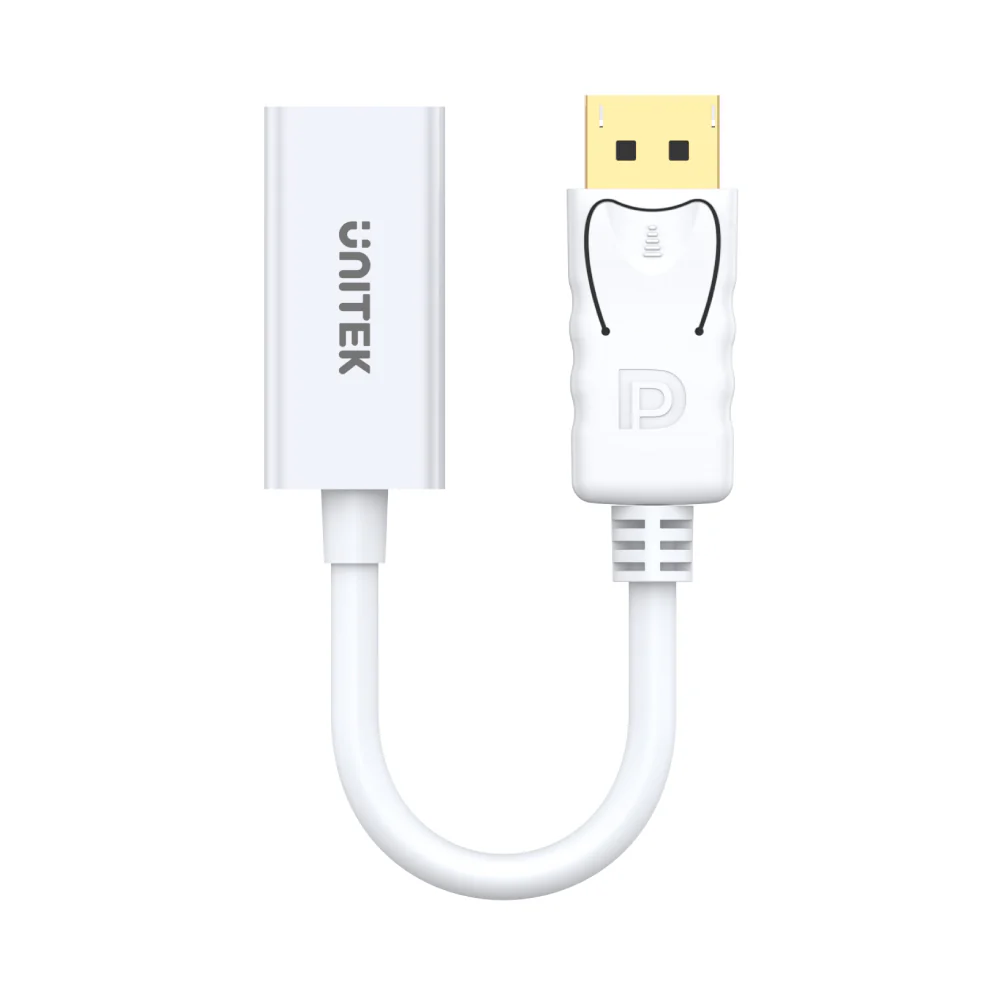
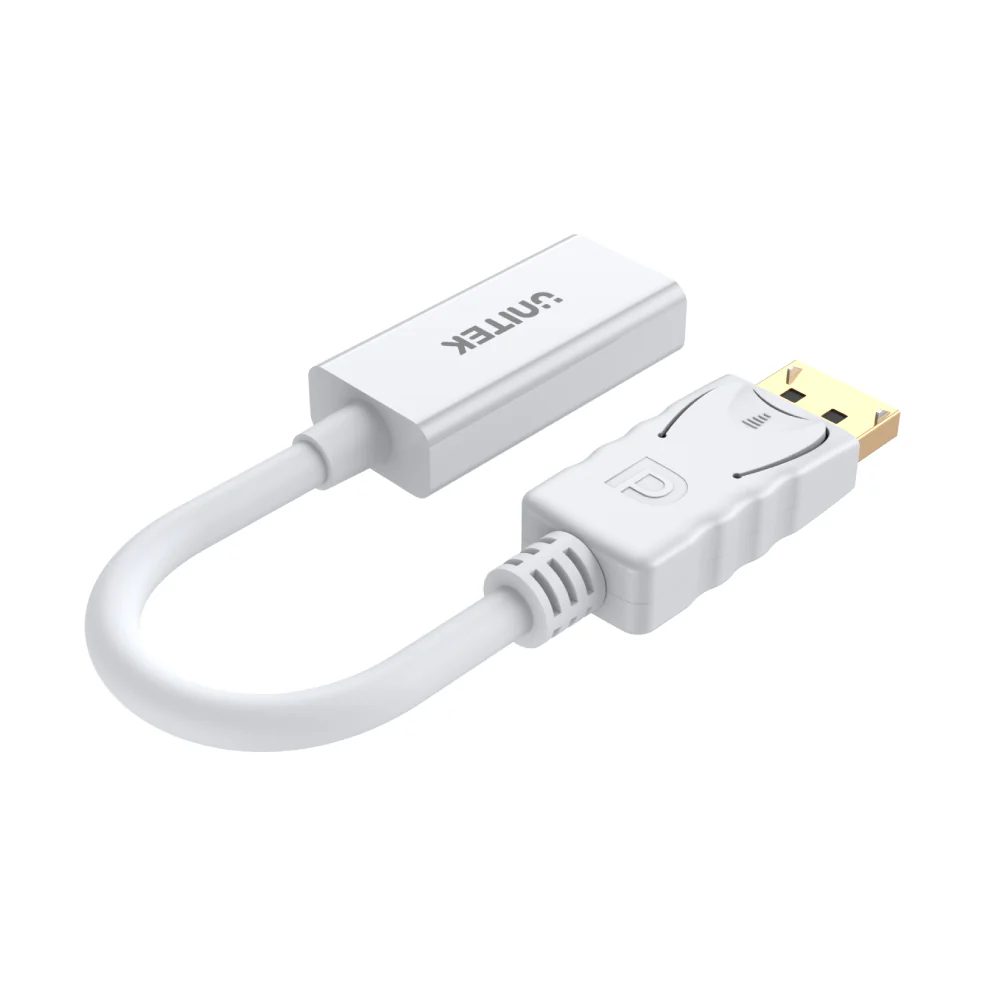
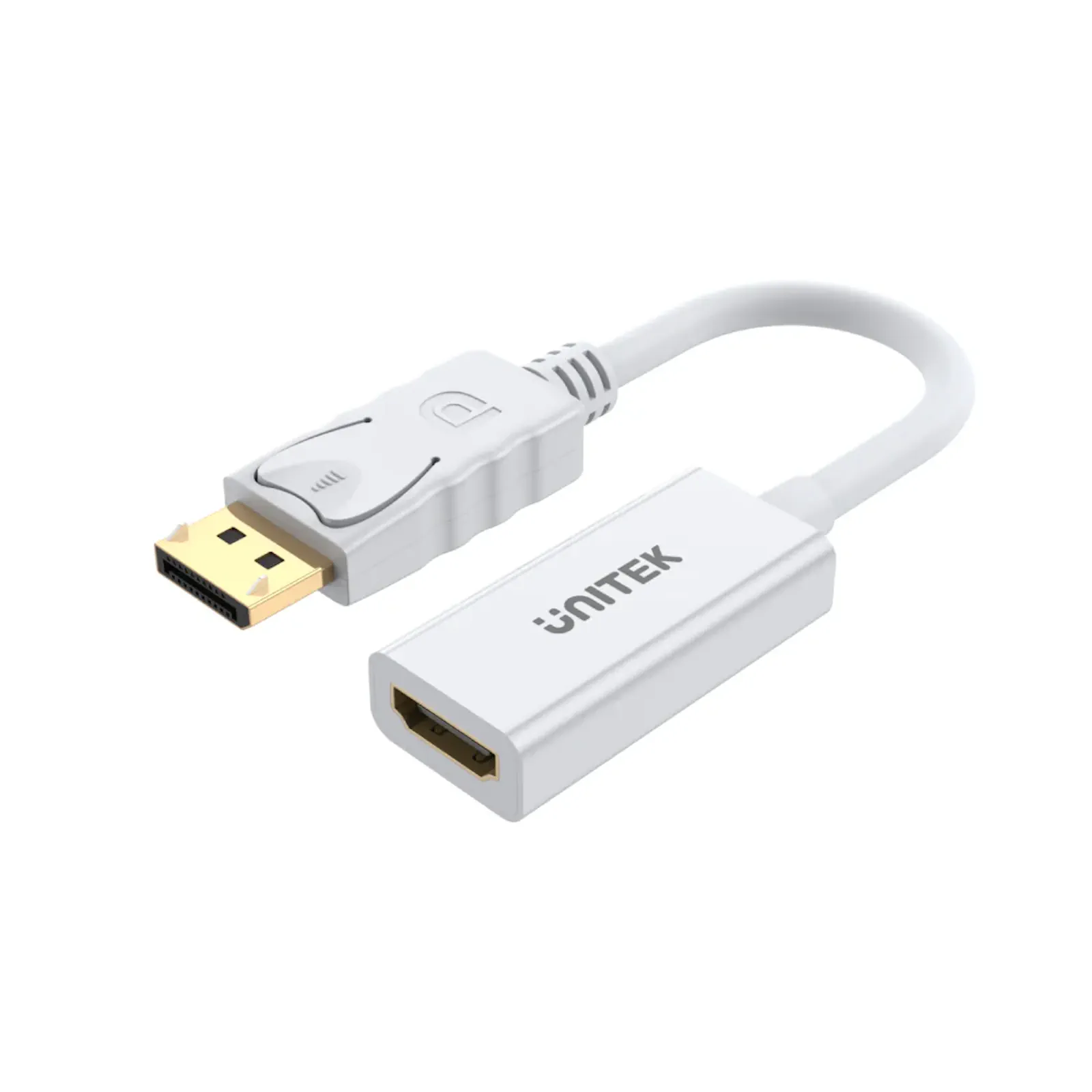
UNITEK Y-6332 DisplayPort to HDMI Adapter – 4K@30Hz, HDCP 2.1 Compliant, Plug-and-Play, Latches Design for Secure Connection, Compatible with Laptops, PCs, and Monitors (White)
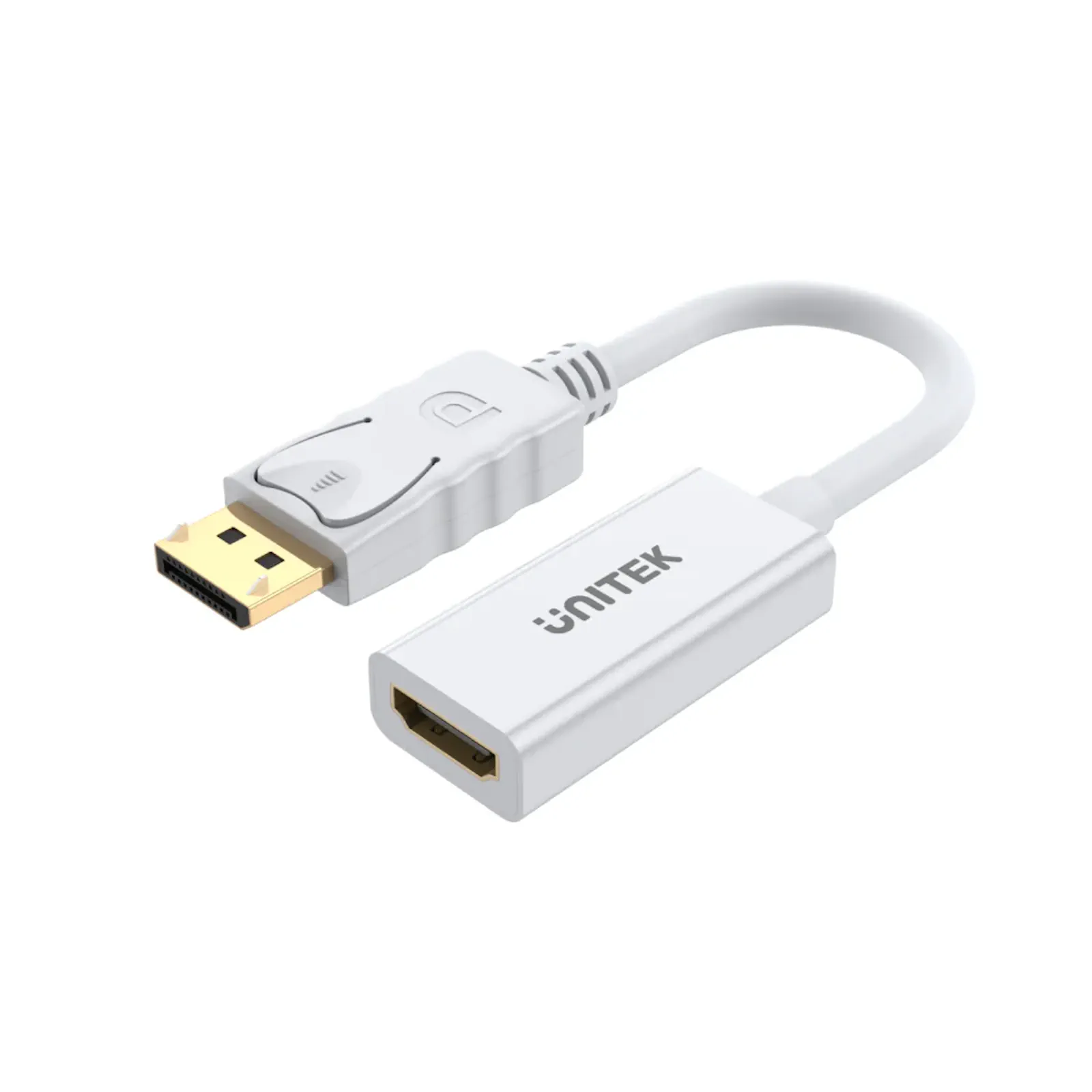
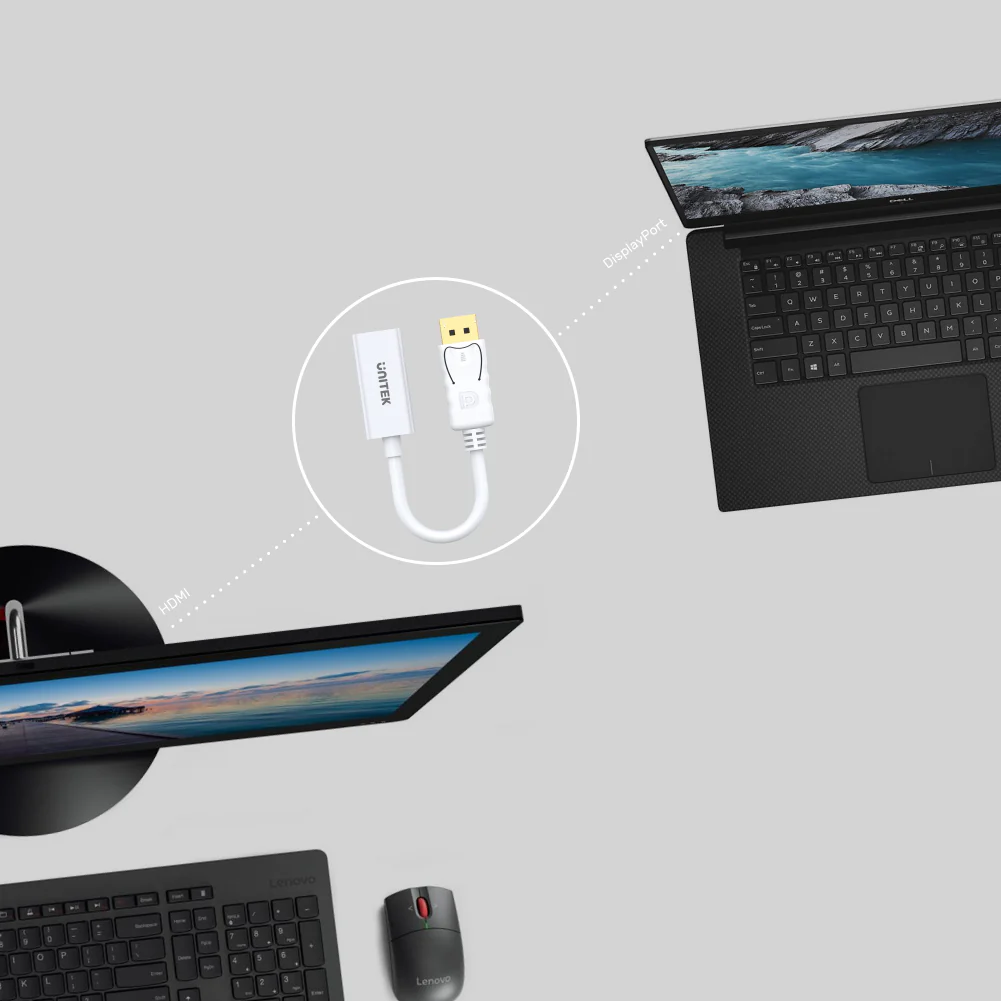
The UNITEK Y-6332 DisplayPort to HDMI Adapter is the ultimate solution for connecting your DisplayPort-enabled devices to HDMI displays. Whether you’re streaming 4K videos, giving a presentation, or extending your desktop, this adapter ensures seamless connectivity and high-quality performance.
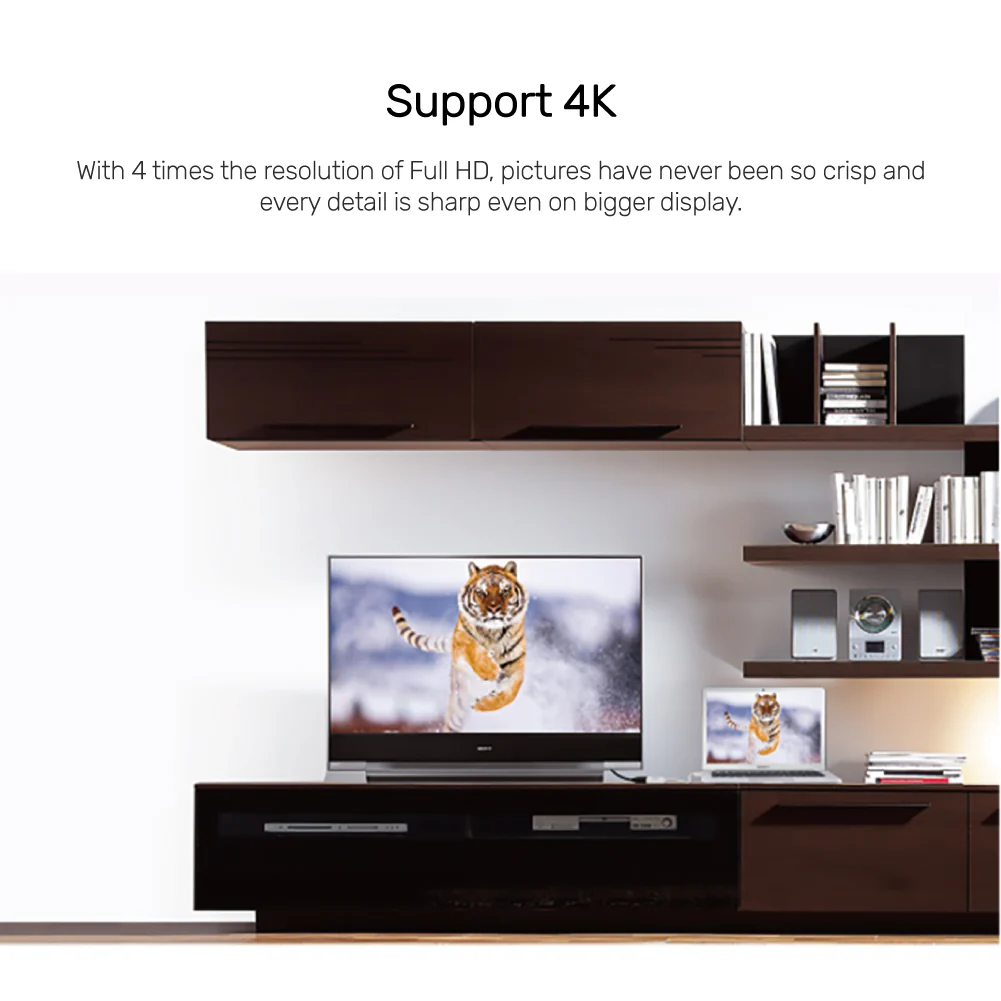
With support for 4K Ultra HD resolution (4096×2160@30Hz), the Y-6332 delivers stunning visuals and is backward compatible with 2K@60Hz and 1080P@120Hz. Its plug-and-play design requires no drivers or software installation—simply connect your DisplayPort device to the HDMI display, and you’re ready to go.
The UNITEK Y-6332 is HDCP 2.1 compliant, making it perfect for streaming protected content from platforms like Netflix and Amazon Prime Video. The secure latches design ensures a stable and reliable connection, while the compact and portable build makes it easy to carry and use anywhere.
Ideal for both home and office use, this adapter is perfect for presentations, home theaters, gaming, and professional setups. Its durable ABS housing ensures long-lasting performance, making it a reliable choice for all your display needs.
FAQs
What devices are compatible with this adapter?
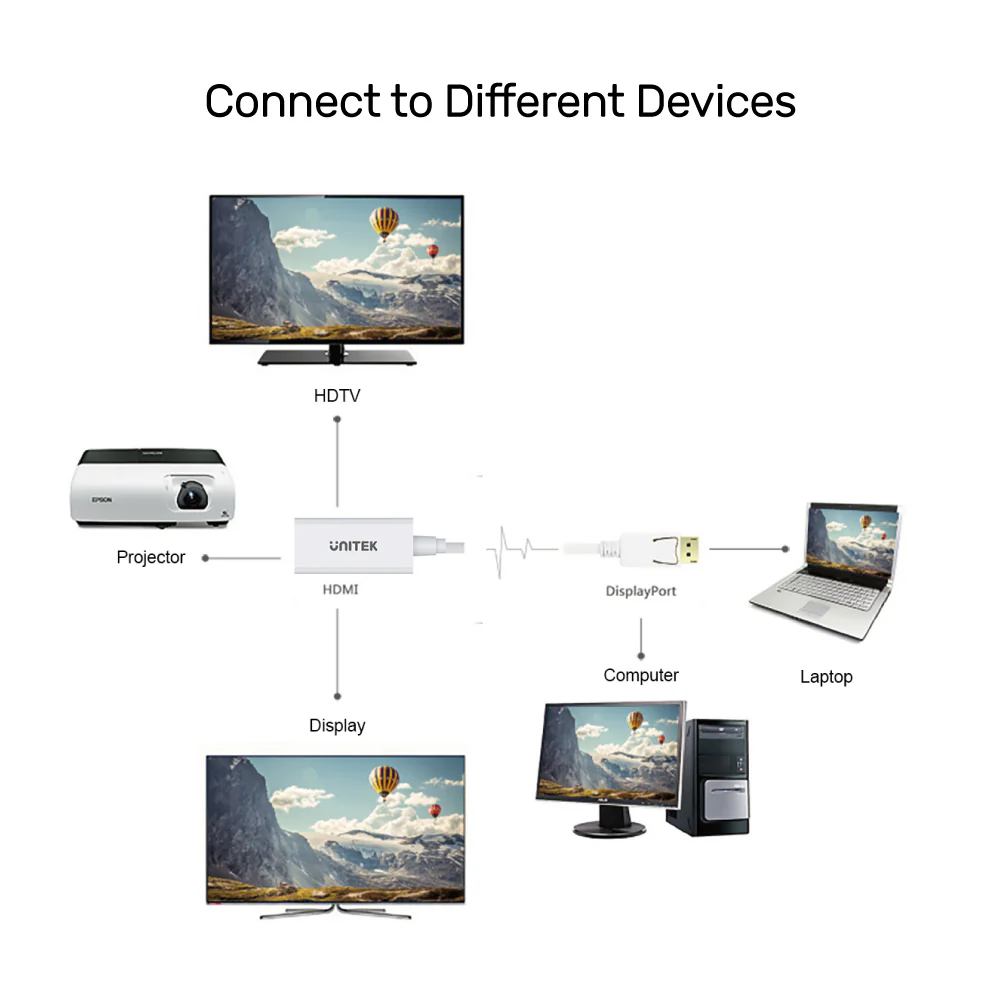
It is compatible with laptops, desktops, and other devices with DisplayPort, connecting to HDMI displays like monitors, projectors, and HDTVs.
Does this adapter support 4K resolution?
Yes, it supports 4K Ultra HD resolution (4096×2160@30Hz).
Can I use this adapter for streaming Netflix?
Yes, it is HDCP 2.1 compliant, making it compatible with streaming platforms like Netflix and Amazon Prime Video.
Does the adapter require external power or drivers?
No, it is plug-and-play and requires no external power or drivers.
What is the purpose of the latches design?
The latches design ensures a secure and stable connection between the adapter and the DisplayPort device.
Is the adapter portable?
Yes, its compact and lightweight design makes it easy to carry and use anywhere.
Can I use this adapter for gaming?
Yes, it’s perfect for gaming, offering high-quality visuals and stable performance.
What is included in the package?
The package includes 1 x DisplayPort to HDMI Adapter.
How do I disconnect the adapter?
Press the release button on the DisplayPort connector before pulling it out.
Does this adapter support audio?
Yes, it supports audio pass-through, allowing you to transmit both video and audio to your HDMI display.
Troubleshooting Tips
Setting Up Mirror/Extend Mode
-
For Mac Users:
- Go to Apple -> System Preferences -> Displays.
- Under the Arrangement section, check the “Mirror Displays” checkbox.
- For audio, go to System Preferences -> Sound and select the HDMI source under the Output tab.
-
For Windows Users:
- Right-click on the desktop and select Screen resolution.
- From the multiple displays drop-down list, select “Duplicate these displays.”
- For audio, open Control Panel -> Hardware and Sound -> Sound, and select the HDMI source under the Playback tab.




 No products in the cart.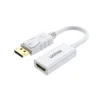
Reviews
There are no reviews yet